10 free tools. Zero signups. Your files never leave your browser.Open the Viral Lab →
Most "best AI tools" lists are written by someone who opened a free trial, screenshotted the dashboard, and moved on. This is not that. We run a content operation that posts across TikTok, Instagram, and LinkedIn.
Most “best AI tools” lists are written by someone who opened a free trial, screenshotted the dashboard, and moved on. This is not that.
We run a content operation that posts across TikTok, Instagram, and LinkedIn. Over the past year we tried close to thirty AI tools, paid for far too many of them at once, and quietly cancelled most. What is left is the small stack that actually survived contact with a real posting schedule. So this ranking is not “what looks good in a demo.” It is what stayed in the bank statement.
Two things before we start, because a review is worthless without them.
First, the honest disclosure: we make one of the tools in this category. Cowral is our product. We put it in this article with a giant asterisk, we do not rank it number one over tools that do their specific job better, and we tell you plainly who it is not for. If a review of tools by a company that makes one of the tools is not upfront about that, close the tab.
Second, the honest expectation. Across every category, AI gets you about 70 to 80% of the way there, and the last 20 to 30%, the re-trimming, the rewritten hook, the caption fix, is still your job. Any tool promising to remove that last stretch is selling you the demo, not the product.
The short version
If you only want the answer: most creators need three or four tools, not ten. Our surviving stack is a writing engine, a clipper, a caption tool, and something that decides what to make in the first place. The rest is specialist gear you add only when a specific bottleneck demands it.
See what Cowral does before you build a stack →We did not rank on features. Every tool has a feature sheet a mile long and most of it goes unused. We ranked on one question: did it stay in the stack after ninety days of real posting, and why.
That means the ranking is organized by job, because no single AI tool does everything well. A clipper that also schedules badly is still a clipper. So we scored each tool on what it is actually best at, what it costs in 2026, where it quietly fails, and who should skip it. Prices are what vendors listed in mid-2026 and move often, so treat them as directional and check the official page before you commit annually.
One more filter. We care about multi-platform creators, people posting to more than one place, because that is who we are and who we build for. A tool that only serves one platform gets marked down here even if it is excellent, because a single-platform tool in a multi-platform life becomes another tab to manage.
Ranked by how hard it would be to pry out of our week.
Now the detail on each, with the honest version of what it does and does not do.
Best for: first drafts, outlines, captions, reasoning. Price: free tier, or around $20 a month for the paid plans.
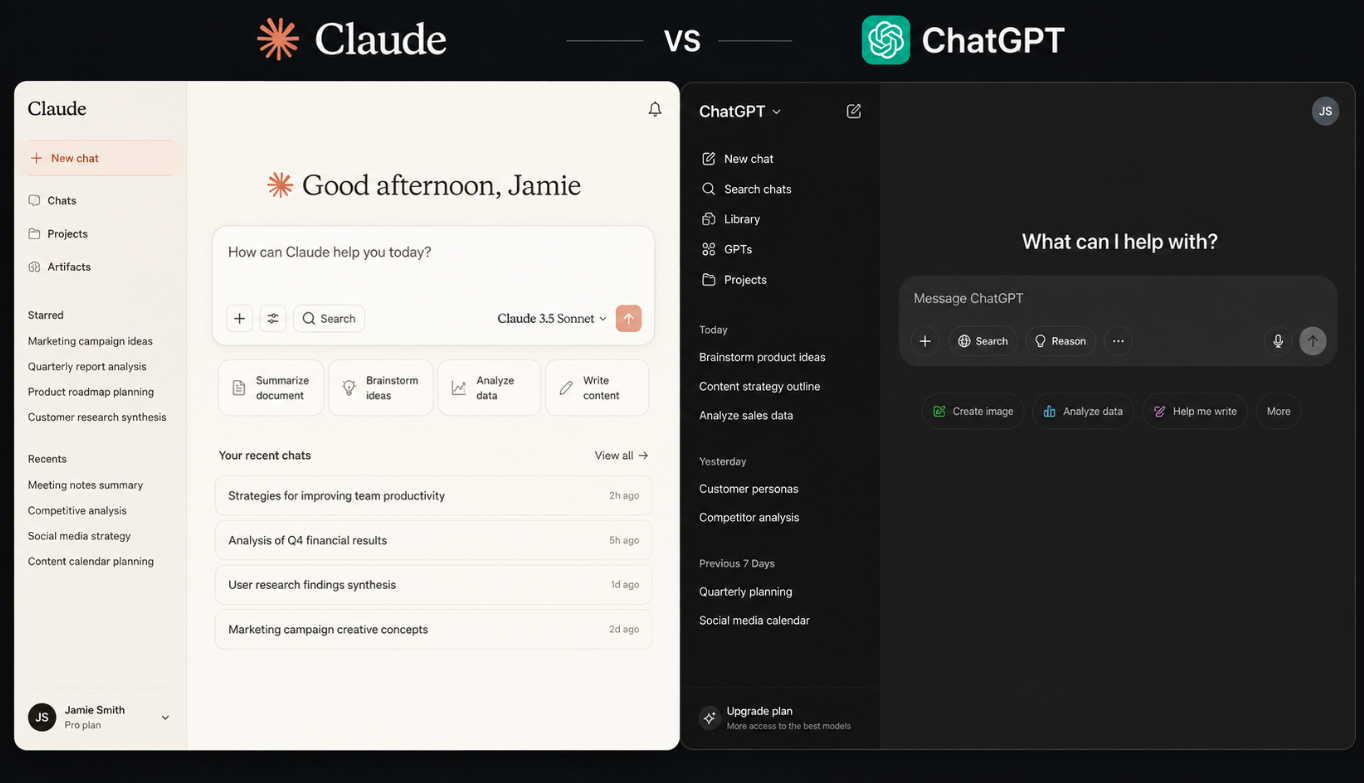
This is the base layer for almost everyone, and for good reason. A general model is the most versatile writing tool you can own, and if you are just starting out with no publishing history, a general model with a generous free tier is the correct first move before you pay for anything specialized.
Where it wins: raw quality and flexibility. It will draft, rewrite, summarize, and brainstorm faster than any purpose-built tool, and the writing is genuinely good.
Where it quietly fails: it has never seen your account. It does not know what worked for you last month, what your niche is rewarding right now, or which of your last ten posts flopped. It is a brilliant colleague on their first day who has never looked at your analytics. That gap is not a flaw in the model, it is the whole reason creator-specific tools exist.
Skip the upsell: you do not need a $60-plus marketing platform wrapped around these same models unless you need enterprise brand-voice lock and governance. Jasper, at roughly $59 to $69 a month, runs on the same underlying models you can access directly for far less. It is built for marketing teams, not solo creators.
Best for: mining long-form video for clips. Price: around $15 a month for the entry plan, the cheapest paid clipper we found.
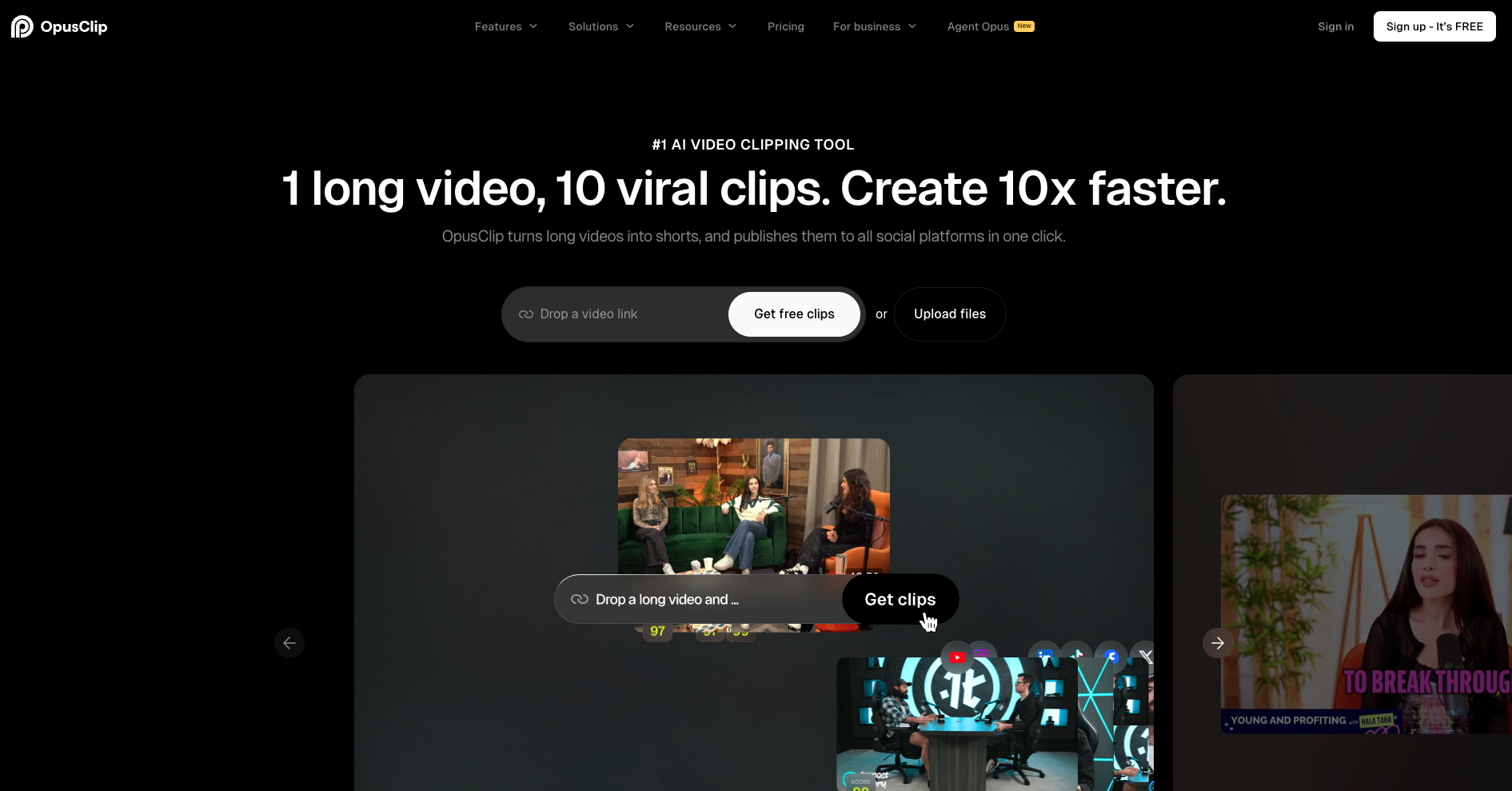
If you make long videos or podcasts and want shorts out of them, this is the one that stayed. OpusClip is built for volume extraction, and its moment-detection, the part where the AI guesses which sixty seconds are worth clipping, is consistently rated the strongest in the category.
Where it wins: it finds usable moments in a two-hour recording better than anything else we tried, and it is the cleanest path from long video to a posted short.
Where it quietly fails: like every clipper, it picks “clips,” not “best clips”. You will still re-trim and rewrite hooks. Budget the cleanup time or you will be disappointed.
Watch the credits: a 60-minute video can eat around 60 credits, and the entry plan gives you a limited monthly pool, so the “cheap” plan gets expensive fast if you clip at volume. Read the per-minute math before you commit.
Best for: animated captions and the high-energy finishing pass. Price: around $19 a month.
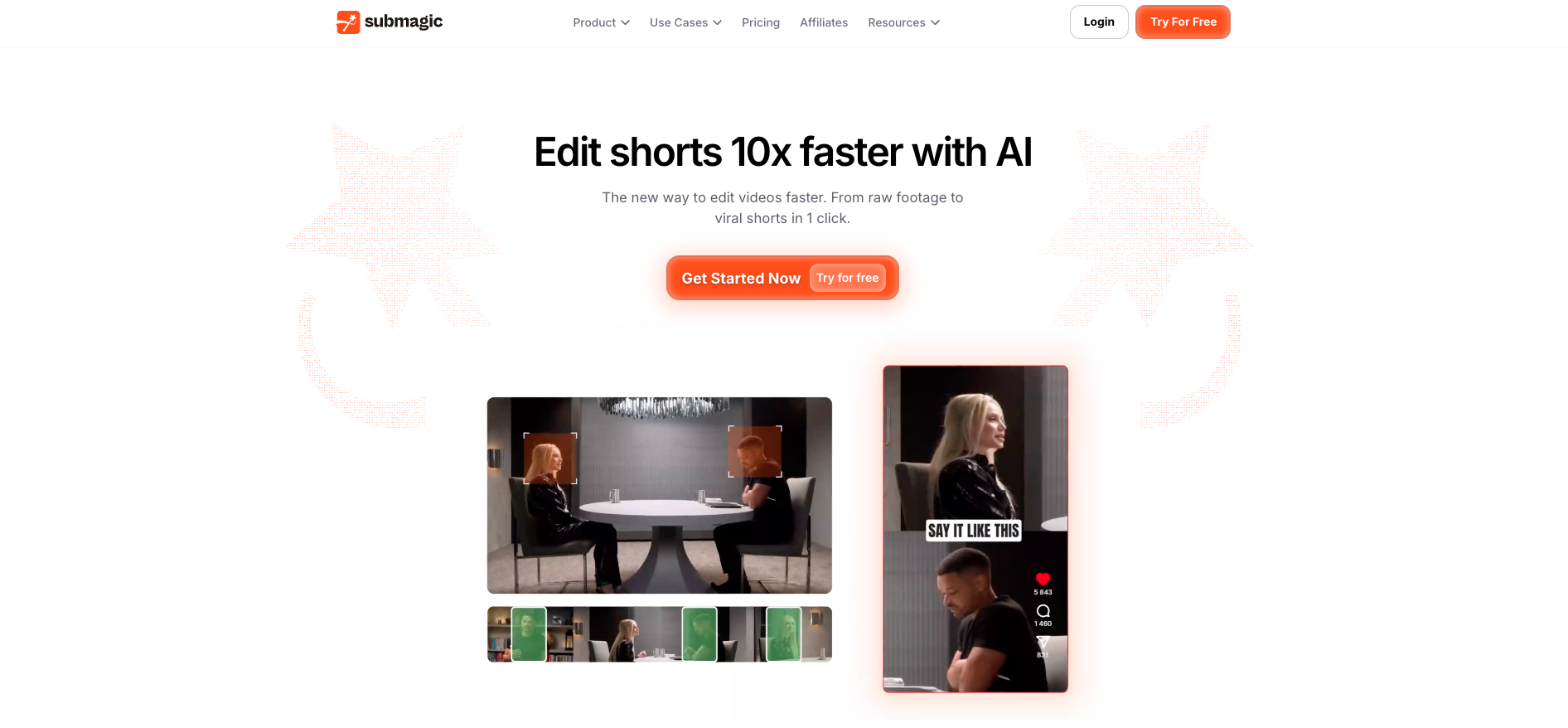
Captions are the bottleneck for most short-form creators, and this is the tool that fixes them. Submagic is an enhancement layer: you feed it a short clip you already have and it applies the aggressive, retention-focused caption style, auto B-roll, and sound design that reads as agency-quality.
Where it wins: pure caption aesthetics. If animated captions are what is holding your videos back, this pays for itself in time saved.
Where it quietly fails: do not buy it to find clips. Its moment-detection is weak compared to a dedicated clipper, and it wants a short clip you already cut, not a two-hour raw file. We wasted a month using it for the wrong job. Use OpusClip to find the clip, Submagic to finish it.
Free alternative: CapCut does the same finishing step for free with more manual control, if you have the patience for frame-level work.
Before you clip and caption, decide what to make
Every tool above helps you produce a video faster. None of them tells you whether the idea is worth making. That is the step that actually decides whether a video performs. Cowral surfaces what is rising in your niche and writes hooks and scripts around it, so the thing you feed into OpusClip and Submagic was worth shipping in the first place. See how the 7 hook formats that actually rank fit in.
Start with Cowral free, no card needed →Best for: editing full episodes and talking-head video by editing text. Price: around $16 a month annually, or $24 month-to-month.
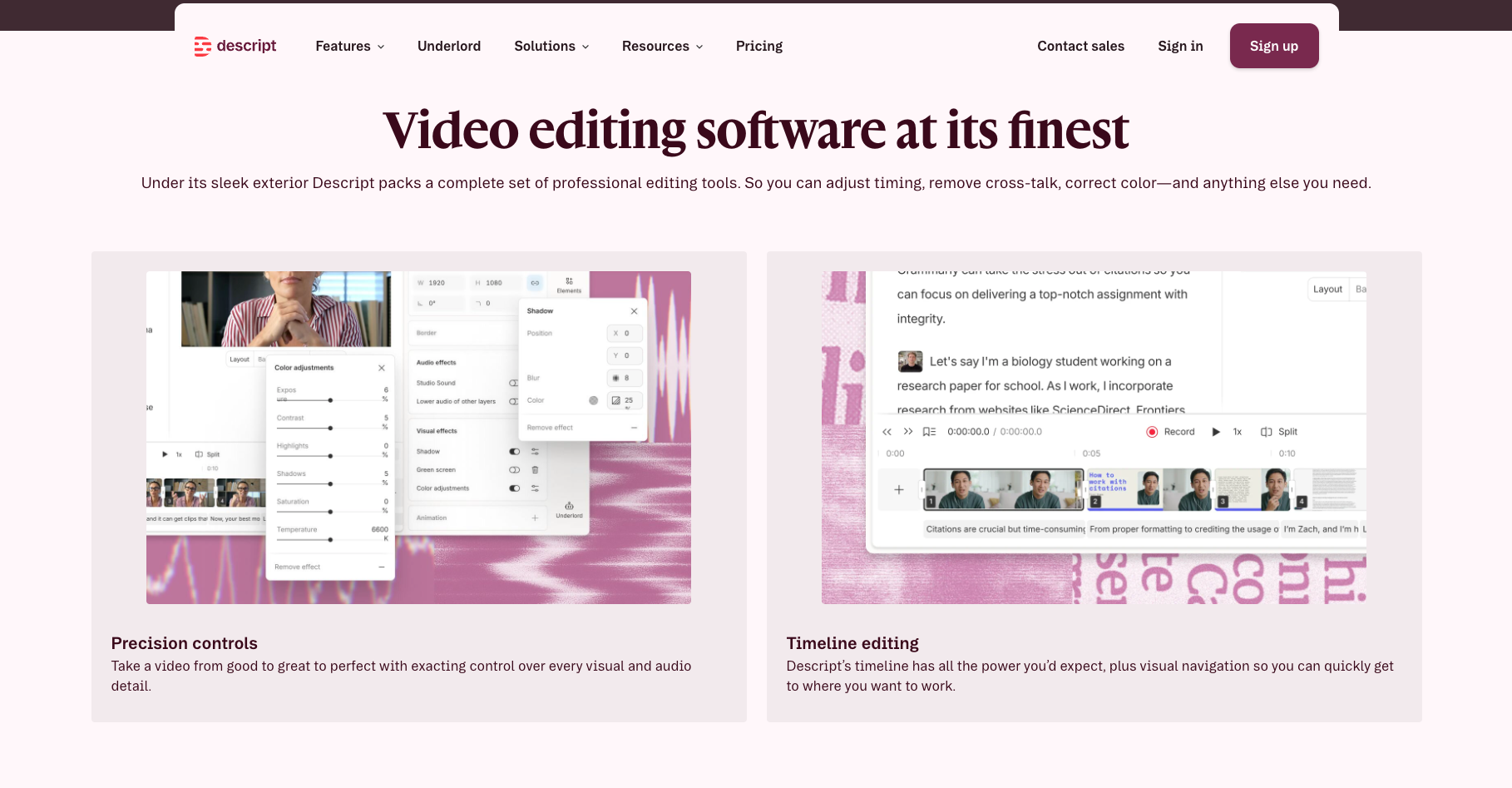
Descript pioneered text-based editing: delete a word in the transcript and the video cuts. For podcasters and thought-leadership creators editing long talking-head content, nothing else feels this natural, and it handles multi-hour episodes without choking, which some caption-first tools cannot.
Where it wins: editing the whole thing, not just clipping it. If your core content is long-form and spoken, this is your editor.
Where it quietly fails: its captions are functional, not the stylized scroll-stoppers Submagic makes. And its AI clip-finding needs more manual selection than a dedicated clipper. It is an editor first, a repurposer second.
Best for: editing on a budget with real manual control. Price: free.
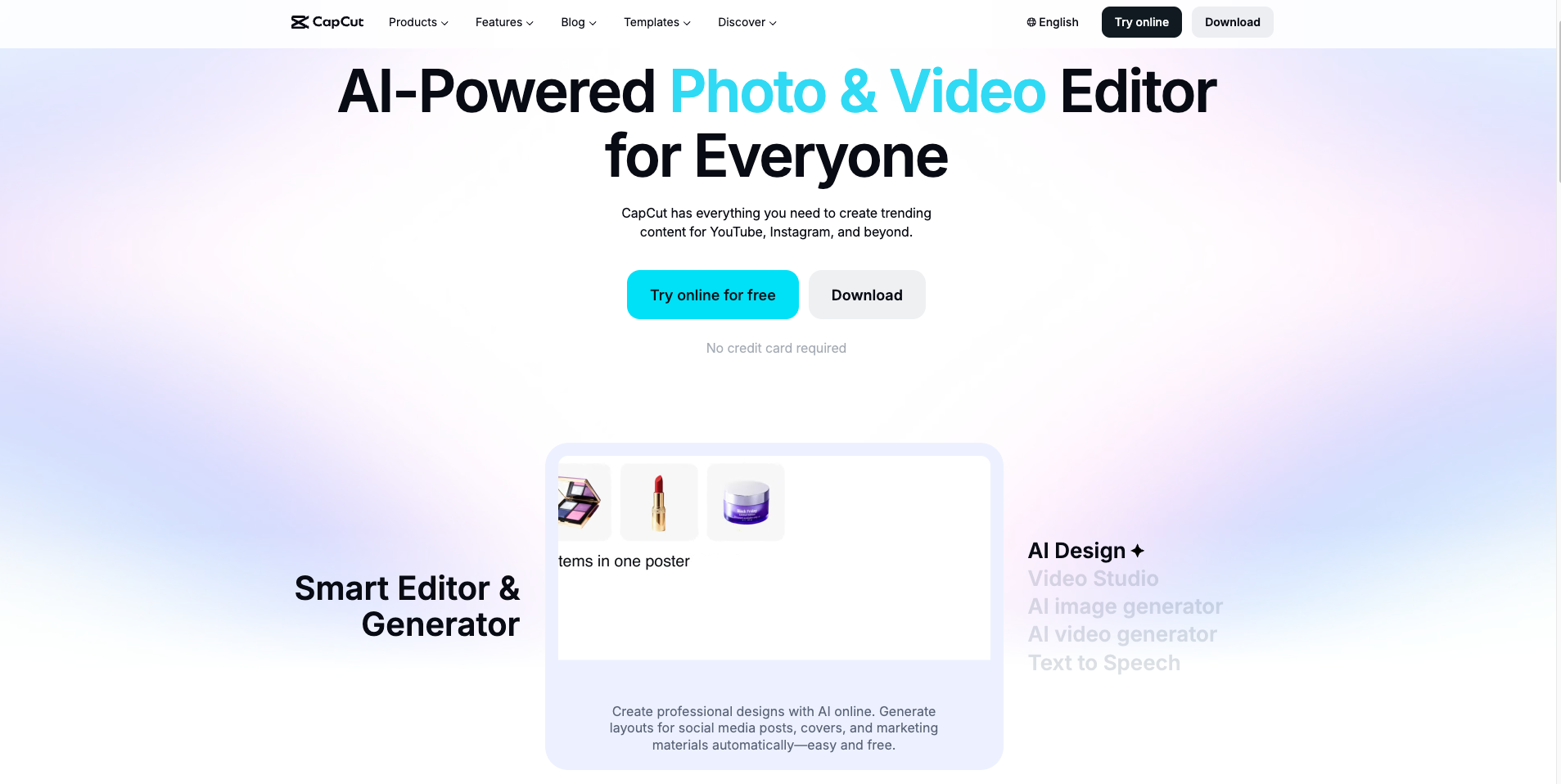
CapCut is genuinely free and full-featured, which is why it is in almost every creator’s pipeline as the finishing or manual-editing step.
Where it wins: cost, and frame-level control when you want it.
Where it quietly fails: it is ByteDance-owned, which raises real policy questions for some creator businesses, so weigh that if you run a brand or agency. And “free” plus your time is not actually free once you are editing at volume.
Best for: thumbnails, carousels, and on-brand graphics without design skills. Price: around $13 to $15 a month for Pro.
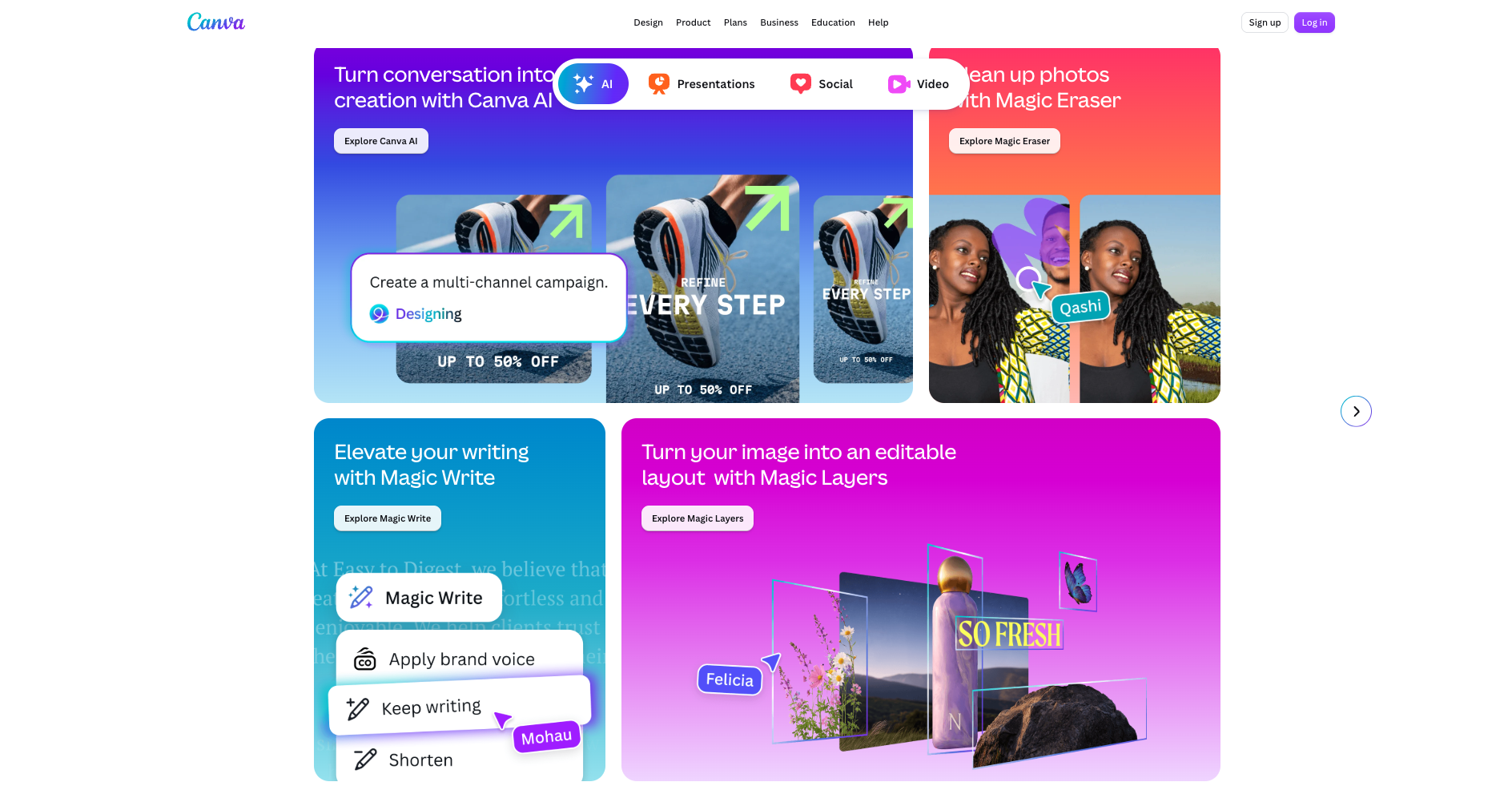
Canva’s Magic Studio takes you from prompt to polished graphic in seconds, and its template library is the reason non-designers can ship a clean LinkedIn carousel in under five minutes. For thumbnails specifically, it dominates for a reason.
Where it wins: speed to a finished, on-brand visual. It is the design layer for people who are not designers.
Where it quietly fails: at scale, brand consistency still needs a human eye, and the AI image output is functional rather than distinctive. For a signature look, you may still want a dedicated image model.
Best for: realistic AI voiceover. Price: around $11 a month to start.
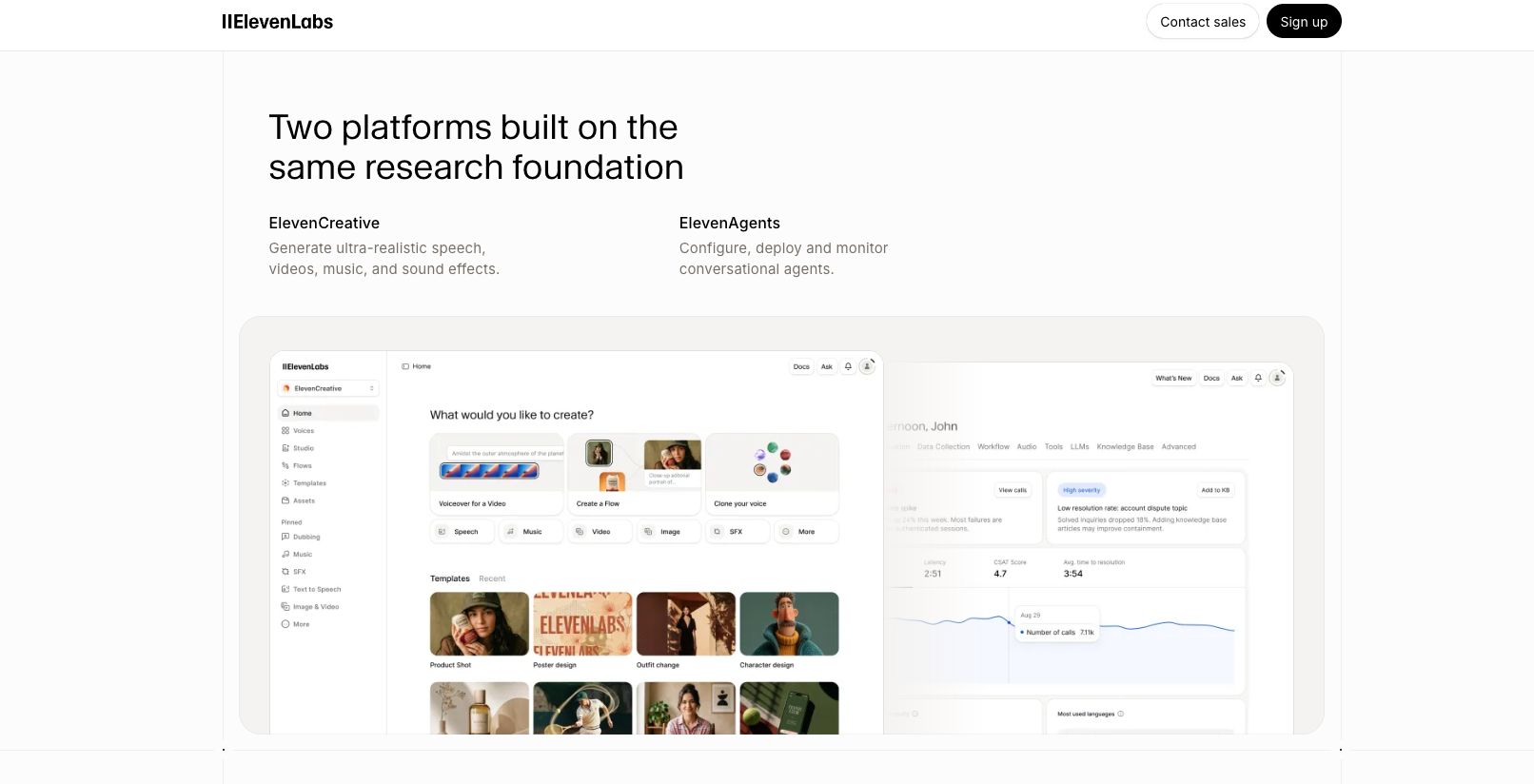
If you need voiceover and do not want to record it, this is the quality leader. Worth it only if voiceover is actually part of your format, otherwise it is a subscription you will forget you are paying for.
One honest caveat: synthetic voice and AI-generated video are exactly what the new EU disclosure rules from August 2026 are aimed at. If you use it, get comfortable disclosing it.
Here is the part where we talk about our own tool, and where you should read most skeptically.
Everything above helps you produce content faster. A clipper cuts faster, a caption tool styles faster, a writing engine drafts faster. None of them answers the question that actually decides whether a post performs: what should you make, and is the idea still fresh, before you spend an hour producing it.
That is the job Cowral is built for. It surfaces trends rising inside your specific niche, generates hooks and scripts tuned to how you talk, rewrites one idea into platform-native versions for TikTok, Instagram, YouTube, X, and LinkedIn, and tracks what actually grew your accounts on a Success Dashboard so the next round of ideas is built on your real results, not a generic template. The reason it exists is the same line that runs through this whole review: the best tool is the one that knows the most about your audience, and a general model has never seen your dashboard.
Who it is genuinely not for: if your only bottleneck is editing or scheduling, Cowral is not your tool, use the clippers, editors, and schedulers above. If you already know exactly what to make every day and never run out of fresh angles, you do not need a decision layer. And it is not a video editor, so it sits beside OpusClip and Submagic in a stack, not instead of them. We would rather you know that now than churn in week two.
If deciding what to post is the part that keeps stalling you, that is the gap it fills, and there is a free tier with no card to test whether it fits. If it is not, everything else in this article still stands on its own.
Try the free tool first
Not ready to sign up for anything? Start with the free best-time-to-post tool. No account, no card, and it teaches the core idea: timing and strategy are niche-specific, not universal.
Open the free best-time-to-post tool →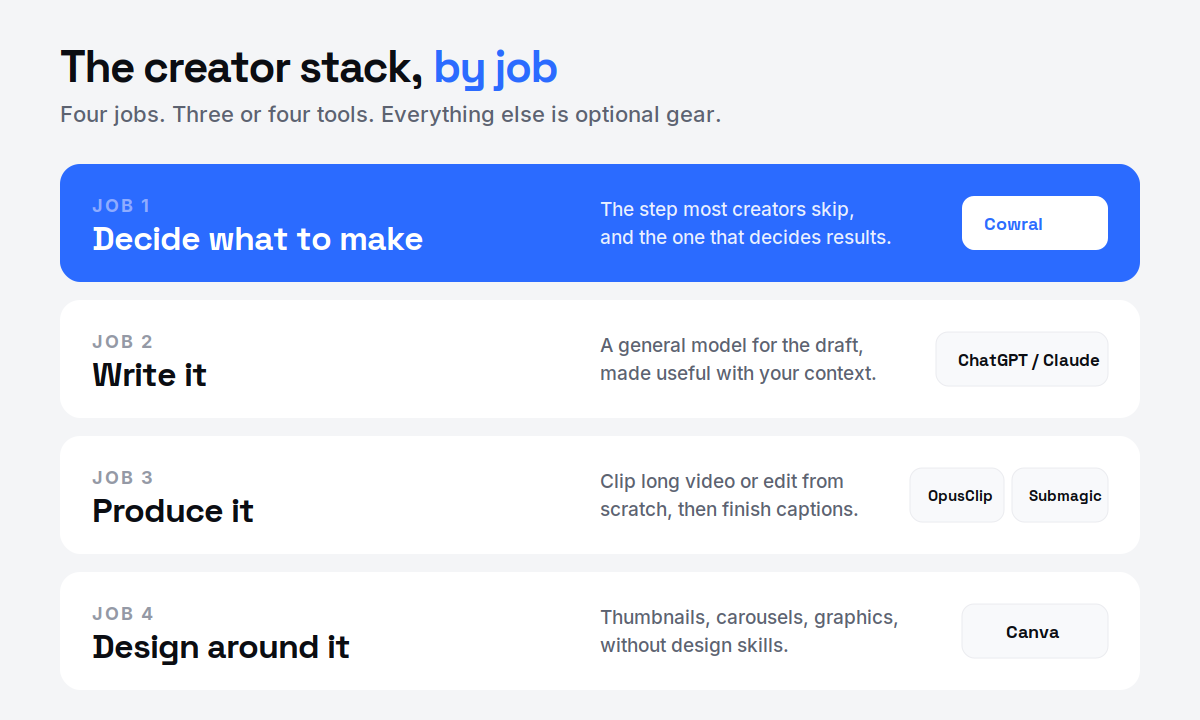
You do not need this whole list. You need three or four tools that cover four jobs, and nothing else until a real bottleneck forces your hand.
That is a complete, genuinely capable stack for well under the $77-a-month four-tool trap that creeps up on people, especially if you lean on the free tiers while you find fit. Add the voice tool, the analytics platform, or the premium image model only when a specific job is actually costing you.
And a reminder that no stack fixes: AI handles the tedious 70 to 80%, and your taste handles the rest. The tools got cheaper and faster this year. The judgment did not get automated.
Not everything popular earns a spot. Some honest calls.
Tool or no tool, the point stands. The winners in 2026 are not the creators with the most subscriptions. They are the ones who decided what to make, made it well, and let their own results teach the next round. The stack is just plumbing. What flows through it is still on you.
Build a stack that starts with strategy
Most tools help you produce faster. Cowral helps you decide what is worth producing, then writes it in your voice and tracks what worked. Built for creators posting across every platform, with a free tier and no card.
Start free with Cowral →Three or four, not ten. A writing engine (ChatGPT or Claude), a way to decide what to make, a producer (a clipper like OpusClip or an editor like Descript or CapCut), and a caption or design tool (Submagic, Canva). More tools usually means more time managing apps and less time creating.
Lean hard on free tiers while you find fit. CapCut is free, ChatGPT and Canva have free plans, and Cowral has a free tier with no card. A capable starter stack can cost close to nothing, which matters because a common four-tool setup quietly runs around $77 a month.
Different jobs. A general model gives you the best raw writing engine and is the right first move when you have no publishing history yet. A creator-specific tool adds the context, your niche, your trends, your results, that a general model has never seen. The best writing comes from pairing a strong engine with real knowledge of your audience.
Not on the first pass. Every AI clipper picks clips, not best clips, and gets you roughly 70 to 80% of the way. Plan on re-trimming and rewriting hooks. OpusClip has the strongest moment-detection we tested, but you are still the final editor.
Increasingly, yes. EU law from August 2026 requires disclosure when a tool edits or generates video, and synthetic voice falls under the same scrutiny. Even outside the EU, disclosure is becoming the norm, so build the habit now.
No, and we make it, so weigh this accordingly. It is a decision layer: it surfaces niche trends, writes hooks and scripts tuned to your voice, makes platform-native versions, and tracks growth on a dashboard. It is not an editor or a scheduler, so it lives beside tools like OpusClip and Submagic, not instead of them. If deciding what to make is your bottleneck, it fits. If it is not, the rest of this stack still stands.

Olu Sam is an SEO expert and social media content creator who built over 50K followers across his social media pages in less than a year of creating content.
LinkedIn ProfileHow we research and fact-check TikTokFood creators on TikTok in 2026: how to grow a recipe account people actually cook fromA 2026 playbook for food creators on TikTok, covering what the Creator Rewards Program pays for, hooks and captions that work for recipes,...
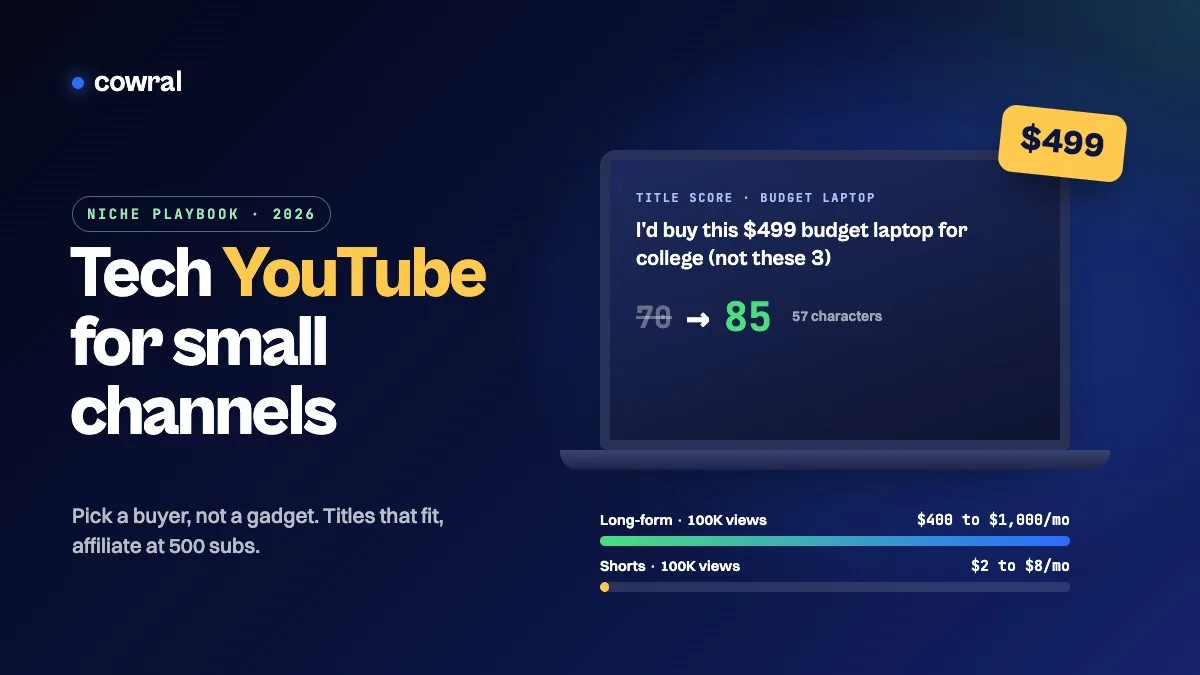 YouTubeTech YouTube in 2026: a channel strategy for small creators who review, explain and buildHow to grow a small tech YouTube channel in 2026, from picking a buyer instead of a gadget and writing titles that don't get cut off to the...
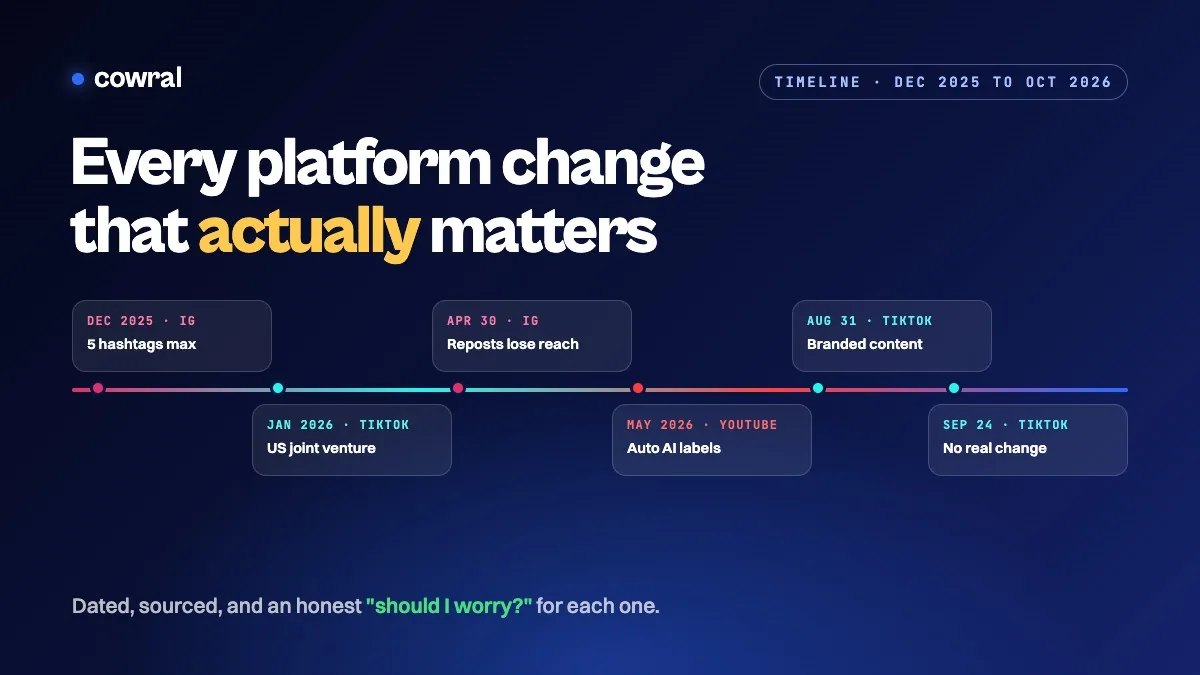 InstagramAlgorithm and policy changes creators need to know in 2026: a dated timelineEvery TikTok, Instagram and YouTube change that actually matters for creators in 2026, in date order, with sources, what each one means for...