Content creation
⟳Cross-post Remixer✂AI Clipper✦Hook Generator¶Caption Fit Checker✧AI Script Writerin app11 free tools. Zero signups. Your files never leave your browser.Open the Viral Lab →
vidIQ is a YouTube tool. The reason it fails on TikTok isn't laziness, it's that TikTok's data isn't accessible the way YouTube's is.
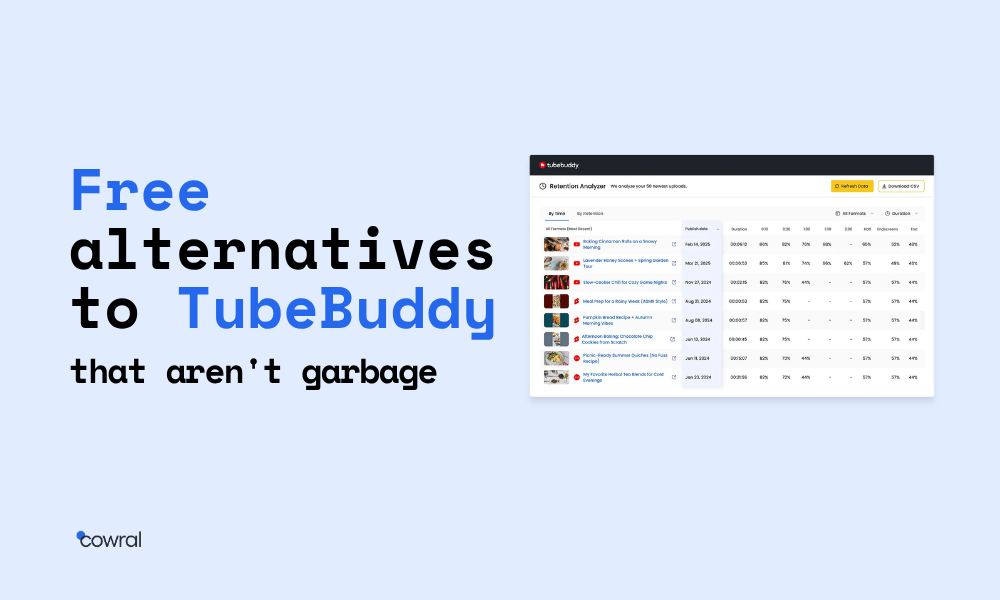
Most lists claiming to be “free TubeBuddy alternatives” usually feature 12 different options. But here’s the catch: eight are actually paid apps offering only 14-day trial periods. Three have free versions so limited they might as well be demos. And one might actually be free, if you scroll far enough down. These lists thrive on affiliate links.
This article breaks that mold.
Every tool listed here is either completely free or includes a free tier that actually does useful stuff. No hidden charges waiting to pop up. No “free for 14 days, then $29 per month.” We’ve also included free options that we don’t earn anything from. For example, TubeBuddy’s own free tier makes the cut. We believe in being upfront.
You’ll need to combine 4 to 5 of these free tools to match what TubeBuddy’s paid version offers. Annoying? Sure. But it also saves you the cost of TubeBuddy’s paid plan, which its pricing page lists at $26.39 a month billed yearly ($316.68 a year) as of October 16, 2026. We’ll point out which tools handle which tasks, guide you through putting together a full free workflow, and explain when you might want to consider paying.
If a tool asks for your credit card to start, that’s not free. That’s our baseline. Feel free to jump to:
Skip to:
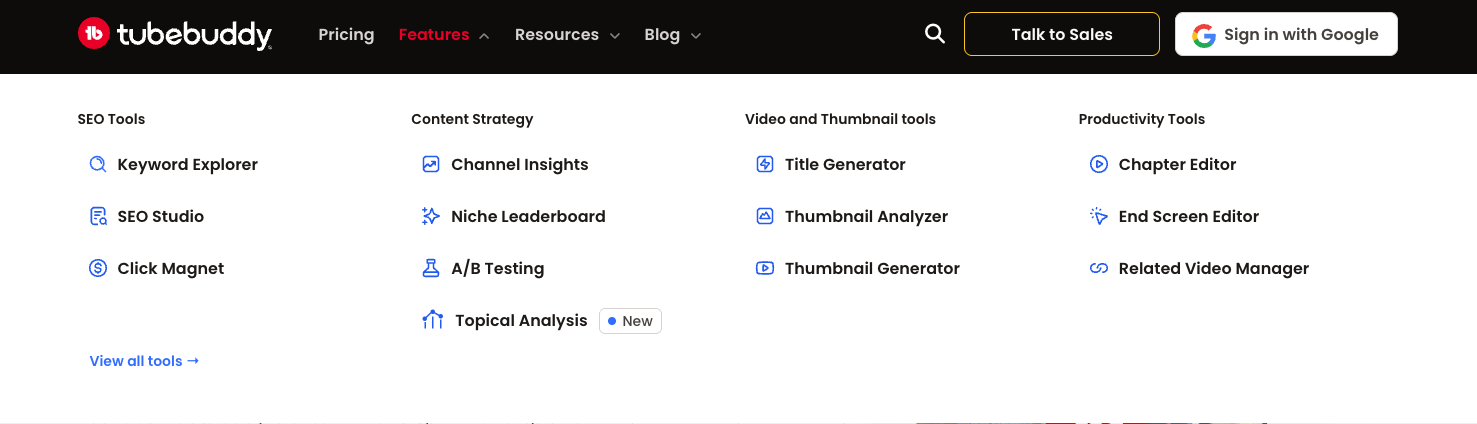
To replace TubeBuddy with free tools, you need to know what TubeBuddy actually does. The core feature categories are:
TubeBuddy packages all of this into a handy Chrome extension and a go-to dashboard. That convenience is the real value. The features themselves aren’t unique. Free alternatives are available for each segment. You’re just going to be opening four different browser tabs instead of one.
That’s the trade-off. Free saves you money. Bundling saves you time. Decide which matters more, then keep reading.
Find out which is the best for you in our TubeBuddy vs Morningfame review! So it is not like the data is proprietary. It is based on results from YouTube’s own autocomplete and Google Trends, you can check these out yourself without having to pay anyone.
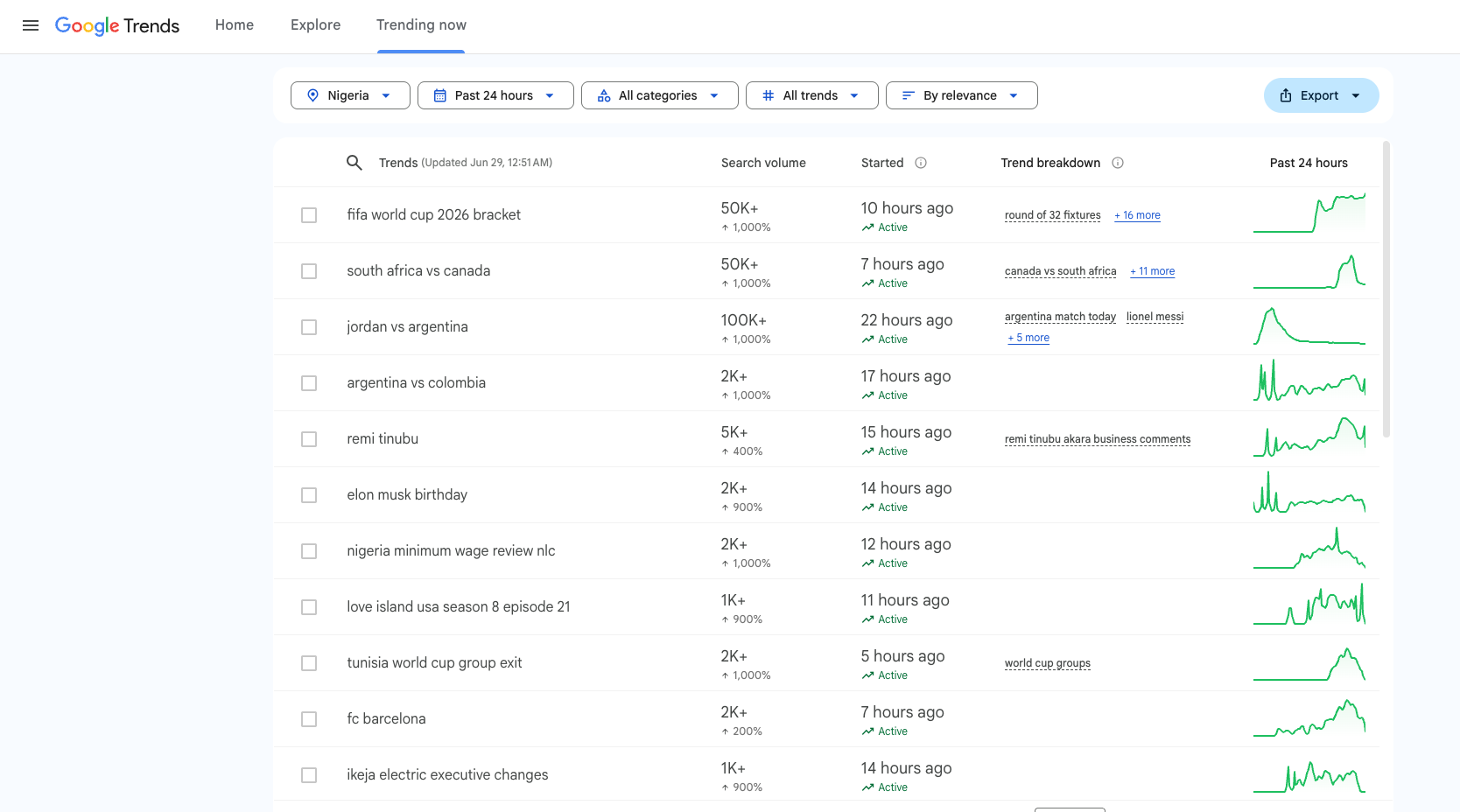
Google Trends is free, you don’t need an account to use it, and it provides better long-term search trend information compared to most paid YouTube tools. You can sort by region, time, and category. It also exposes “related queries,” which sometimes contain long-tail keyword possibilities. Use it to plan content on the basis of what is truly up and coming rather than what is already trending!
Use YouTube’s own search bar along with the “filter by upload date” hack for another free insight. Search your topic on YouTube, filter by “This week” and check out the view numbers. If videos that are only five days old in your niche are already getting 100K views, the topic has demand. If they’re at 2K and don’t budge, that is not a content-moving keyword,” she says. If they’re stuck at 2K, the keyword isn’t moving content.
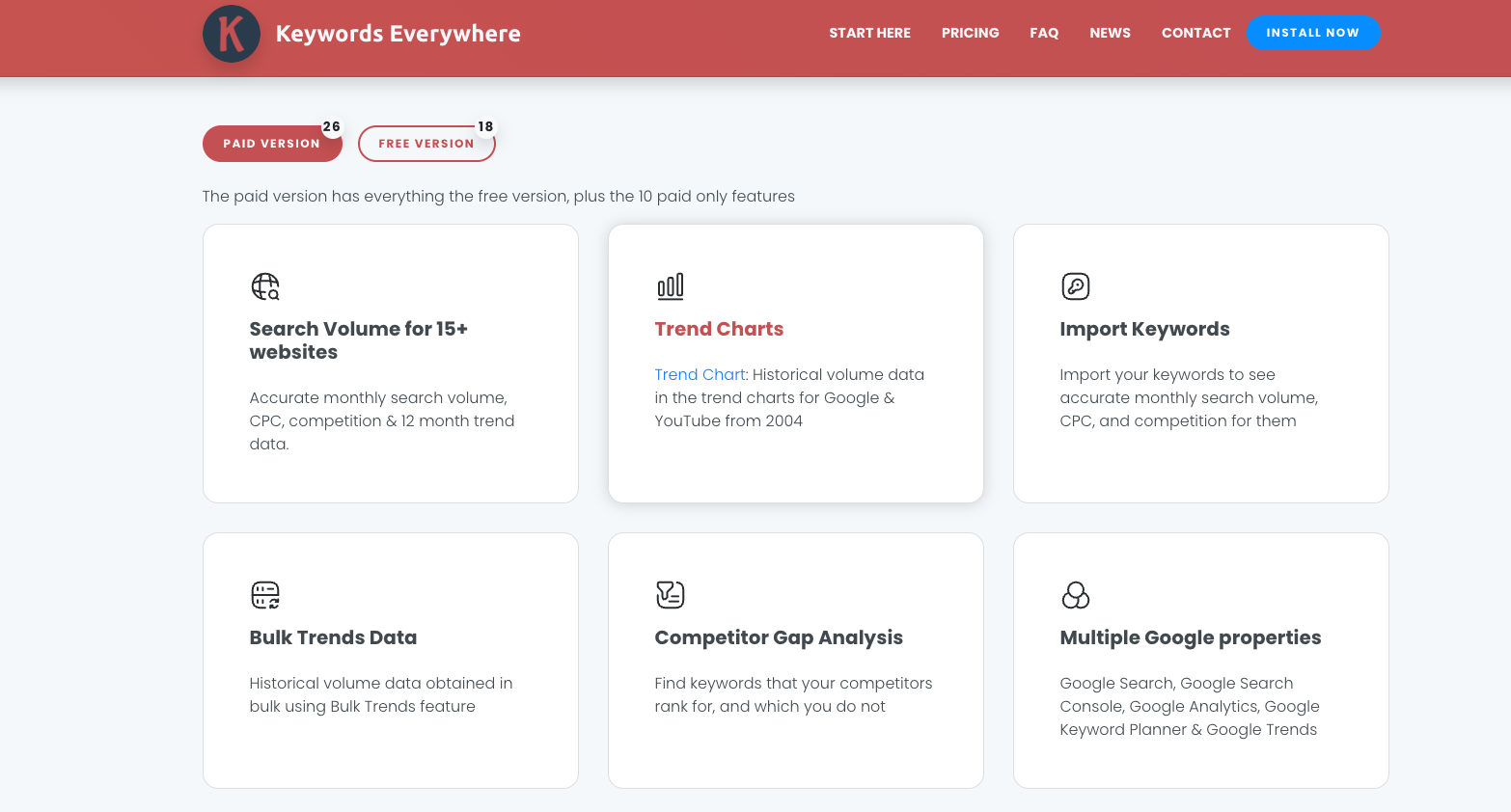
Keywords Everywhere is a free browser extension to see search volume on YouTube as you do your search. The free tier limits you to a finite number of daily queries, but that’s enough for most creators.
vidIQ’s free tier is also worth adding. Their free Chrome extension highlights keyword scores and the volume of searches on the YouTube search results page. It’s their most basic product, and it performs keyword research at a pretty decent level for no cost.
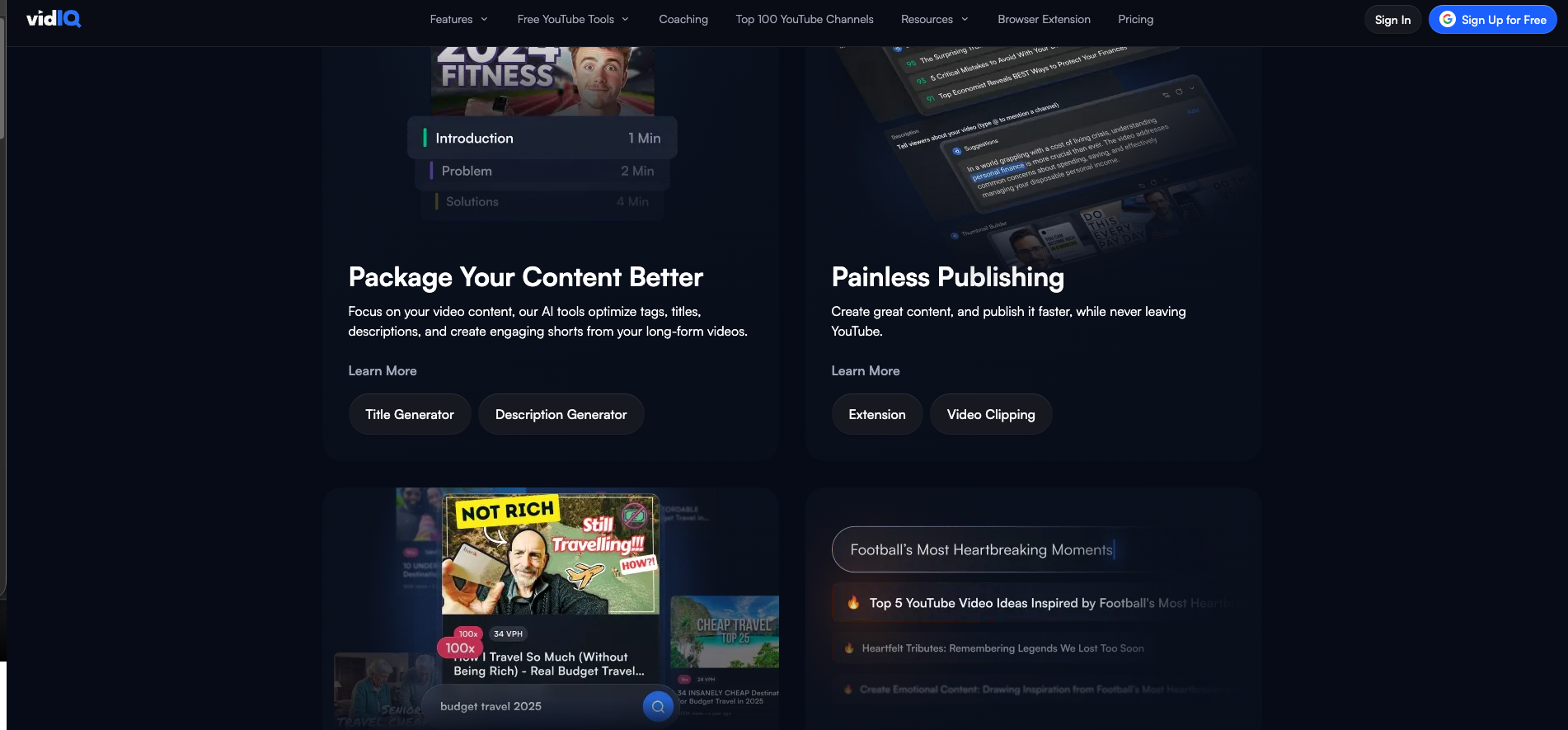
Yes, we’re recommending the free tier from the competition. That’s how this article goes.
Two things are important: clarity and curiosity. Neither requires a tool that costs $20 a month or more.
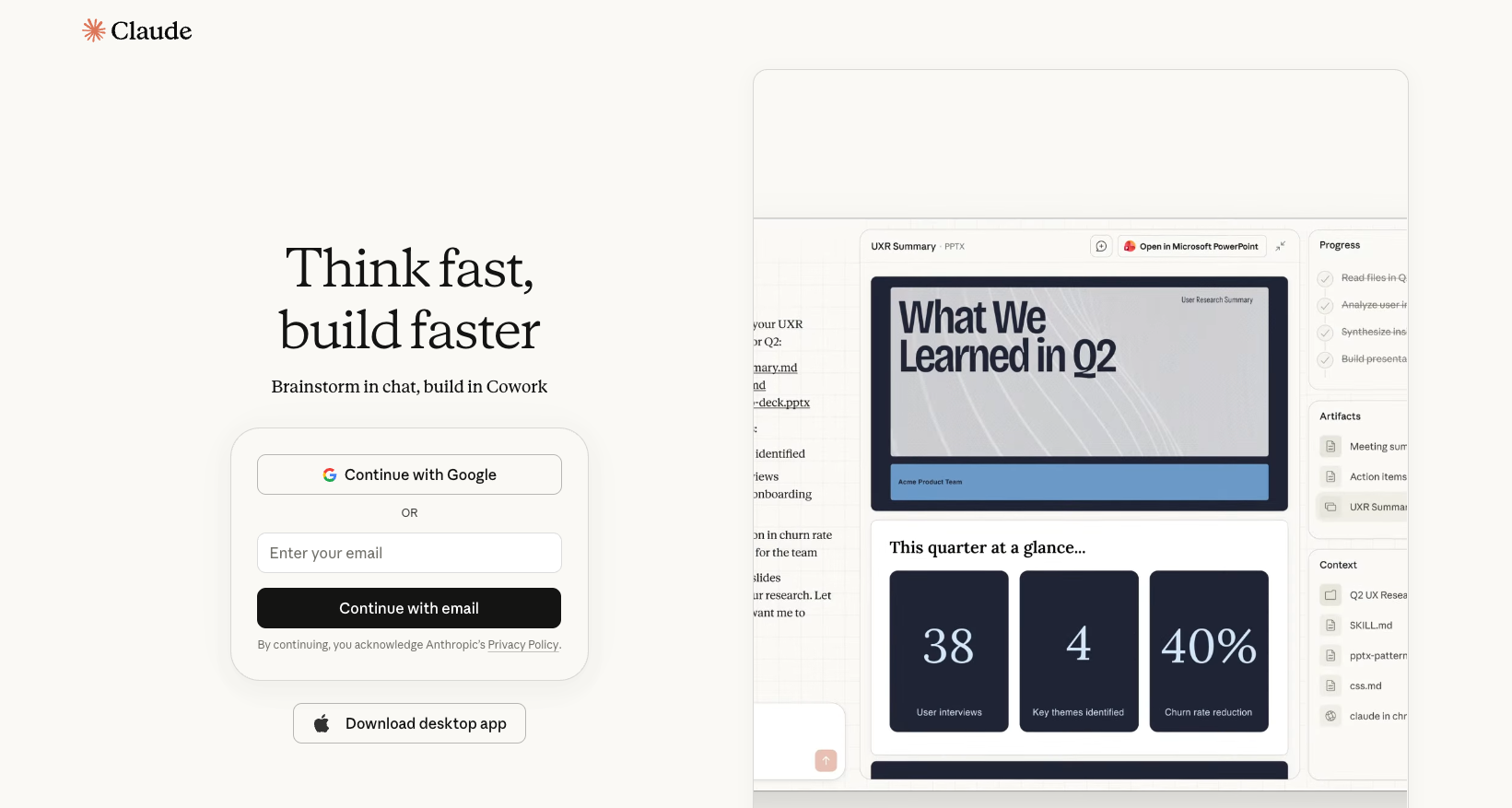
ChatGPT and Claude (free tiers) “beat out all paid YouTube title tools we have tested on pure ideation.” Both offer free plans that enable users to brainstorm titles and headlines, rewrite them, and test for the curiosity gap, with no cap on the number of requests.
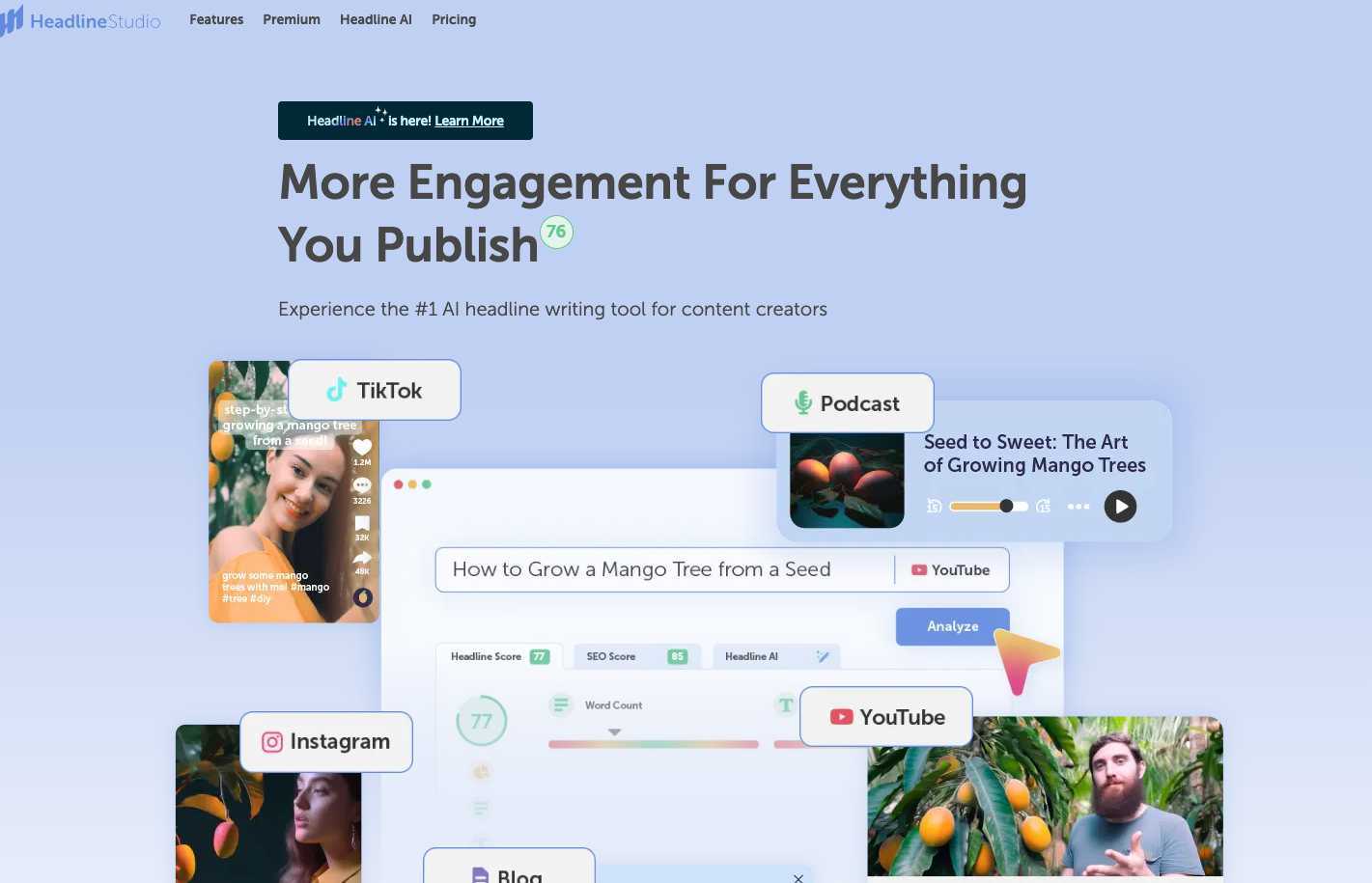
CoSchedule Headline Studio has a free version that evaluates headlines for emotional value, word balance, and readability. Web only, no extension, but as a sanity check before you hit publish, it helps.
As for thumbnails, the answer is still Canva’s free tier. Yes, there are premium templates. You do not need them. Simple is the most viral thumbnails in any niche. Clean background, big, readable text with one focal point. This is covered by Canva’s free template library. Use it along with Photopea (a free Photoshop alternative that works right on your web browser) when you want to remove backgrounds or perform more sophisticated edits.
Tubebuddy: The good Tubebuddy free tier itself has a basic title and thumbnail rating feature. It operates. Get it if you want a “Tubebuddy says this is X% optimized” score without the cost.
The thing about thumbnail tools: they work on the basis of after-upload, real click-through rate data. Tools predict. The audience decides. Pick the tool that best suits your workflow, then pay attention to your actual CTR data for the first 48 hours.
There is no good free tool for YouTube thumbnail A/B testing that matches what TubeBuddy offers in its paid tier. This is the category where free creators give up the most.
Here’s the workaround that actually works:
Manual A/B testing via YouTube Studio. Upload your video with a thumbnail A. Watch the click-through rate for the first hour. If CTR is below the benchmark for your niche (5% is a rough median, higher in some niches), swap to thumbnail B and watch again. Repeat for the first 48 hours when the video is fresh.
This is slower than TubeBuddy’s split testing. It’s also free, and it teaches you pattern recognition for what makes a thumbnail land in your specific niche.
Free post-publish thumbnail swapping. YouTube Studio lets you change thumbnails at any time. Many creators rotate weekly until something sticks. This works well for evergreen content where you’ll keep getting impressions for months.
A note: don’t swap thumbnails too quickly. Give each version at least an hour of actual impression data before deciding. CTR varies wildly in the first 10 minutes after publish. The signal stabilizes around 100 to 200 impressions.
If you upload weekly or less, this manual workaround is enough. If you upload four or more times a week, this is the first category where paying for a tool starts to earn back the subscription cost.
Bulk operations is the hardest TubeBuddy category to replace for free. It’s also the unsexy one, which is why it’s where TubeBuddy’s paid tier earns most of its money.
YouTube Studio’s native bulk editing handles more than most creators realize. You can mass-update descriptions, tags, end-screens, cards, language, and category from inside YouTube Studio. The interface is slow. The bulk actions are limited compared to TubeBuddy. But it’s free, and for a channel with under 100 videos, it’s enough.
The trick is knowing it exists. From YouTube Studio, go to Content, select multiple videos with the checkbox, then click Edit. The dropdown includes most of the bulk operations TubeBuddy offers, with a worse UI.
TagsForYouTube is a free Chrome extension that extracts tags from any YouTube video. Use it to study what’s working in your niche. The free tier covers basic extraction. Most creators don’t need more.
vidIQ’s free tier also includes basic tag suggestions on your own uploads. Limited compared to the paid version, but workable.
If you upload monthly or less, YouTube Studio’s native bulk tools are fine. If you upload three or more times a week and maintain hundreds of older videos, this is where paying for something starts saving you real time. TubeBuddy’s lowest paid tier costs less than the hours you’d lose updating old descriptions by hand.
The analytics section of YouTube Studio is the most overlooked tool not only on this platform, but in all the tools the platform provides to its creators. Just know what’s in it before you pay for anything about analytics.
The following information can be accessed for free via YouTube Studio analytics: traffic sources, retention curves, click-through rate, watch time by video, audience demographics, and revenue. The retention curve itself (the per-second chart of where people leave) is data most paid tools don´t reveal with that level of detail. Use it.
Need competitor monitoring? Switch to Social Blade now! Punch in any YouTube channel name on Social Blade, and you’ll be able to see its growth history, estimated earnings ranges, and ranking details. The free version will be sufficient for the majority of creators. Use it to monitor between 5 and 10 channels in your niche and see what content is trending.
Cowral’s free tier is also worth installing if you cross-post to TikTok or Instagram. The free version covers basic multi-platform analytics across YouTube, TikTok, and Instagram in one dashboard, which YouTube Studio obviously doesn’t do. If you’re YouTube-only, you don’t need it. If you post to two or more platforms, the free tier saves you from tab-switching.
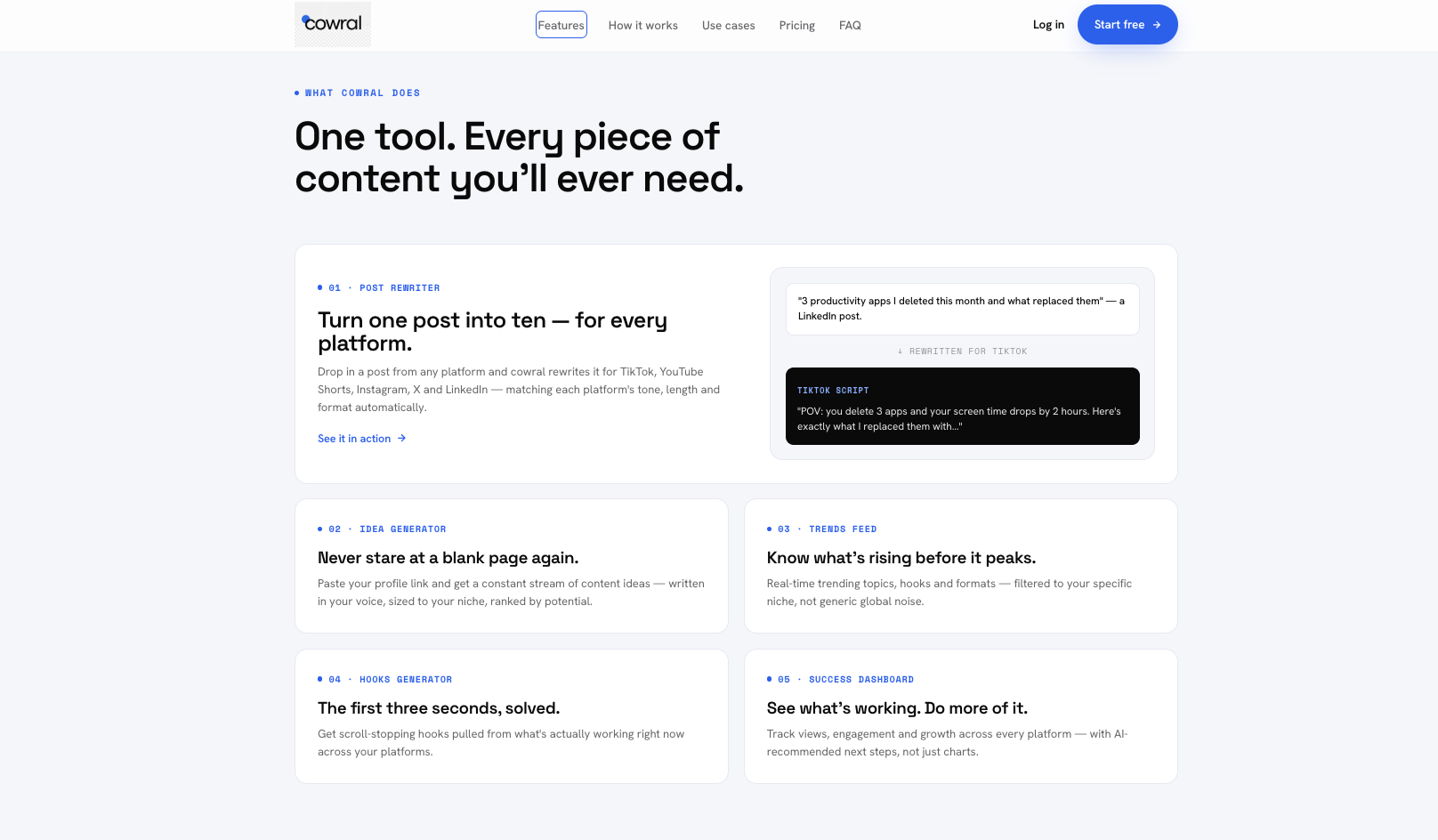
For deeper competitor analysis (audience overlap, sponsored post history, engagement quality scores), the free options run out. That’s a paid-tool category. But for the 90% of analytics needs most creators have, the combination of YouTube Studio, Social Blade, and Cowral’s free tier covers a serious workflow without paying.
For comment moderation, YouTube Studio’s built-in filters are adequate for any channel with under 10K subscribers. The held-for-review settings block most junk mail. The keyword filters allow you to auto-flag certain words. Bulk action is decent for high-volume creators.
You may need more for 10K and above. There are no perfect options that are free. YouTube Studio’s own comment filters handle the basics. Use this tool if your native filtering isn’t enough and you don’t want to pay yet.
As for AI-assisted comment replies, ChatGPT or Claude (free tiers) are much better than any native YouTube tool. Paste a tough comment and get three drafts for responses, and pick the best response. Free, within their non-stationary limits, and in outputs that can’t be mistakenly identified as generated.
From the AI features in general, there are a lot of “free AI tools for YouTubers” that are basically just thin wrappers around ChatGPT or Claude APIs. Use the tools of the source. You can get the same outputs (without the ads and upgrade modals from the wrapper).
The exception is purpose-built creator AI tools that do something general-purpose models don’t. Cowral’s free AI Hook Generator is one example. It generates platform-tuned opening lines that ChatGPT can also write, but with the platform context baked in (a TikTok hook is structurally different from a YouTube Shorts hook). Free, no signup gate for the basic version. Useful for short-form creators specifically.
For long-form titles and descriptions, general-purpose AI tools still beat anything purpose-built we’ve tested. Use ChatGPT for those. Save the purpose-built tools for the jobs they’re actually better at.
Six tools, in priority order:
That’s the working list. Bookmarked together, they cover roughly 80% of what TubeBuddy’s paid tier does for a once-a-week-uploader.
The TubeBuddy and vidIQ free-tier recommendations are the ones every other “free alternative” article ducks. You don’t see them in affiliate-driven listicles because there’s no commission. They’re on this list because they’re free, they’re real, and any honest answer to “what’s a free TubeBuddy alternative” has to include the most obvious one: TubeBuddy itself.
Four “free” patterns show up in the SERP that aren’t actually free. Recognize them and skip.
The 14-day trial dressed as free. A tool that requires a credit card to start, gives you 14 or 30 days of access, then quietly converts you to $29 a month. The word “free” appears in the marketing copy. It’s not. Free tools don’t ask for a credit card.
The free tier that does literally nothing. A free version that caps you at 3 keyword searches a day, blurs the actual results, and pops up an upgrade modal every 30 seconds. The free tier exists to funnel, not to function. If the cap kicks in before you can finish a single real task, it doesn’t count as free.
The Chrome extension that paywalled itself. Tools that were free for years, got popular, then locked the core function behind a subscription. The extension is still installable for free. The features you’d actually use now sit behind a monthly subscription. Multiple examples exist in the YouTube SEO category. You’ll know them when you find them.
The “free AI tool” that’s a reskinned ChatGPT. A landing page promising free AI title generation. You sign up. The output is identical to what ChatGPT gives you. The tool is a wrapper around an API, monetized by ads and upsells. Use ChatGPT or Claude directly and skip the wrapper.
A real free tool doesn’t ask for a credit card, doesn’t lock the main feature, and doesn’t pop up an upgrade modal every 30 seconds. If a tool fails any of those three, it’s freemium, not free. That’s fine. Just don’t pretend it’s something it isn’t.
Here’s what a complete free creator workflow actually looks like. Each row is a workflow stage. The right column is the free tool that handles it.
| Workflow Stage | Free Tool |
|---|---|
| Niche research and topic ideation | Google Trends plus ChatGPT or Claude (free) |
| Keyword research | vidIQ free extension plus YouTube search filters |
| Title optimization | CoSchedule Headline Studio plus ChatGPT Free |
| Thumbnail design | Canva Free tier plus Photopea |
| Thumbnail A/B testing | Manual swap via YouTube Studio |
| Hook writing (short-form) | Cowral’s free AI Hook Generator |
| Multi-platform planning | Cowral free tier (only if cross-posting) |
| Upload optimization | YouTube Studio plus vidIQ free tier |
| Analytics | YouTube Studio plus Social Blade |
| Comments and engagement | YouTube Studio comment filtering |
| AI assistance (titles, descriptions, replies) | ChatGPT or Claude free tier |
Here’s how this looks day to day for a creator uploading once a week:
Monday. Open Google Trends, look at what’s rising in your niche over the last 7 days. Open ChatGPT, brainstorm 10 video angles from the trends. Pick one.
Tuesday. Research the keyword in YouTube’s search bar with vidIQ’s free extension running. Note search volume, related queries, and what’s currently ranking.
Wednesday. Film. Edit. Open Canva for the thumbnail.
Thursday. Run the title through CoSchedule Headline Studio. Tweak based on the score. Run the upload through vidIQ’s free SEO score. Adjust description, tags, end-screen.
Friday. Upload. Watch CTR for the first hour. Swap the thumbnail if CTR is under your niche benchmark. Promote in your usual channels.
Saturday and Sunday. Watch retention and engagement data in YouTube Studio. Take notes for next week’s video.
Total tool cost: zero dollars.
What’s missing from this stack: automated A/B testing, deep competitor sponsorship intelligence, large-scale bulk operations, and team collaboration. If you need any of those, the free stack runs out. For a solo creator uploading once a week, this covers it.
Free works until it doesn’t. Here are the specific thresholds where paying for tools starts to make sense.
Upload frequency: 3 or more videos per week. Once you’re uploading multiple times per week, TubeBuddy’s paid bulk-operations features and faster A/B testing start saving you real hours. The hours you save are worth more than the subscription. Below 3 uploads a week, free is enough.
Channel size: 30,000 subscribers and growing. Once you’re at scale, competitor tracking, audience demographics, and trend prediction start mattering more. Free tools cover the basics. Paid tools cover the depth.
Revenue: $500 a month or more from the channel. Once the channel is generating real income, $20 a month on tools is rounding error. You’re optimizing for time saved, not dollars saved.
Multi-platform: posting to two or more platforms actively. Once you’re managing TikTok plus YouTube plus Instagram simultaneously, a multi-platform tool saves more time than three separate single-platform free options. This is where Cowral’s paid tier or similar starts to earn its money.
Team involvement: anyone besides you touching the channel. Free tools generally don’t support multiple seats. Once an editor, manager, or contractor needs access to your data, you’re in paid territory.
If you don’t hit any of these thresholds, stay free. The tools above cover what you need. Spend the money you’d have spent on tools on something that grows the channel directly. Paid promotion. Better gear. Or just more of your own time.
Yes. TubeBuddy has a permanent free tier that includes basic title testing, thumbnail rating, A/B optimization suggestions, and limited bulk operations. The free tier won’t replace the paid version’s full feature set. It will handle the needs of a creator uploading once a week or less. Install it from the Chrome Web Store.
There isn’t one tool that replaces TubeBuddy entirely for free. The realistic answer is a stack of 4 to 5 tools used together: YouTube Studio, Google Trends, vidIQ’s free tier, TubeBuddy’s own free tier, and Canva. Bookmark them together, and they cover roughly 80% of what TubeBuddy’s paid tier does for a typical creator.
Yes, especially under 30K subscribers and at one upload per week. YouTube Studio plus free Chrome extensions plus ChatGPT’s free tier covers the basics. Paid tools start paying off once you upload more frequently, scale past 30K subscribers, or generate enough revenue that saving time matters more than saving money.
Most are, but not all. Before installing, check that the extension has active updates within the last 6 months, more than 100,000 users, transparent permission requests, and no recent reviews flagging data harvesting. Extensions abandoned by their developers are the biggest risk. Removed-from-store extensions still installed in your browser are an immediate uninstall.
For most categories, partially. YouTube Studio covers analytics, bulk operations on your own videos, comment management, and basic SEO data. It doesn’t cover competitor research, A/B testing, keyword research outside your own channel, or trend discovery. Pair it with one or two of the tools in this article and you’ve covered most of what TubeBuddy adds.
As of October 16, 2026, TubeBuddy’s pricing page lists only its paid Legend plan, so check it before you count on a free version. vidIQ still offers a free plan, and it’s strong for keyword research and on-page SEO scoring. It pays no commission on free installs, which is why few lists recommend it.
When at least one of these is true: you upload 3 or more videos a week, you’ve passed 30K subscribers, your channel earns more than $500 a month, you post actively to multiple platforms, or someone besides you needs access to your channel data. Before any of those, free is fine. After any of them, $20 a month on tools is rounding error.
For ideation, title brainstorming, description writing, and comment-response drafting, mostly yes. For data-driven tasks (keyword search volume, competitor analytics, retention curves), no. ChatGPT and Claude don’t have YouTube data. They have language. Use them for the language tasks. Use YouTube Studio and free SEO extensions for the data tasks.
We earn zero affiliate commission from any tool mentioned in this article. Not TubeBuddy. Not vidIQ. Not Cowral. Not any Chrome extension or third-party platform. If you sign up for a tool through a link in this article, we don’t get paid. This is by design. The rest of the SERP runs on affiliate kickbacks, and that’s why the rest of the SERP keeps recommending paid tools dressed up as free ones.
Article last updated: June 29, 2026
Pricing verified: June 29, 2026

Olu Sam is an SEO expert and social media content creator who built over 50K followers across his social media pages in less than a year of creating content.
LinkedIn ProfileHow we research and fact-check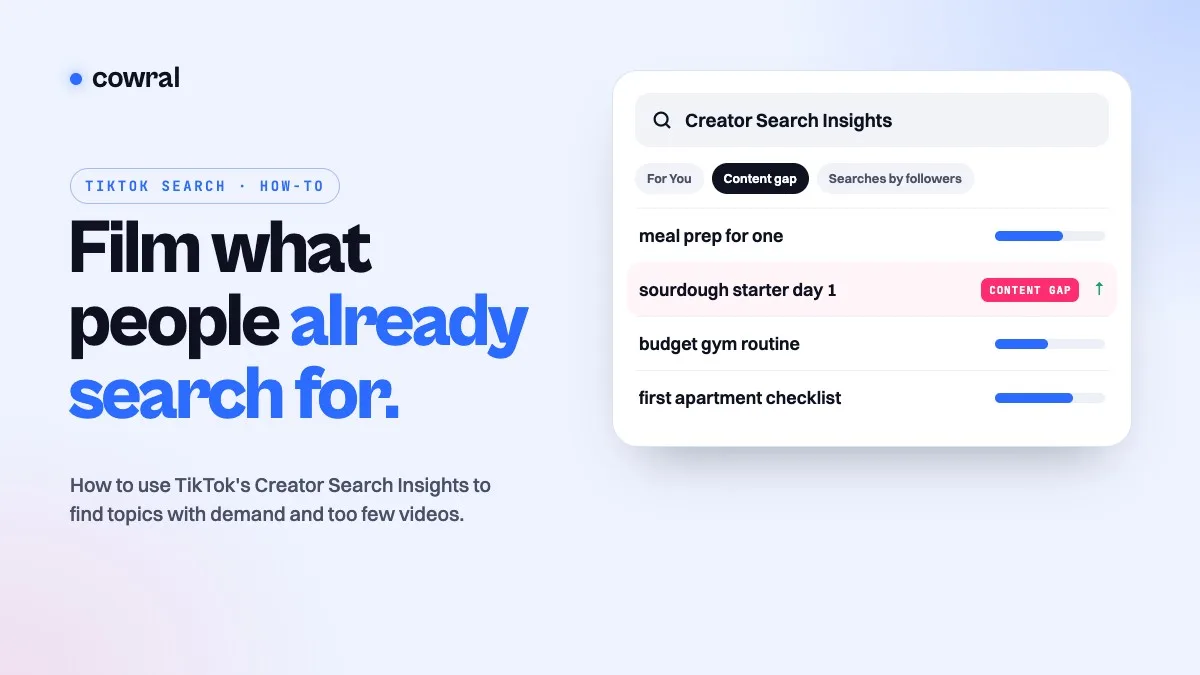 TikTokTikTok Creator Search Insights: how to find what people search for and turn it into videosCreator Search Insights is TikTok's own tool for seeing what people search for, including topics that don't have many videos yet.
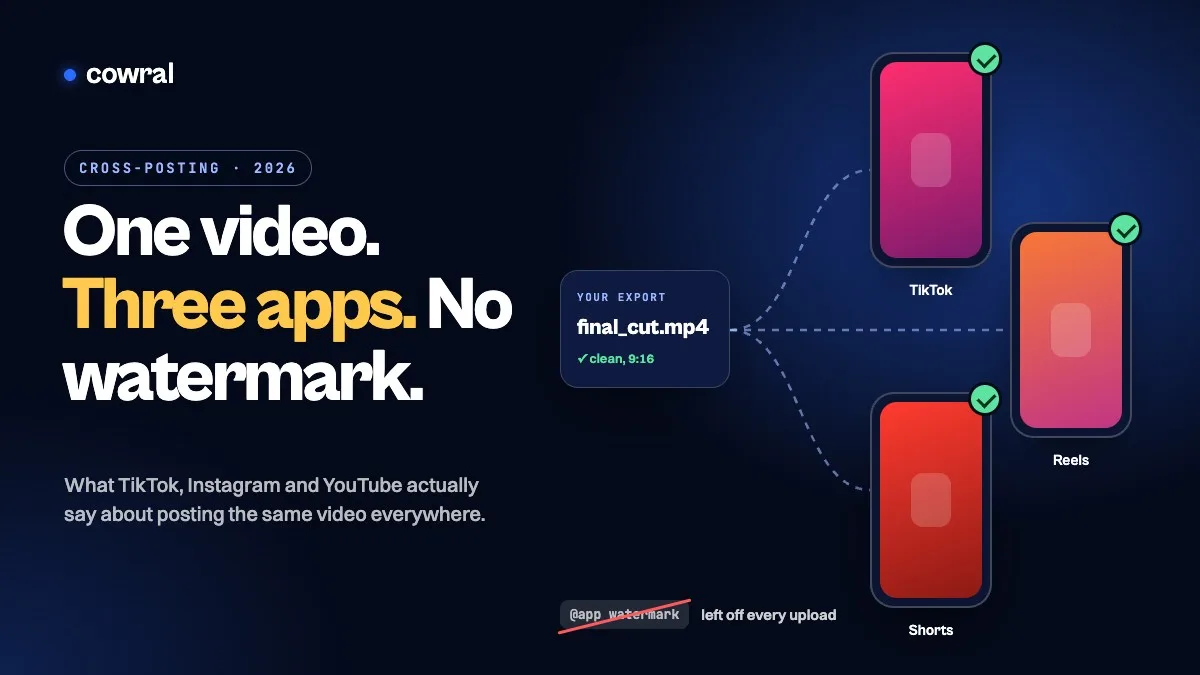 TikTokHow to cross-post to TikTok, Reels and Shorts in 2026 without getting held backPosting your own video on TikTok, Instagram and YouTube is allowed on all three. What gets held back is watermarks, other people's content...
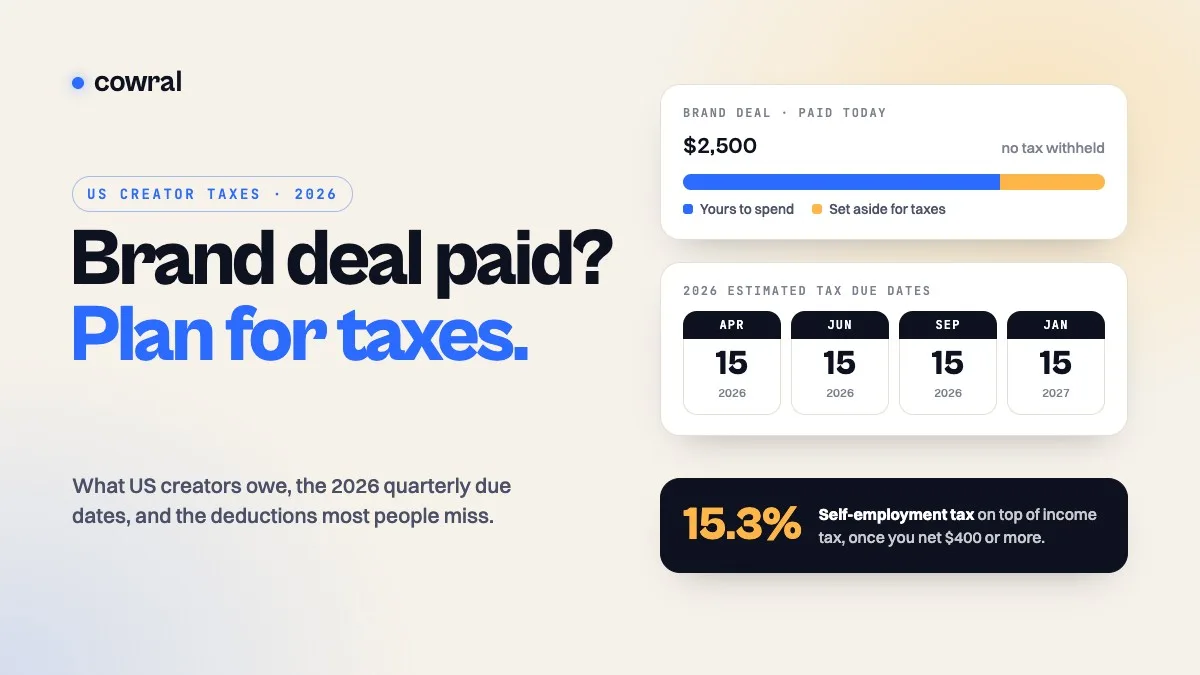 MonetizationTaxes for content creators in 2026: what US creators owe, when to pay, and what you can deductBrand deals, ad revenue, affiliate commissions and free products are all taxable. Here's how self-employment tax works, the 2026 quarterly...