Content creation
⟳Cross-post Remixer✂AI Clipper✦Hook Generator¶Caption Fit Checker✧AI Script Writerin app11 free tools. Zero signups. Your files never leave your browser.Open the Viral Lab →
Posting your own video on TikTok, Instagram and YouTube is allowed on all three. What gets held back is watermarks, other people's content and a few length and music traps.
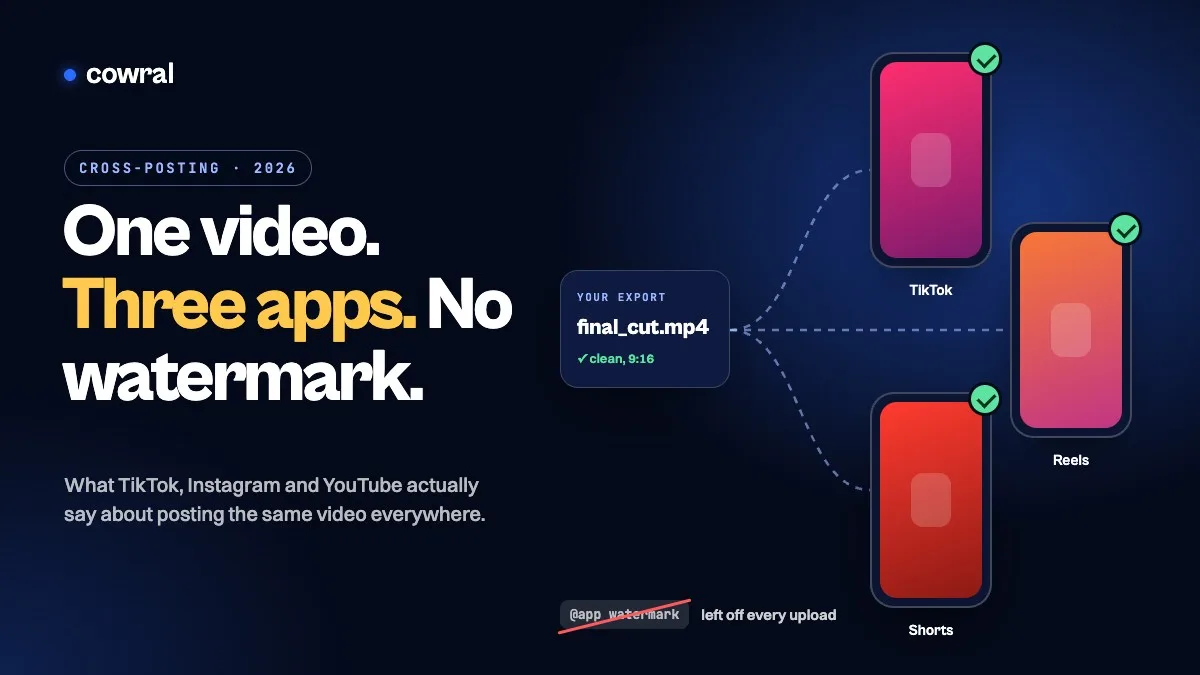
You filmed one good video. Posting it once feels like a waste, so you download it from TikTok, upload it to Instagram and YouTube, and wait. Then the Reel stalls at a few hundred views and you start wondering if Instagram is punishing you for posting it somewhere else first.
Usually it isn’t, at least not for the reason you think. None of the three big short-video apps has a rule against posting your own video on another app. What they do push down is reposted content, other people’s watermarks, and videos that don’t fit their format. Those are easy to trip over when you cross-post in a hurry, and easy to avoid once you know what each platform actually says.
This guide goes platform by platform through the official rules, then gives you a workflow for posting one video three times without leaving a trail that costs you reach.
Key takeaways
Search this topic and you’ll find a lot of confident claims about “cross-posting penalties”. The platforms’ own wording is narrower than that. Here’s what each one says.
| Platform | What it treats as unoriginal | What can happen | Your own video posted elsewhere? |
|---|---|---|---|
| TikTok | Content copied from others, largely repurposed content with no creative edits, compilations with little added value, and content with someone else’s visible watermark or logo | It can be kept out of the For You feed and is ineligible for monetization programs like the Creator Rewards Program | Not listed as unoriginal. The rules are about other people’s content and watermarks |
| Content re-shared without a material edit, or posted by an account that had no role in making it | Less likely to be recommended to people who don’t follow you | Original, as long as your account made it | |
| YouTube | Reuploading other creators’ content from YouTube or another platform, and borrowed content you didn’t change significantly | Those Shorts views don’t count toward revenue sharing, and channels can lose monetization | Fine. The rules target content that isn’t yours |
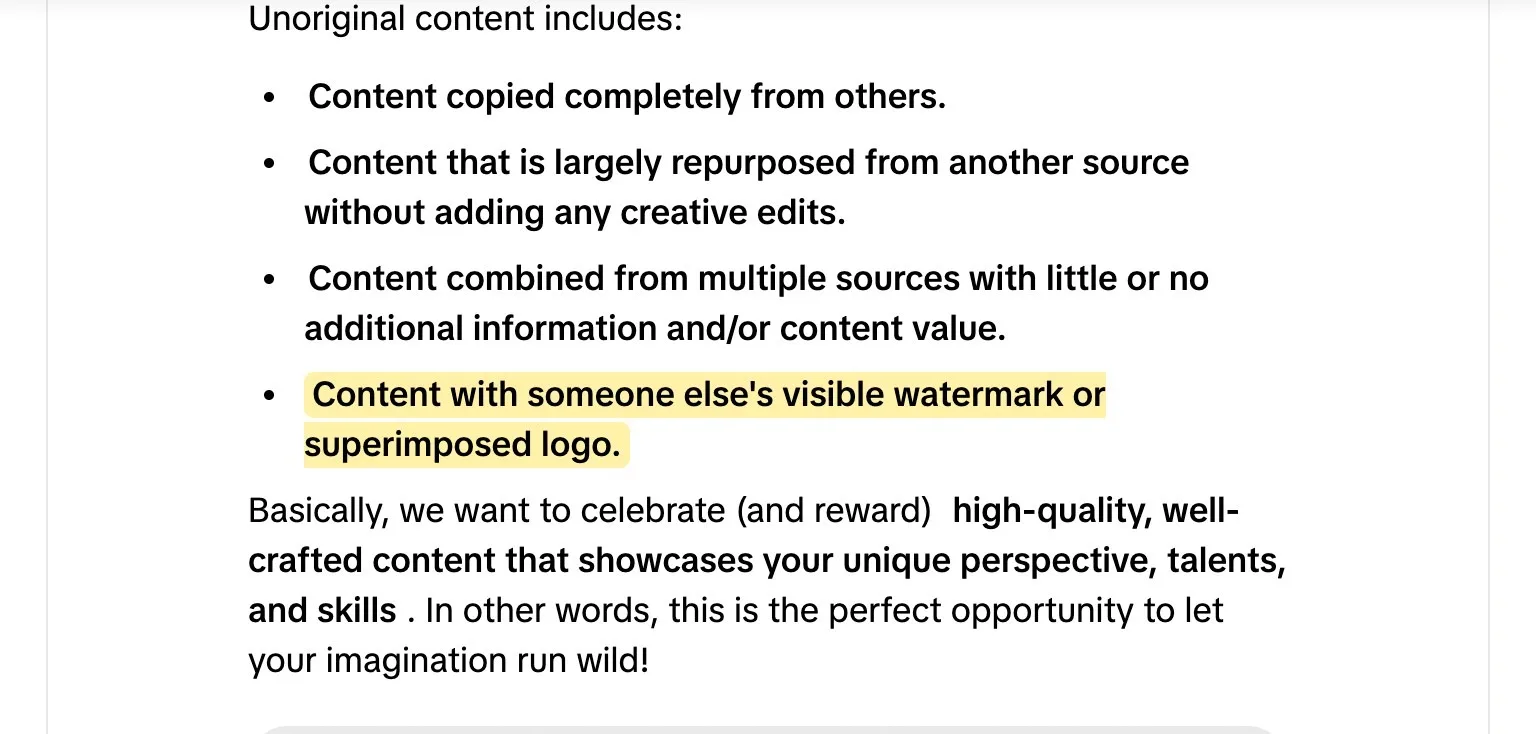
TikTok spells out its originality rules in a Creator Academy article it updated in September 2026. Unoriginal content includes videos copied completely from others, content “largely repurposed from another source without adding any creative edits”, compilations with little added value, and content with “someone else’s visible watermark or superimposed logo.”
The consequence is visibility. TikTok says it may take unoriginal videos out of the For You feed, which makes them harder to discover. They also can’t earn through the Creator Rewards Program, where TikTok says originality is a key part of the rewards formula.
One thing worth knowing before you panic about a slow video: TikTok’s For You feed eligibility standards say a video that isn’t getting many views didn’t necessarily break a rule, and that TikTok’s analytics show you if a video was made ineligible for recommendation. Check there before you assume you were flagged.
Instagram’s help page on original content is the clearest of the three. Content is original “when it is created by the same account that posts it.” So a video you filmed and edited is original on Instagram even if it went up on TikTok first.
Where Instagram gets strict is content you didn’t make. If you share someone else’s video, you need to make what it calls material edits: commentary, narration or added information that meaningfully adds to the original. It lists edits that don’t count, including purely descriptive captions, subtitles in the same language as the audio, borders that change the aspect ratio, stickers, and logos or watermarks.
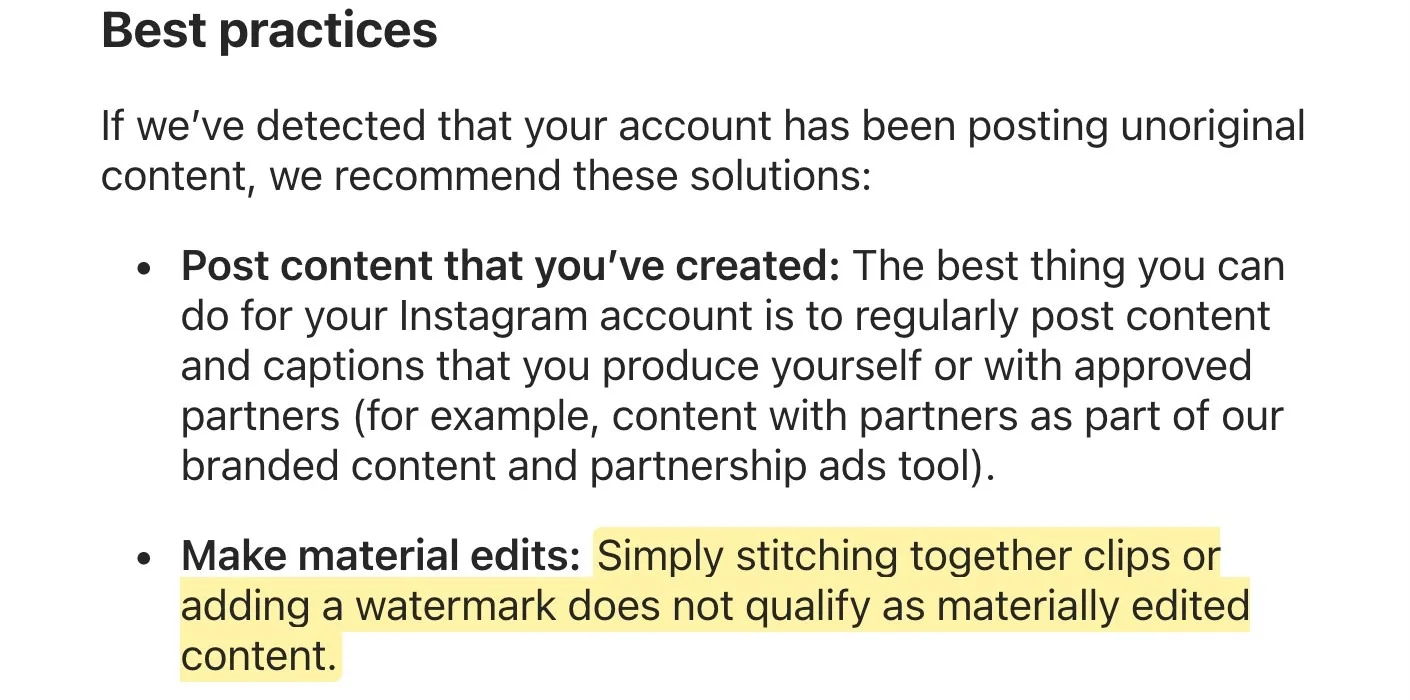
Two older lines from Instagram’s creator team still matter for cross-posting. In its tips for improving your reach, Instagram says it’s less likely to recommend “reposts of a reel that’s already on Instagram” and “content with noticeable watermarks”. That’s the trap: a TikTok download carries TikTok’s watermark, which is exactly the kind of noticeable mark Instagram describes.
Instagram credits the original
If another account shares your original content, Instagram says it may add an “Original by” label that links back to you. That’s one more reason to post your own version on Instagram rather than letting a fan page be the first to upload it.
YouTube’s rules live mostly in its monetization policies, and they’re about content that isn’t yours. The Shorts monetization policies list “reuploading other creators’ content from YouTube or other platform” as an example of non-original Shorts whose views don’t count toward revenue sharing. The wider channel monetization policies say: “If you borrow content from someone else, you need to change it significantly to make it your own.”
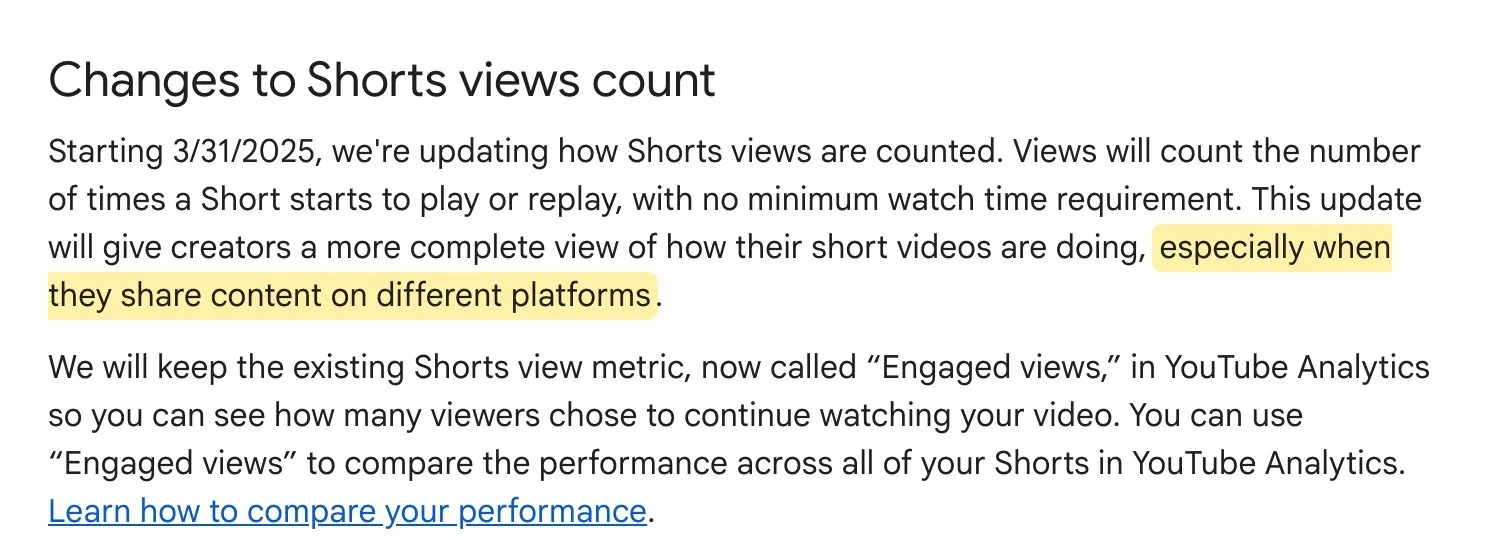
Posting your own TikTok on Shorts isn’t what those rules are aimed at. YouTube even acknowledges cross-platform posting: when it changed how Shorts views are counted in March 2025, it said the new count gives creators a more complete picture “especially when they share content on different platforms.”
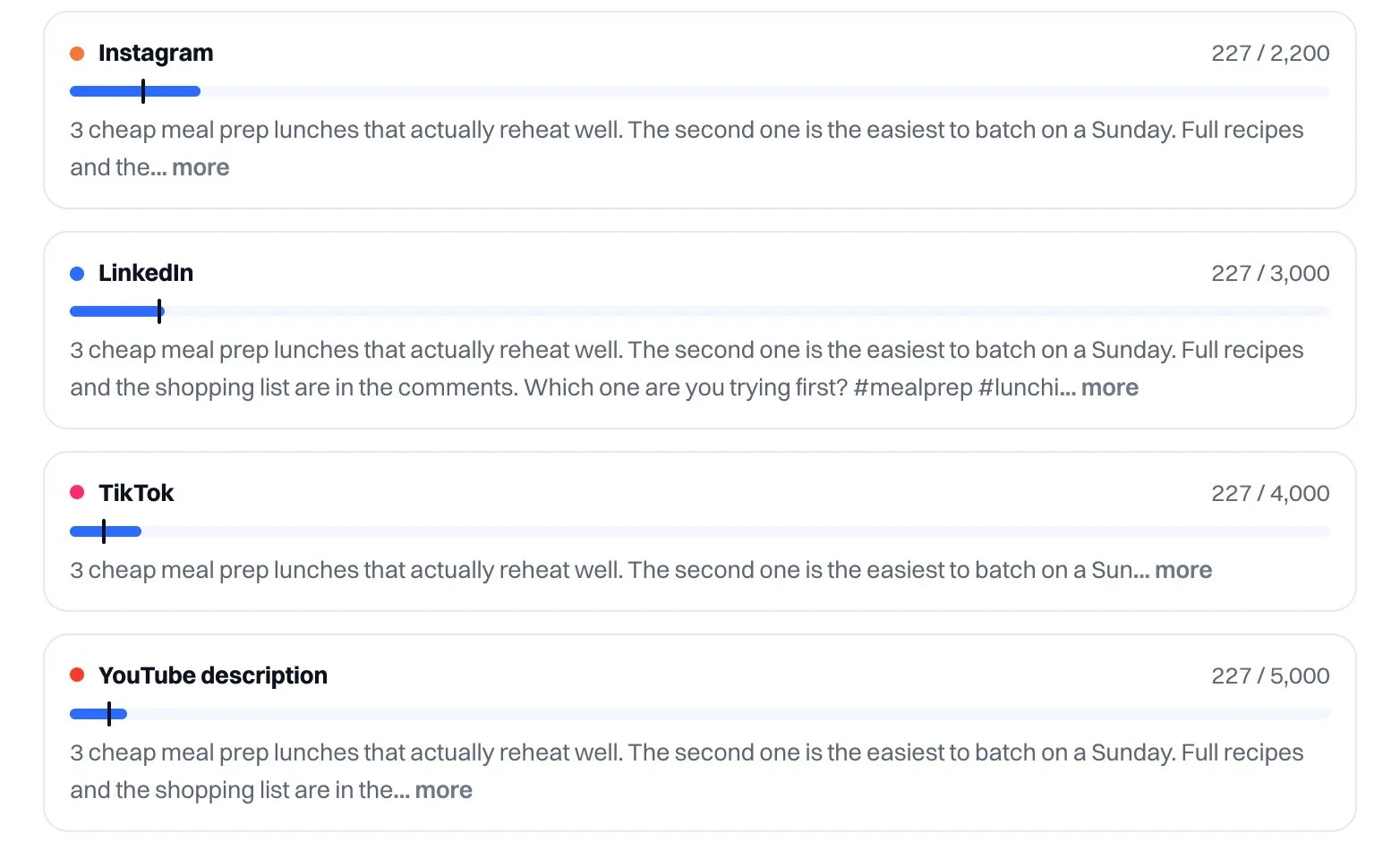
Even a perfectly original video can underperform if it doesn’t fit the app you’re posting it to. The limits don’t line up, so one file rarely fits all three without a trim.
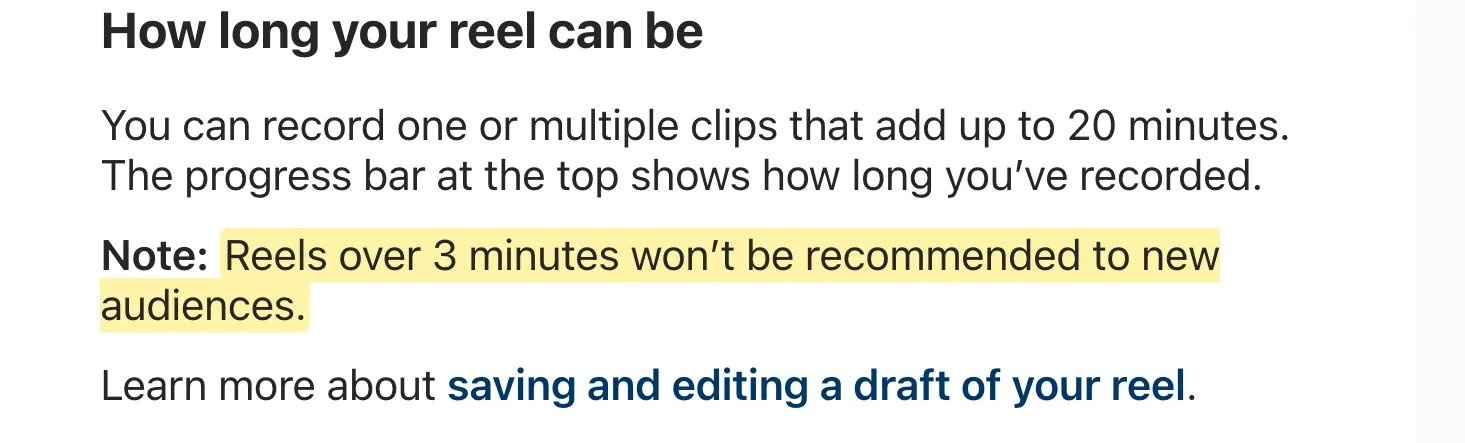
Music is the other trap. A sound that’s fine on TikTok can get a copyright claim on YouTube, and YouTube says a Short longer than one minute with claimed content gets blocked and can’t be monetized. If your video runs longer than a minute, export it without the music and add a track from YouTube’s own library in the Shorts editor, or keep that version under a minute.
Downloading from TikTok bakes in two problems
TikTok’s own download page says it doesn’t support downloading videos without a watermark. A saved TikTok also carries whatever sound you added in the app, and there’s no guarantee you can use that sound on other apps. Both can cost you on Instagram and YouTube, so always cross-post from your original export.
This is the routine we’d suggest for posting one video to all three apps. It isn’t the only way, but every step maps to one of the rules above.
Cross-posting saves time, but a straight copy isn’t always the best use of a good idea.
Sometimes the better move is one idea, told natively on each app. Our Cross-post Remixer turns one idea into a TikTok shot list, an Instagram carousel, a YouTube outline and more, if you’d rather adapt than copy. And if your source is a long video, podcast or stream, the AI Video Clipper cuts it into captioned 9:16 clips you can post to all three.
If you’re still choosing where to put most of your energy, our guides to YouTube Shorts vs TikTok and Reels vs Shorts compare the platforms directly.
Instagram’s rules don’t say that. Its help center defines original content as content created by the account that posts it, so your own video counts as original. What Instagram says it’s less likely to recommend is content with noticeable watermarks and reposts of Reels already on Instagram, so upload a clean file and post it once.
Yes, if they’re your own videos. YouTube’s monetization rules are aimed at reuploading other creators’ content and borrowed content you didn’t change significantly. Watch the length and music: Shorts can be up to 3 minutes, and a Short over one minute with a Content ID claim is blocked.
The simplest way is not to add it. Save the finished video from your editing app and upload that file everywhere, instead of downloading it back out of TikTok after you post.
None of the platforms’ rules require a gap between apps. Pick a schedule you can keep. If you want to post when each audience is most active, our free Best Time to Post calculator gives niche-adjusted times for each app.
Not if the video is yours. TikTok’s rewards program requires original content over 1 minute long. Unoriginal content, including videos with someone else’s watermark, is ineligible. Posting your own video on Instagram or YouTube as well isn’t one of TikTok’s listed reasons for ineligibility.
Rules like these change often. When they do, we update our timeline of creator platform changes, and Cowral helps you write and plan what you post on each app, with reminders when it’s time to post.

Olu Sam is an SEO expert and social media content creator who built over 50K followers across his social media pages in less than a year of creating content.
LinkedIn ProfileHow we research and fact-check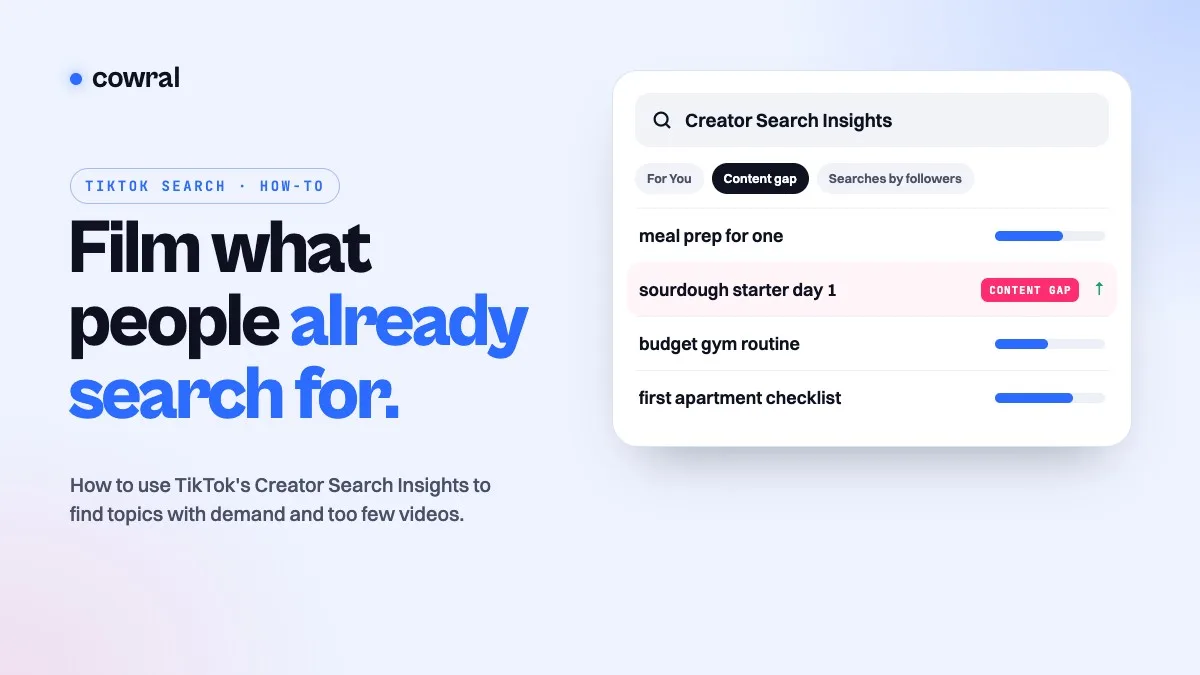 TikTokTikTok Creator Search Insights: how to find what people search for and turn it into videosCreator Search Insights is TikTok's own tool for seeing what people search for, including topics that don't have many videos yet.
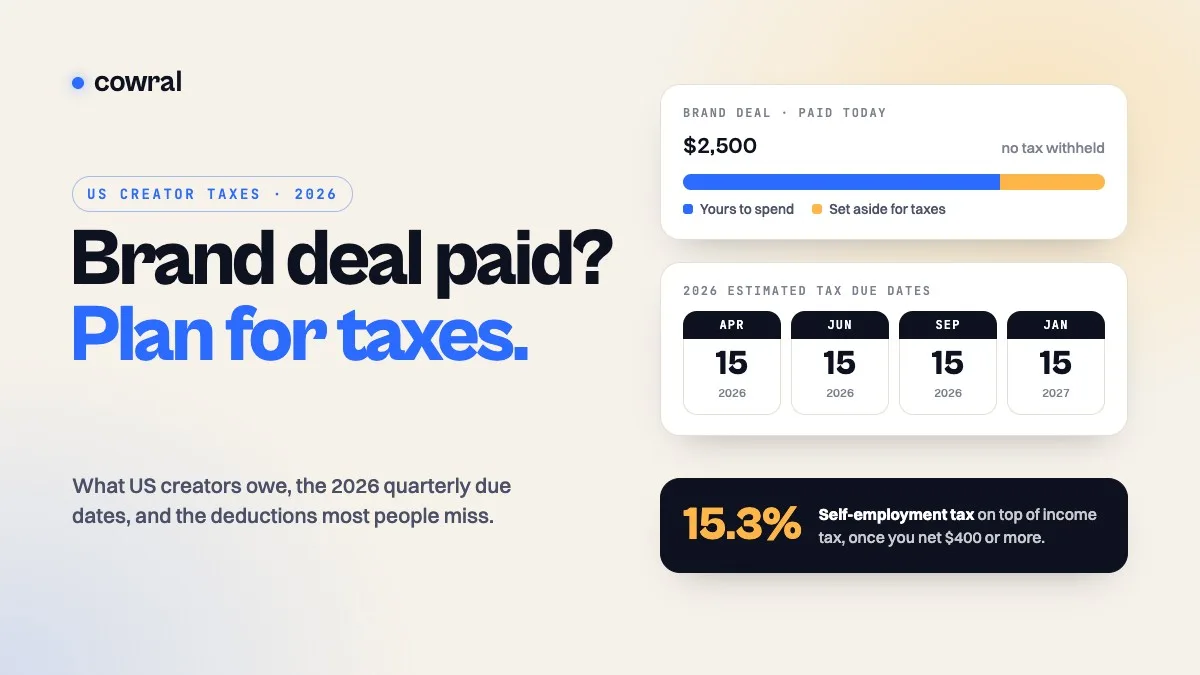 MonetizationTaxes for content creators in 2026: what US creators owe, when to pay, and what you can deductBrand deals, ad revenue, affiliate commissions and free products are all taxable. Here's how self-employment tax works, the 2026 quarterly...
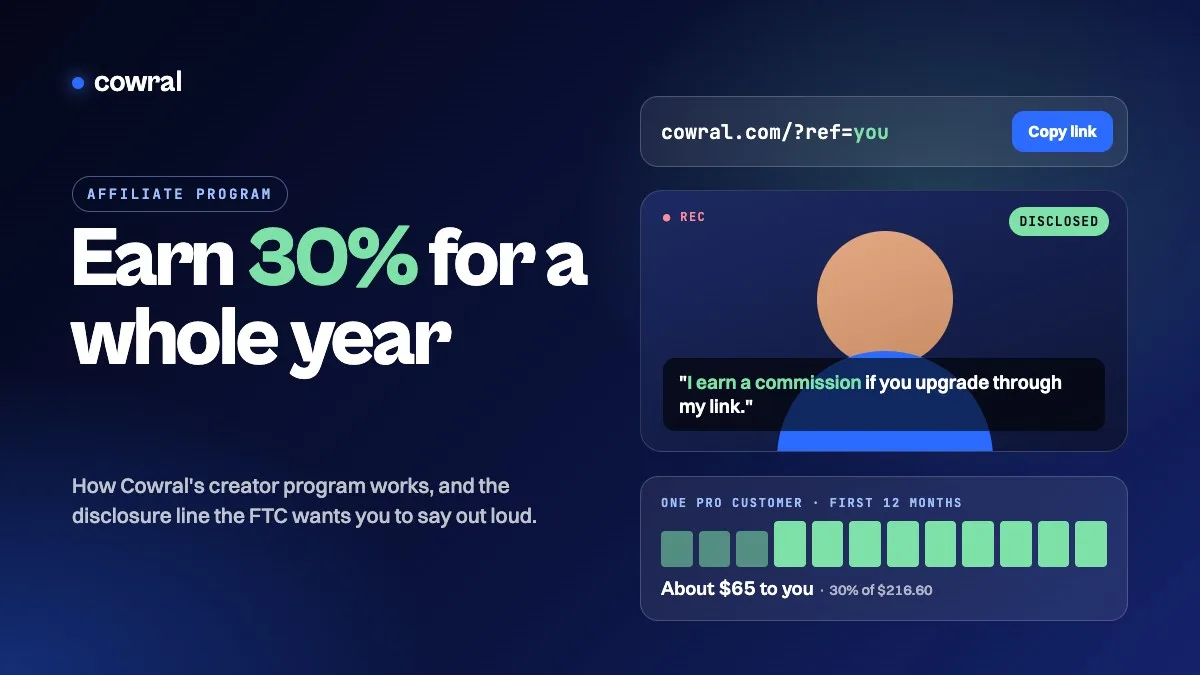 MonetizationCowral's affiliate program: earn 30% for a year, and how to disclose your link the way the FTC wantsCowral now pays creators 30% of every payment for a referred customer's first 12 months, and your audience gets 20% off.