Content creation
⟳Cross-post Remixer✂AI Clipper✦Hook Generator¶Caption Fit Checker✧AI Script Writerin app11 free tools. Zero signups. Your files never leave your browser.Open the Viral Lab →
Instagram now lets people see and edit the topics behind their recommendations with Your Algorithm.
Key takeaways
Search “Instagram Reels tips 2026” and you’ll get the same recycled list you got in 2023. Post consistently. Use trending audio. Hook in three seconds. Engage with your audience.
None of it is wrong exactly. But it skips one of the biggest changes Instagram has made to Reels in years: people can now see, and edit, the topics their recommendations are built on.
Instagram introduced that control in December 2025, extended it to Explore in April 2026, and brought it to Feed, Reels and Explore globally in English in June 2026. Add Instagram’s long-running push for original content and a testing feature many creators haven’t tried, and a strategy built for 2024 can leave reach on the table.
This playbook sticks to what Instagram itself has published, links to each source, and is clear about where Instagram’s statements end and our advice begins.
Start with the big one, because most of this playbook builds on it.
On December 10, 2025, Instagram announced Your Algorithm, a new way to “see and control the topics driving your Reels recommendations.” It launched in the US first and was set to roll out globally in English. On April 15, 2026 it expanded to Explore, and on June 10, 2026 Instagram said it was live “across all of Instagram, including Feed, Reels, and Explore,” globally in English.
Here’s what people can do with it, according to Instagram:
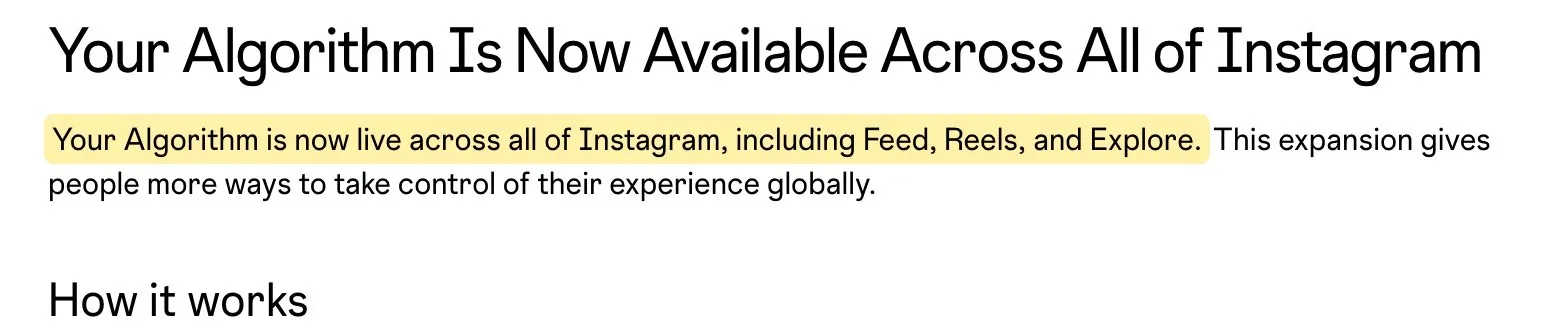
Read that from the creator’s side. Your future viewers can now tell Instagram in plain words what they want more of, and in Feed, Instagram labels some recommendations with the interest they came from.
Instagram hasn’t published how it decides which topic a reel belongs to, so there’s no official rule that says “post about one thing.” Our read, and it’s advice rather than an Instagram rule: the easier it is to tell what your content is about, the easier it is to match it to someone who asked for that topic. An account that posts a workout on Monday, a recipe on Wednesday and a vlog on Friday gives the system mixed signals. An account that’s clearly about home workouts gives it one.
Words matter here too. In its tips for improving your reach, Instagram tells creators that followers and non-followers can find them through Search, and to include relevant keywords “in your content, your caption, your bio and your hashtags.” Hashtags still work; they’re just one place among several to say what your post is about.
Followers still count, but Instagram says it distributes reels to non-followers “based on its engagement, not just the creator’s follower count,” and notes that in Reels, “the majority of what you see is from accounts you don’t follow.” So topic clarity is how a stranger finds you.
If you’re not sure what your account reads as from the outside, Cowral can help there: it spots what’s rising in your niche and drafts hooks for it.
Here’s where a lot of 2026 Reels advice gets more confident than the evidence.
You’ll see claims that DM shares are weighted “several times” more than likes. Instagram hasn’t published signal weights, so treat any multiplier as a guess. What Instagram has said is still useful:
So it’s worth tracking shares in your insights next to watch time and likes.
Think about why a send matters. A like takes half a second. A DM share means someone stopped to say “you need to see this” to a specific person. That’s a strong sign the content is useful or relatable to a certain kind of viewer.
The practical shift: stop asking only “will people like this” and also ask “who would send this to whom.” Instagram itself suggests “relatable, shareable ideas.” In our experience as viewers, the posts people pass along are usually relatable takes, useful checklists, surprising facts and tag-someone-who-needs-this moments. Polished montages can still do well, but they’re more likely to get a quiet like than a send.
If like counts distract you or your viewers, you can hide like and view counts on your own posts. That’s a personal choice, not a ranking tactic.
The three-second hook still matters. Instagram’s own advice is to “start with a compelling hook in the first three seconds” and to check your view rate in insights, which shows the share of people who keep watching after those first three seconds. The hook buys you the audition. The share is what wins the part. If hooks are where you get stuck, our free Hook Generator writes options per platform, because a Reels hook and a TikTok hook aren’t the same thing.
For years, “post original content” was a nice-to-have that aggregator accounts ignored profitably. Instagram has spent the last few years putting rules behind it.
Its original content guidelines say content is original “when it is created by the same account that posts it,” and that original content may see “increased reach and distribution compared to content that may be flagged as unoriginal.” Content is unoriginal, Instagram says, “when it is re-shared without a material edit, or if the account that posted it had no role in creating it.”
Instagram also lists edits that don’t count, such as purely descriptive captions or reactions, same-language subtitles, borders, added logos or watermarks, and stickers. And it’s blunt that “simply stitching together clips or adding a watermark does not qualify as materially edited content.”
What does count is adding something new: you on screen adding commentary, narration that adds information, or a compilation with real details added, like a top 10 list with prices.
On reach, Instagram says it’s less likely to recommend “reposts of a reel that’s already on Instagram, content with noticeable watermarks or accounts that regularly collect and reshare others’ content on their feed.” Its ranking explainer adds low-resolution, muted and bordered reels, and reels that are mostly text, to the list it aims to show less.
There’s an upside for original creators too. If Instagram spots a copy of your work on another account, it can add an “Original by” label to the copy that links back to you.
Meta has published results from the same push on Facebook: it says “both views and time spent watching original Reels on Facebook approximately doubled in the second half of 2025, compared with the same period in 2024.” That’s Facebook, not Instagram, but it shows which way Meta is leaning.
You may also read about exact thresholds, like a 70% match limit, 24-hour to 30-day penalties, or a set number of reposts that gets an account cut off. Instagram hasn’t published numbers like these, so we don’t plan around them.
What this means for your workflow:
For solo creators making their own stuff, this is good news. The rules are written to send credit and reach back to the person who made the thing.
Trial Reels are one of the most useful tools on the platform for testing ideas, and they’re easy to miss in the posting flow.
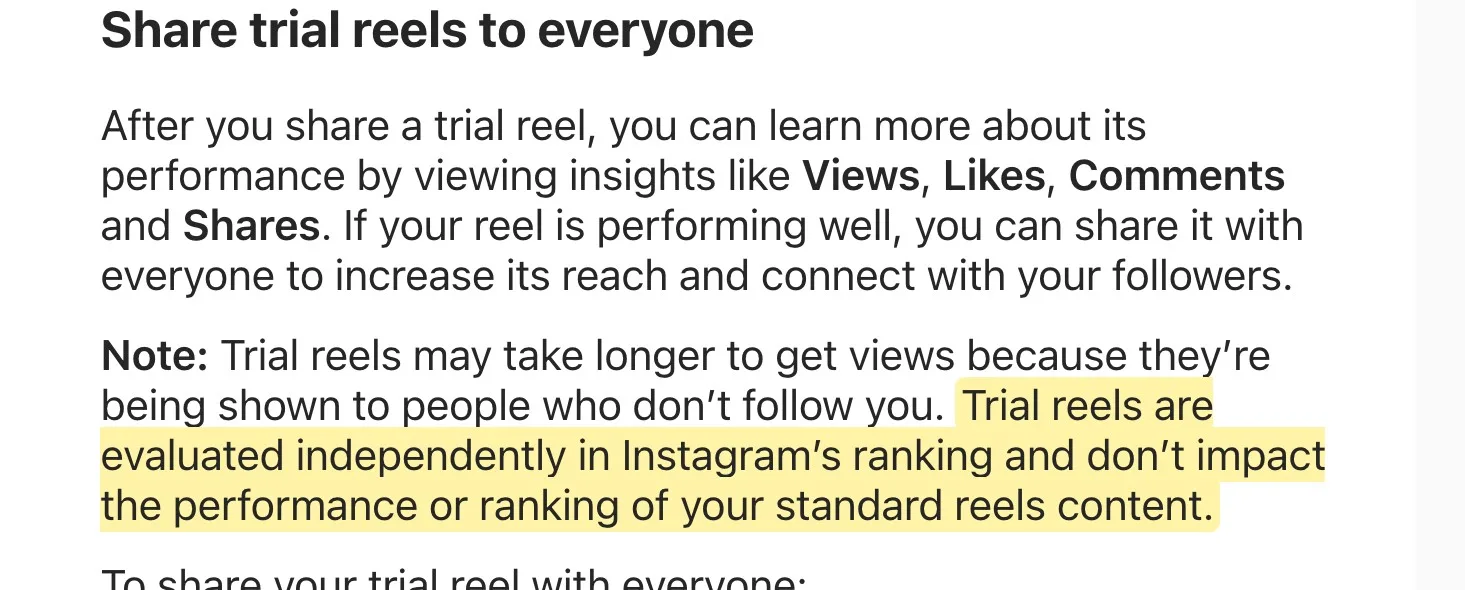
According to Instagram’s Help Center, a trial reel is shown to accounts that don’t follow you. It stays out of your followers’ Feed and Reels tab, and it won’t appear on your profile unless you share it to everyone. A few followers may still come across it, for example if someone sends it to them in a DM or it shows up on an audio page.
The part that matters most: Instagram says trial reels “are evaluated independently in Instagram’s ranking and don’t impact the performance or ranking of your standard reels content.” So a trial that flops doesn’t hurt your regular reels.
A few details worth knowing:
That unlocks real testing. You can try a new hook style, topic or format on people who don’t know you, then decide whether your followers should see it.
The playbook use for it: test adjacent topics before you commit. Say your account is clearly about home workouts and you’re wondering whether meal prep would land. Post it as a trial, see how strangers respond, and only then decide whether it belongs on your main grid. Instagram’s own pitch for the feature mentions creators who feel nervous about trying content outside their niche.
A few format facts, straight from Instagram.
Long reels are allowed, but not for discovery. Instagram’s Help Center says a reel can be as long as 20 minutes, and notes that “reels over 3 minutes won’t be recommended to new audiences.” So if your goal is reaching new people, keep it at 3 minutes or less, and make it as long as it can hold attention within that.
Carousels still have a job. Instagram hasn’t published a reach or engagement comparison between reels and carousels, so be careful with the percentages that circulate. What it does say is that Feed mixes videos, photos and carousels, and that adding audio to photo and carousel posts can help them be shown to more people. Our take: reels are your best shot at strangers, because Instagram says the majority of reels people see come from accounts they don’t already follow. Carousels are a good way to give the people you’ve already won something to save and come back to.
Different surfaces, different judges. Instagram says it doesn’t have one algorithm: Feed, Stories, Explore, Reels and Search each use “its own algorithm tailored to how people use it.” A reel that flops in one place doesn’t tell you much about how a carousel will do in Feed.
Pull it together and the 2026 Reels playbook isn’t a list of tricks. It’s one strategic commitment with tactics hanging off it. Instagram didn’t write these steps; they’re our recommendations built on what it has published.
Step 1: Pick a topic a person could type. Not a vibe, a phrase. “Budget solo travel.” “Small apartment cooking.” “Freelance design business.” Ask yourself whether someone might type that exact phrase into Your Algorithm. If your topic is too fuzzy to pass that test, everything downstream gets harder.
Step 2: Say the topic in words. In your caption, your on-screen text, your bio and out loud in the video. Instagram tells creators to use relevant keywords to get found in Search. It feels repetitive from the inside. From the outside, it’s clarity.
Step 3: Build every reel to be sent, not just liked. Before filming, name the person your ideal viewer would DM this to. If you can’t picture the send, rework the idea.
Step 4: Hook in three seconds, then earn the full watch. Instagram points creators to view rate after the first three seconds, and watch time and retention are on its list of signals. Use a text overlay, a direct-to-camera claim or a visual change in the opening frame, then give people a reason to stay.
Step 5: Test expansions with Trial Reels. New topic, new format, new tone: run it past strangers first. Trials are ranked separately, so a miss won’t hurt your standard reels.
Step 6: Make it original. Film it, edit it and voice it yourself where you can. Cross-posting your own videos is fine; just export a clean, watermark-free file and keep reels you want recommended to 3 minutes or less.
Step 7: Run carousels alongside reels, on purpose. Reels reach strangers. Carousels give your followers something to save and share.
The through-line is niche fluency. Not “find your niche” as a motivational poster, but the working version: knowing what topic phrase you own, what’s rising inside it this week, and which nearby topics you could take next. That’s a research job, and it’s a big part of what Cowral does: it spots what’s rising in your niche and drafts hooks in its language. There’s a free plan, no card needed.
With or without tools, the read is the same. Instagram now lets viewers tell it, in their own words, what they want more of. Be the account that clearly fits one of those words.
The biggest visible change is Your Algorithm. Instagram launched it for Reels in the US in December 2025, extended it to Explore in April 2026, and in June 2026 made it available in Feed, Reels and Explore for English speakers worldwide. People can see the topics shaping their recommendations and type in topics they want more or less of. Instagram also keeps pushing original content: it’s less likely to recommend reposts, watermarked content and accounts that mostly reshare others’ work.
Yes, as one way of saying what a post is about. If your account is public, posts with a hashtag show up on that hashtag’s page, and Instagram tells creators to put relevant keywords in their content, caption, bio and hashtags so people can find them in Search. Instagram’s hashtag help page currently says you can use up to 5 tags on a post. Don’t rely on hashtags alone; say your topic in the caption, on screen and out loud too.
Reels can be up to 20 minutes, but Instagram says it won’t recommend reels longer than 3 minutes to new audiences. If you want to reach people who don’t follow you yet, keep it at 3 minutes or less. Within that, make it as long as it holds attention: a tight 20-second reel usually beats a padded 90-second one.
Trial Reels are shown to people who don’t follow you first, so you can test a hook, topic or format before your followers see it. Instagram says they’re ranked separately and don’t affect your standard reels. Your account has to be public with at least 200 followers (professional) or 1,000 (personal). They’re well worth using for testing new topics.
Instagram doesn’t give a single reason, but its own guidance points to a few common causes: reels over 3 minutes (not recommended to new audiences), reposting a reel that’s already on Instagram, visible watermarks, borders or low resolution, and content that breaks its Recommendation Guidelines. Check Account Status in your settings to see if your account or content is ineligible for recommendations. It’s also worth checking whether it’s clear what your content is about.
They do different jobs. Instagram hasn’t published a head-to-head comparison, so be wary of exact percentages you see online. Reels are built for discovery, since Instagram says most reels people watch come from accounts they don’t follow. Carousels are useful for content people want to save and come back to. Running both makes sense for most accounts.

Olu Sam is an SEO expert and social media content creator who built over 50K followers across his social media pages in less than a year of creating content.
LinkedIn ProfileHow we research and fact-check TikTokTikTok Creator Search Insights: how to find what people search for and turn it into videosCreator Search Insights is TikTok's own tool for seeing what people search for, including topics that don't have many videos yet.
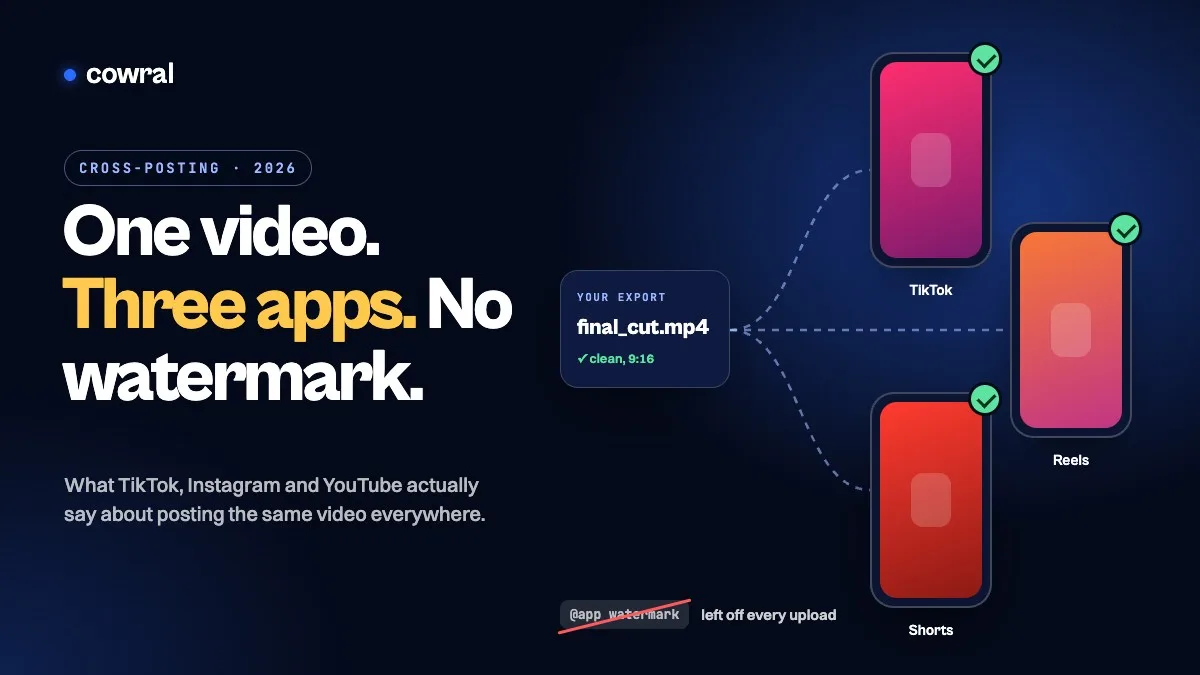 TikTokHow to cross-post to TikTok, Reels and Shorts in 2026 without getting held backPosting your own video on TikTok, Instagram and YouTube is allowed on all three. What gets held back is watermarks, other people's content...
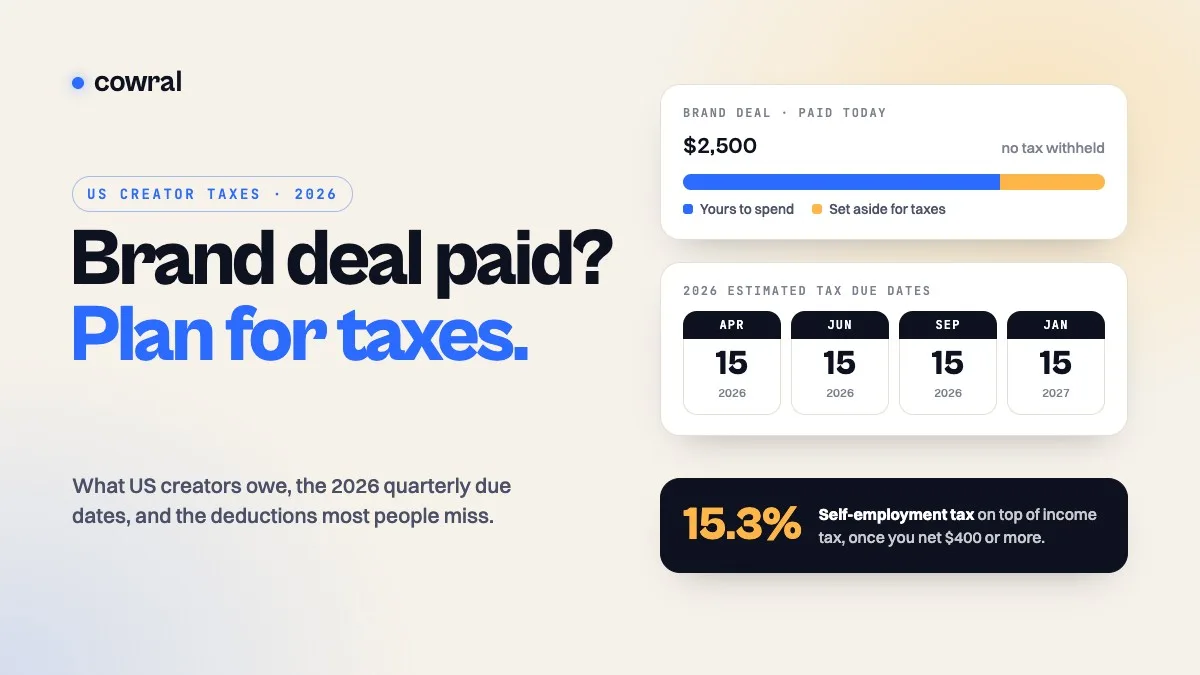 MonetizationTaxes for content creators in 2026: what US creators owe, when to pay, and what you can deductBrand deals, ad revenue, affiliate commissions and free products are all taxable. Here's how self-employment tax works, the 2026 quarterly...