Content creation
⟳Cross-post Remixer✂AI Clipper✦Hook Generator¶Caption Fit Checker✧AI Script Writerin app11 free tools. Zero signups. Your files never leave your browser.Open the Viral Lab →
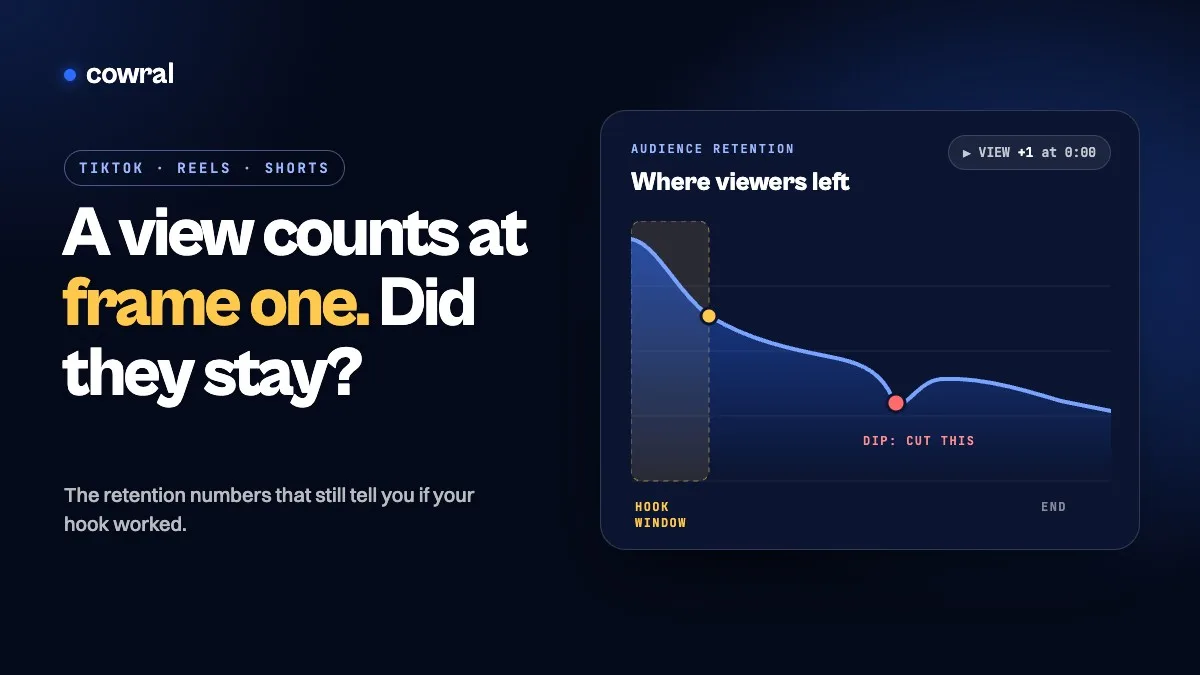
Since August 24, 2026, YouTube counts a view the moment any video starts to play. Here's which retention numbers on YouTube, TikTok and Instagram still tell you whether people actually stayed, what each one means...
Key takeaways
If your YouTube views jumped this fall and nothing else did, you’re not imagining it.
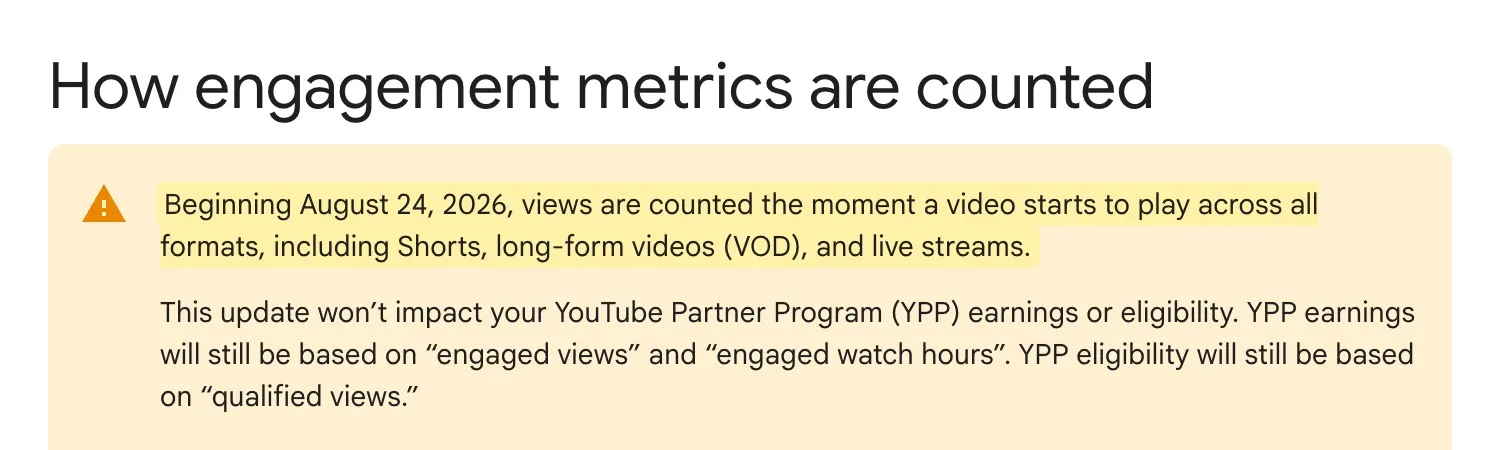
Since August 24, 2026, YouTube counts a view “the moment a video starts to play across all formats,” according to its Help Center. Shorts had already counted views this way since March 2025. Now long videos and live streams do too, with no minimum watch time, so a viewer who scrolls past after a second can still count as a view.
That makes the big number on your video a lot less useful as a report card. It tells you how many times a video started. It doesn’t tell you whether your opening did its job.
The good news: every major platform still shows you that, if you know which number to open. Here’s where to find it on YouTube, TikTok and Instagram, what each platform says it measures, and how to read it without fooling yourself.
YouTube made this change in two steps.
Shorts went first. Starting March 31, 2025, YouTube began counting Shorts views as “the number of times a Short starts to play or replay, with no minimum watch time requirement.” It kept the old Shorts view count in YouTube Analytics under a new name: “Engaged views.”
Long videos and live streams followed on August 24, 2026. YouTube’s help page says the update doesn’t change Partner Program earnings or eligibility. Earnings are still based on “engaged views” and “engaged watch hours,” and eligibility on “qualified views.”
So if you’re a monetized creator, the public view count isn’t what pays you. For Shorts, YouTube’s monetization policies say the Creator Pool is shared out based on each creator’s engaged views. The view count on the watch page is now mostly a measure of how often your video got a chance.
YouTube defines the two numbers that matter in its Content tab guide:
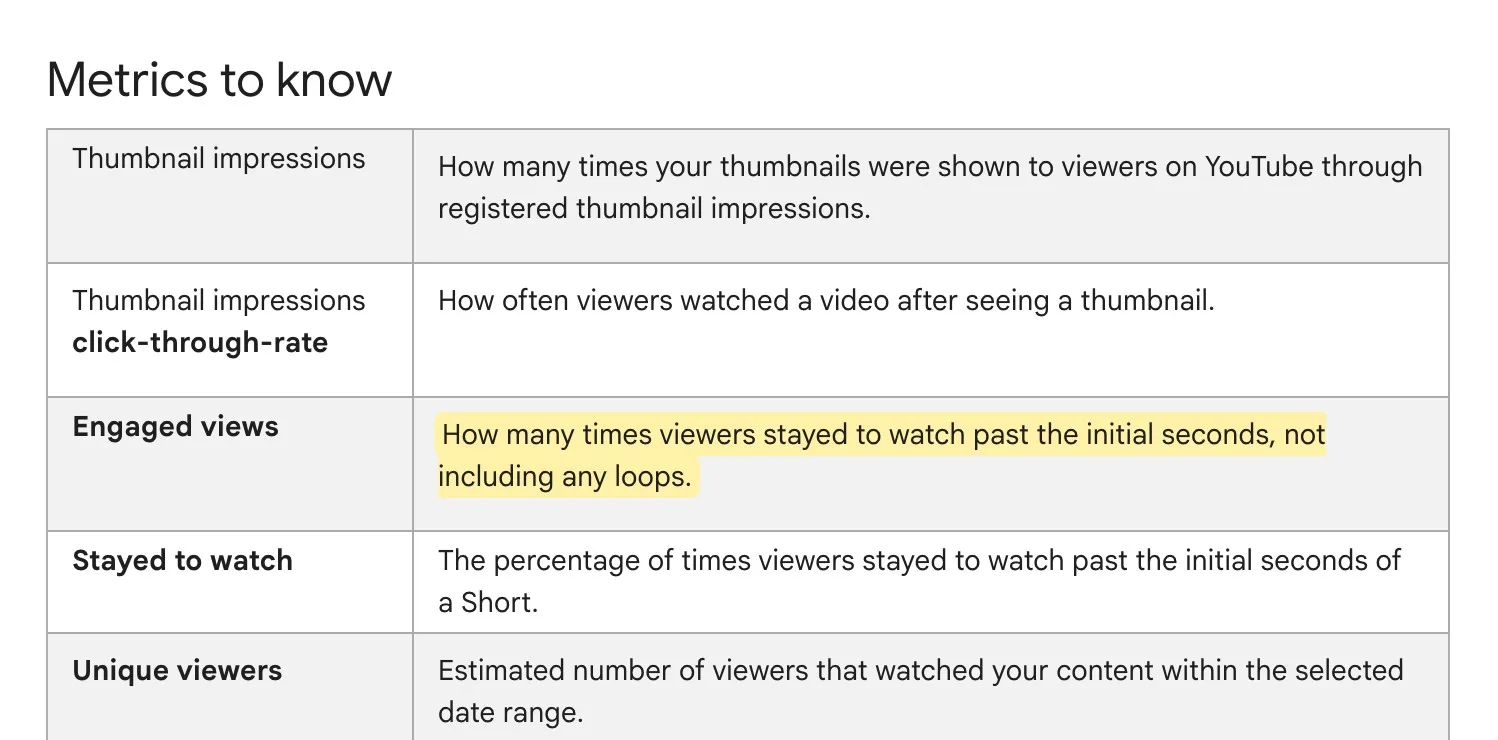
YouTube doesn’t say exactly how many seconds “the initial seconds” means, so don’t build a strategy around a specific cutoff you read online. Treat Stayed to watch as your hook score: of the times your Short came up, how often did people decide to keep watching?
Two more details are easy to miss. YouTube says average view duration and average percentage viewed are now “calculated from engaged views and their corresponding watch time,” meaning they’re averages among the people who stayed. A strong average view duration with a weak Stayed to watch tells you the video was good once people got into it, but the opening lost most of them. Fix the first seconds, not the middle.
For long videos, the audience retention report is still your best tool. In YouTube Studio, go to Content, choose a video, select Analytics, and look for Audience retention on the Overview or Engagement tab. YouTube explains the shapes this way:
YouTube also highlights “key moments” such as your intro, but only when a video is at least 60 seconds long and has at least 100 views. Retention data usually takes one to two days to process, so a brand-new upload won’t tell you much yet. “Typical retention” compares a video with your 10 latest videos of similar length, which is a fairer benchmark than any industry average.
TikTok’s analytics live in TikTok Studio. In the app, TikTok’s Creator Academy says to open TikTok Studio from the menu on your profile, then open Analytics and tap “View all.” On the web, it’s the Analytics tab in TikTok Studio. From the Content tab, tap a video to see its retention rate, traffic sources and viewer information.
TikTok names three metrics to watch for each video:
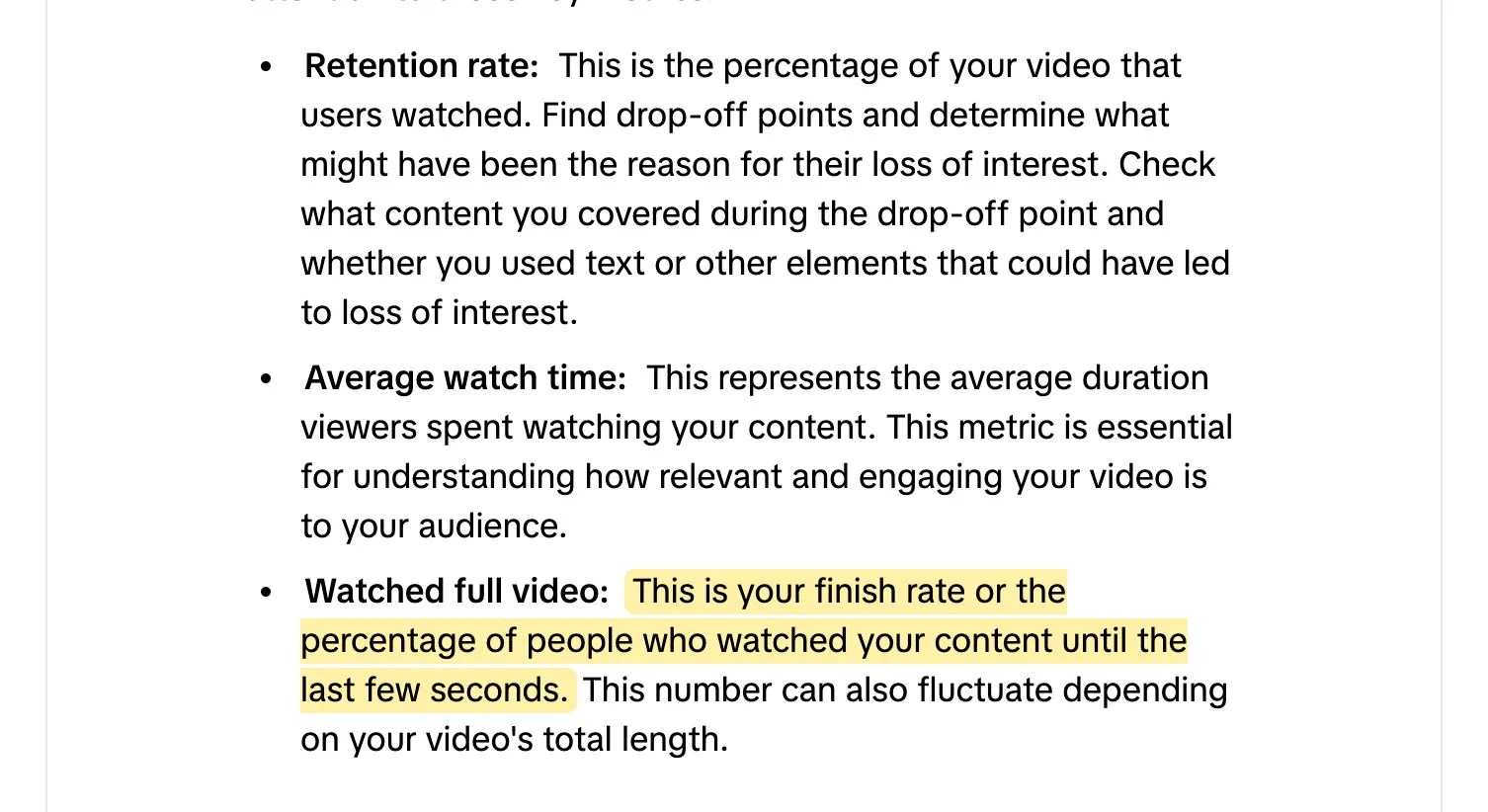
TikTok adds a warning worth taking seriously: the finish rate “can also fluctuate depending on your video’s total length.” A 12-second video and a 3-minute video will almost never have comparable finish rates. If you make both, judge each against videos of a similar length.
TikTok’s per-video page also lets you see moments like when most people liked your video. Read the drop-off points next to your script and edit. A drop right after a slow intro line, a cut to a static shot, or a wall of on-screen text is usually a clue.
Instagram counts reel views in a similar way. Its Help Center defines a reel’s views as “the number of times your reel starts to play or replay.” Like YouTube’s new view count, that includes people who scrolled away quickly, and it includes replays.
The reel insights Instagram lists are views, watch time, viewers, average watch time and follows. Two of them help most:
For the hook, Instagram’s own advice comes from its creators blog: “Start with a compelling hook in the first three seconds,” and check your view rate in insights to see what percentage of people keep watching after those first three seconds. Instagram also says its Reels signals include watch time and retention, and that a new reel is first shown to a small group of non-followers, then to wider groups if it does well. Our read: if that first small group scrolls past, there’s less to build on, which is why the hook number is worth watching.
Insights for reels need a public account, and Instagram keeps them for up to two years after a reel is published.
The platforms define each metric. How you use them is up to you. Here’s a simple way to read them, which is our advice rather than any platform’s rule.
Diagnose in this order
Then match the problem to the fix:
A few traps to avoid:
Don’t compare across apps. TikTok’s retention rate, Instagram’s average watch time and YouTube’s Stayed to watch measure different things. A number that looks low on one platform can’t be compared with one that looks high on another.
Don’t compare short with long. TikTok says outright that finish rate moves with length. YouTube’s typical retention already compares a video with your recent ones of similar length. Do the same in your head on every platform.
Don’t judge too early. YouTube says metrics can take time to appear in the first few hours, and retention data takes one to two days. Instagram shows a new reel to a small group first. Give a video a couple of days before you call it.
Don’t chase loops. On YouTube Shorts, engaged views don’t include loops, and on Instagram, replays add to watch time but not to the initial views that average watch time is divided by. Rewatching can help your watch time numbers, but it can’t make up for an opening that lost people.
You don’t need a dashboard habit. Once a week:
That’s it. One change per week, based on where people actually left, beats rewriting your whole strategy every time a view count moves. And now that a view counts the moment a video starts, the view count moves for a lot of reasons that have nothing to do with how good your video was.
If you post at times when few of your viewers are online, even a great hook gets fewer chances. Our Best Time to Post tool can help you pick posting windows, and Cowral can plan your week and remind you when it’s time to post.
One likely reason is a change in how YouTube counts views. Since August 24, 2026, YouTube counts a view the moment a video starts to play, for long videos and live streams as well as Shorts. A viewer who leaves after a second now counts. YouTube says the change doesn’t affect Partner Program earnings or eligibility, which still use engaged and qualified views.
YouTube defines engaged views as “how many times viewers stayed to watch past the initial seconds, not including any loops.” It’s the old, stricter way of counting views, kept in YouTube Analytics. For Shorts, YouTube shares out Creator Pool revenue based on engaged views.
None of the three platforms publishes a “good” number, and the figures you’ll see online aren’t official. Retention depends heavily on length and topic, and TikTok says the finish rate changes with video length. The most useful benchmark is your own: compare each video with your recent videos of similar length on the same platform. YouTube’s “typical retention” does that for you on long videos.
Open TikTok Studio from your profile menu, go to Analytics, then the Content tab, and tap a video. TikTok shows its retention rate, average watch time and watched full video percentage there, along with traffic sources and viewer information.
Not under that name. The Instagram Help Center pages on insights don’t list a metric called skip rate. Its creators blog tells creators to check view rate in insights, which shows the percentage of people who keep watching after the first three seconds. Reel insights also show views, watch time, viewers, average watch time and follows.

Olu Sam is an SEO expert and social media content creator who built over 50K followers across his social media pages in less than a year of creating content.
LinkedIn ProfileHow we research and fact-check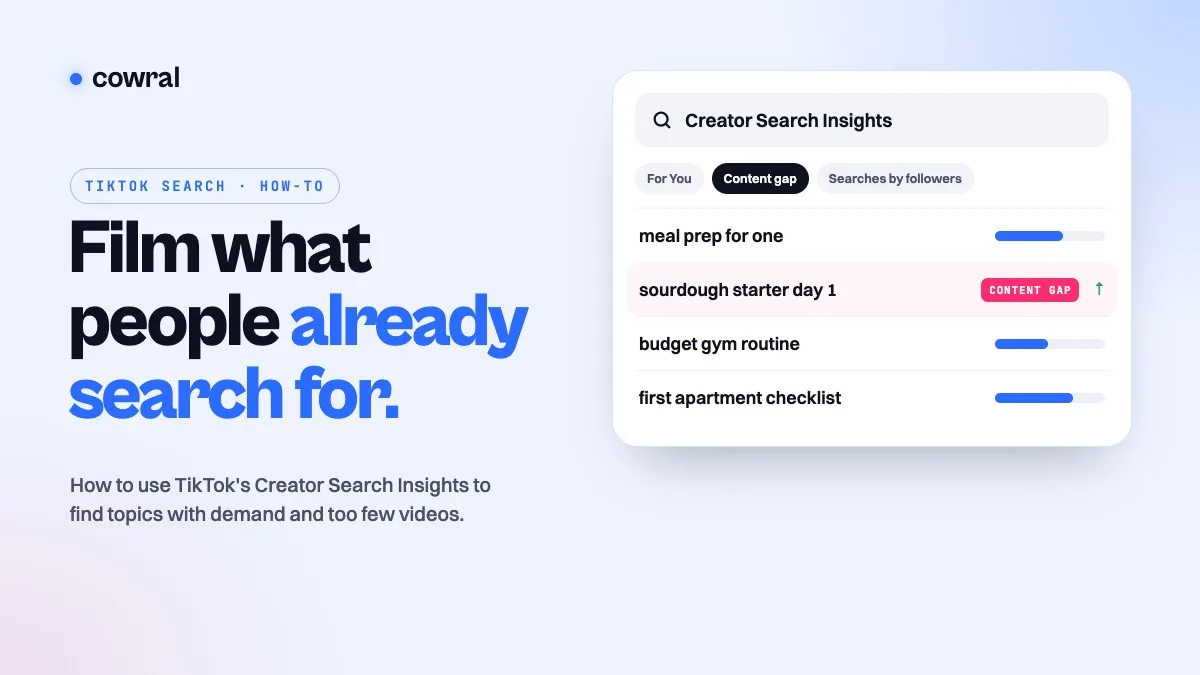 TikTokTikTok Creator Search Insights: how to find what people search for and turn it into videosCreator Search Insights is TikTok's own tool for seeing what people search for, including topics that don't have many videos yet.
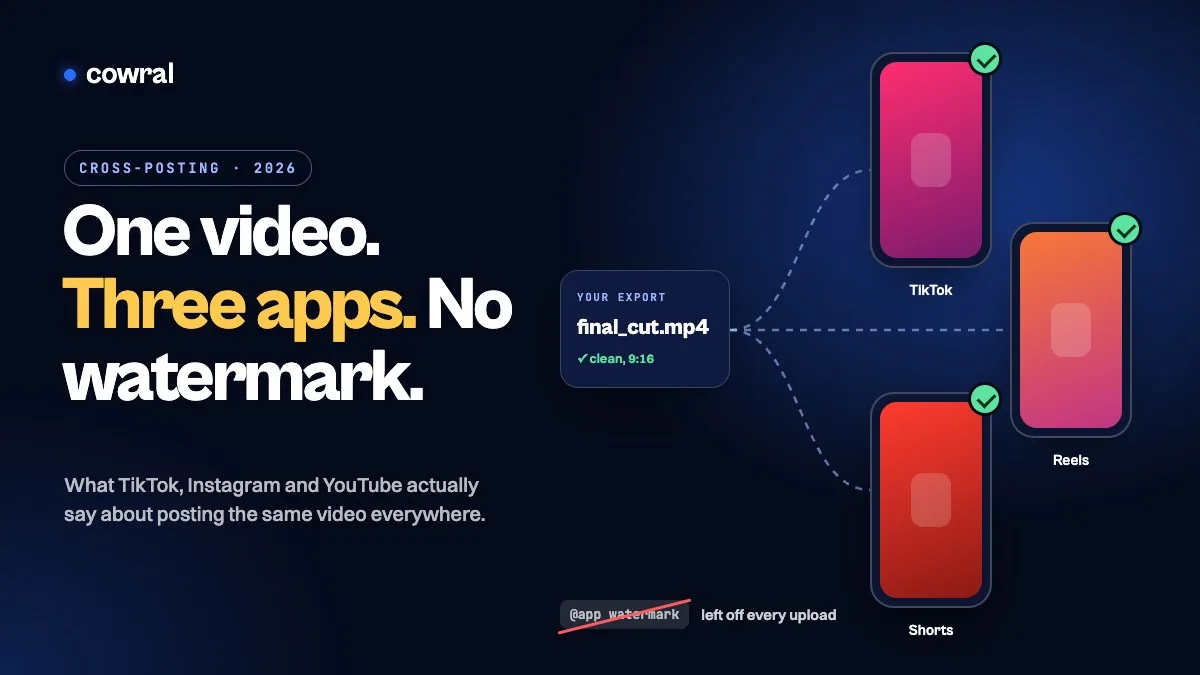 TikTokHow to cross-post to TikTok, Reels and Shorts in 2026 without getting held backPosting your own video on TikTok, Instagram and YouTube is allowed on all three. What gets held back is watermarks, other people's content...
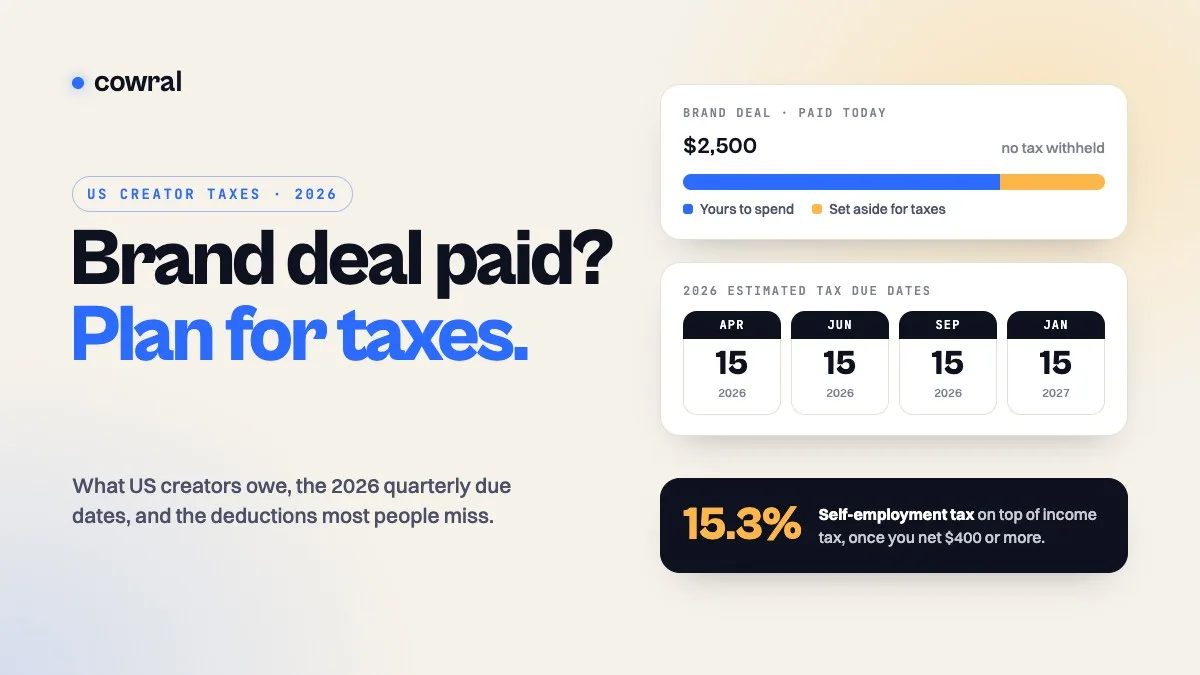 MonetizationTaxes for content creators in 2026: what US creators owe, when to pay, and what you can deductBrand deals, ad revenue, affiliate commissions and free products are all taxable. Here's how self-employment tax works, the 2026 quarterly...