10 free tools. Zero signups. Your files never leave your browser.Open the Viral Lab →
Seven AI prompt patterns for creators, with copy-paste templates for hooks, scripts and captions, and how to stop ChatGPT sounding like everyone else.
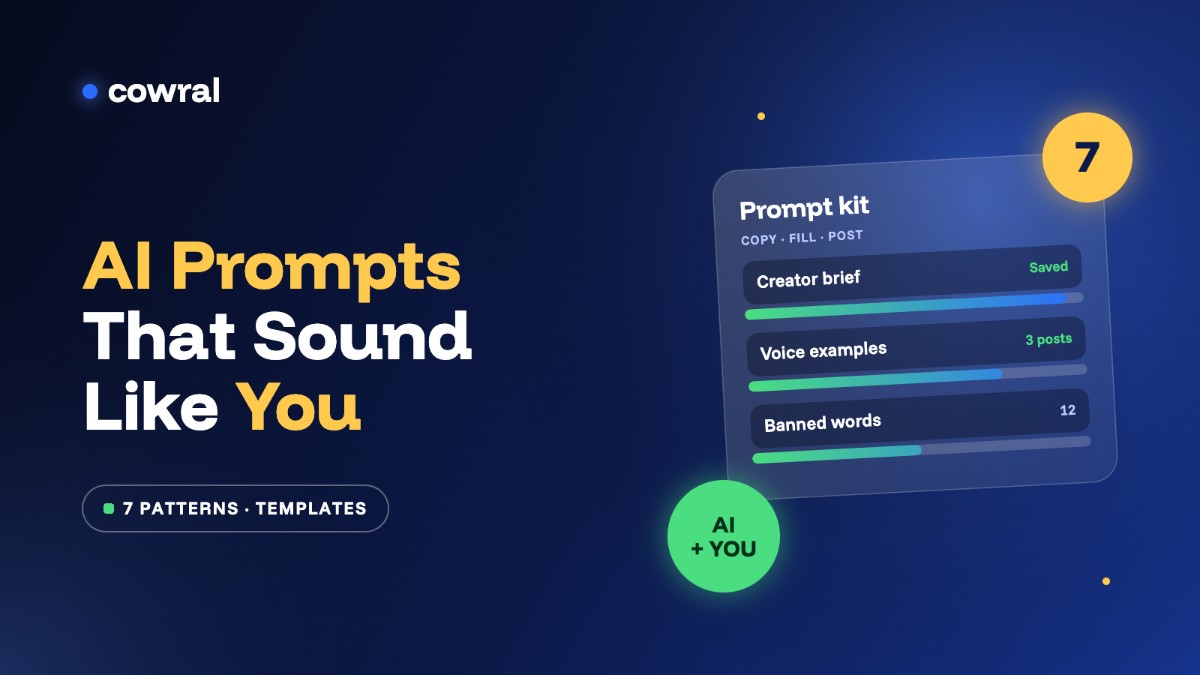
You’ve probably seen the posts: “100 ChatGPT prompts every creator needs.” You save one, paste a few prompts in, and get back captions that could belong to any account in your niche. “Unlock the secret to…” “In today’s fast-paced world…” Nobody stops scrolling for that.
The problem usually isn’t the AI. It’s that a list of prompts has no idea who you are, who you’re talking to, or how you sound. So instead of another list, here are seven prompt patterns: reusable ways of asking that work for hooks, scripts, captions and repurposing. Each one comes with a template you can copy and adapt. They’re built on the same basics that OpenAI, Anthropic and Google all recommend in their own prompting guides: give context, show examples, be specific about the output, and iterate.
Key takeaways
The single biggest upgrade is context. Every official prompting guide says some version of this: tell the model who it’s helping, who the audience is and what a good result looks like (OpenAI’s prompt engineering guide, Anthropic’s prompting overview).
Write this once, save it in your notes app, and paste it at the start of every chat.
Your creator brief (copy and fill in)
I’m a [platform] creator in the [niche] niche. My audience is [who, age, where they live, what they struggle with]. I post [formats, length]. My tone is [3 words, e.g. warm, blunt, a bit funny]. I never [things you’d never say or do]. My goal right now is [e.g. more saves, more follows, selling my template].
A filled-in version might start: “I’m a TikTok creator in personal finance. My audience is Americans aged 22 to 30 in their first full-time job, mostly renting in big cities, who want to save but feel like there’s nothing left after rent and student loans.” That one sentence does more than any clever instruction.
“Write in a casual tone” means something different to everyone. Three real examples of your writing mean one thing. Giving the model examples of what you want is one of the most reliable techniques in all three companies’ guides, and it’s the fastest way to stop AI sounding like AI.
Voice prompt
Here are three captions I wrote that did well: [paste them]. Study the sentence length, the words I use, and how I open and close. Now write a caption for a video about [topic] in the same voice. Don’t copy any phrases from my examples.
Pick posts that genuinely sound like you, not the ones you over-edited. And refresh them every few months, because your voice changes too.
AI is at its best when it’s generating options you’d never have time to write yourself. It’s at its worst when you take the first answer. So ask for volume, then do the choosing.
Options prompt
Using my creator brief, give me 20 different hooks for a video about [topic]. Make them very different from each other: some questions, some bold statements, some with numbers, some that start mid-story. Number them. Keep each under 12 words.
Then pick the two or three you’d actually say out loud, and rewrite them in your own words. When we let AI write every TikTok hook for 30 days with no human editing, completion barely moved, the hooks started to sound alike, and saves only recovered once a person took the pen back.
Vague requests get vague answers. Tell the model exactly what shape you want back: how long, what structure, and which words are off limits. Google’s Gemini prompting guide makes the same point about being specific with constraints and output format.
Script prompt with constraints
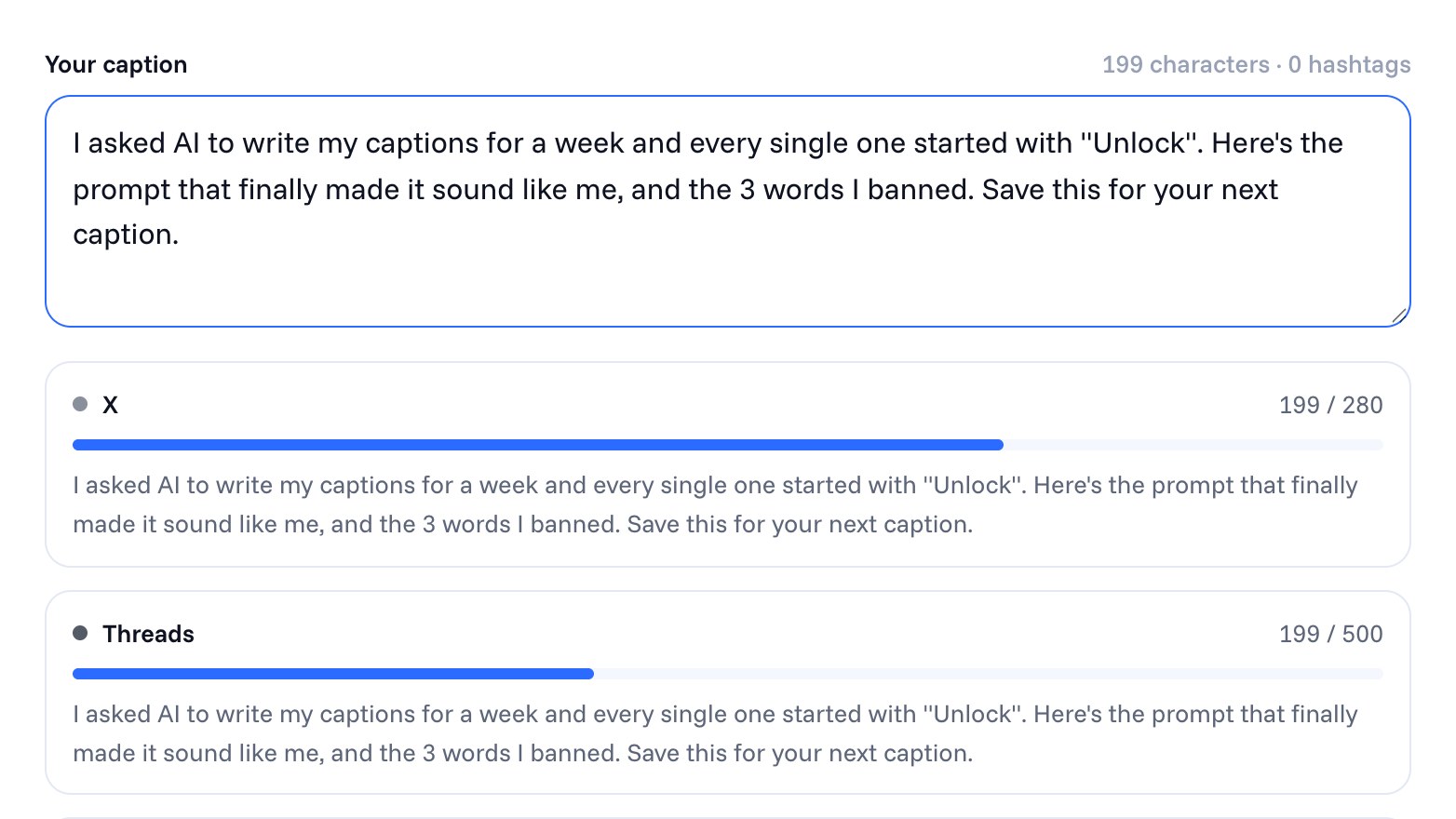
Write a 45-second TikTok script about [topic] for my audience. Structure: hook (under 2 seconds), one problem, three short steps, a payoff line. Write it the way I’d say it out loud, with contractions. Under 120 words. Don’t use: “game-changer”, “unlock”, “dive into”, “in today’s world”, “let’s be honest”, or any emoji.
Your banned list will grow. Every time you spot a phrase that screams “AI wrote this”, add it.
The best content has something only you can say: your story, your mistake, your numbers. AI can’t make that up, and it shouldn’t try. So flip the conversation and have it ask you questions before it writes anything.
Interview prompt
Before you write anything, ask me five questions about my own experience with [topic], one at a time. Wait for my answer each time. Then write a 60-second script that uses my answers, including at least one specific detail I gave you.
This one takes ten minutes longer and is worth it every time. It’s also how you stay on the right side of the platforms: content built on your real experience is the opposite of the mass-produced, repetitive uploads that platforms push back on, which we covered in when not to use AI in your content.
AI is surprisingly good at being the bored, skeptical viewer you need before you film. Ask it to find the weak spots, then fix them yourself.
Critique prompt
Act as someone in my audience scrolling TikTok at 11pm who’s seen this topic a hundred times. Read this script: [paste]. Tell me exactly where you’d scroll away and why. Then point out anything vague, any claim that needs a source, and anything that sounds like it was written by AI. Don’t rewrite it.
The “don’t rewrite it” part matters. If it rewrites, you’ll be tempted to paste the new version, and you’re back to sounding like everyone else. Pair this with the 5-second hook test before you film.
One idea can become a TikTok, a Reel, a YouTube Short, a LinkedIn post and a thread. But each platform wants something slightly different, and “make this into a LinkedIn post” usually produces a cringey motivational essay. Spell out what’s different.
Repurpose prompt
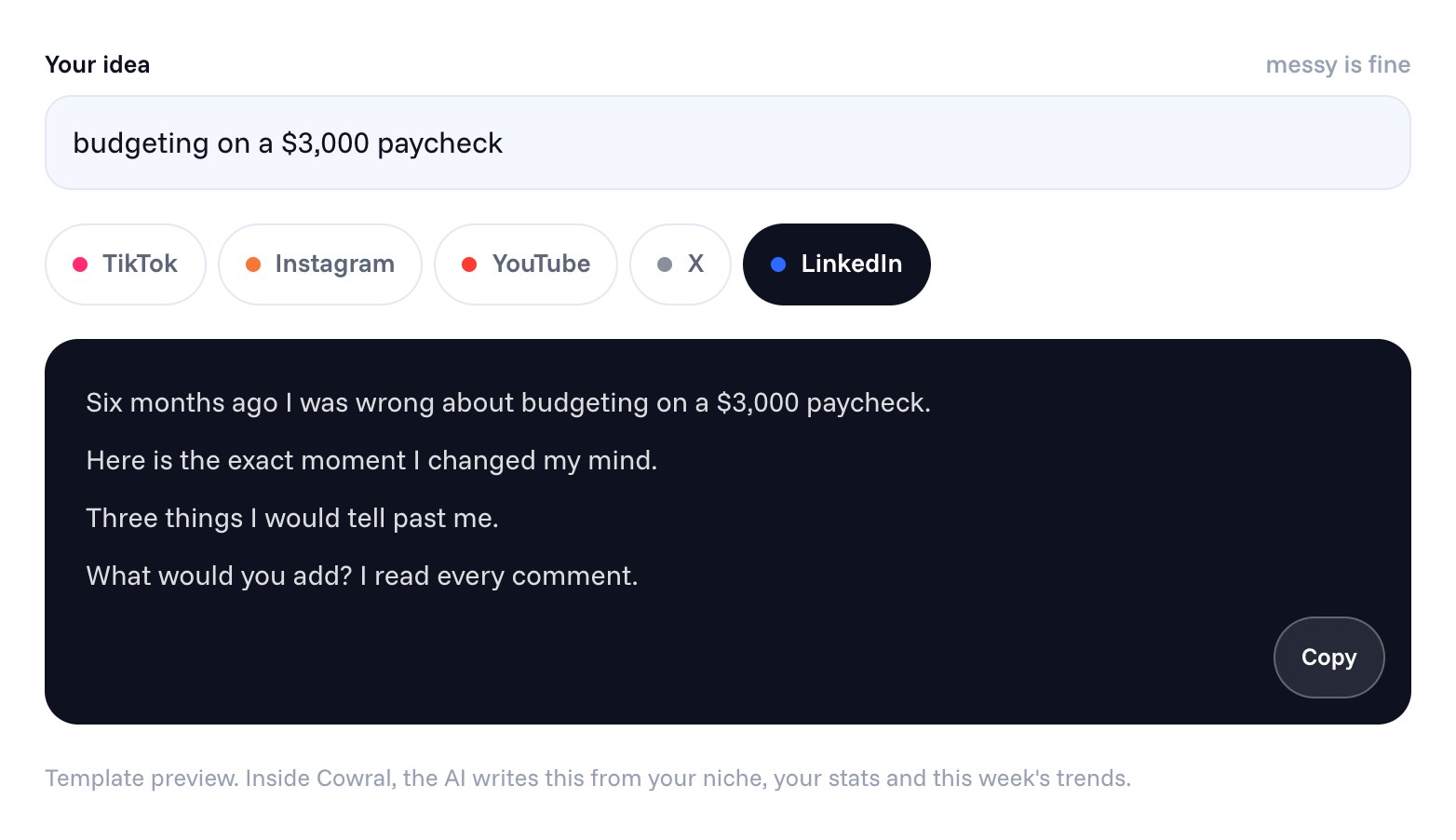
Here’s my TikTok script: [paste]. Turn it into: (1) an Instagram caption where the first line works on its own before “more”, (2) a YouTube Shorts title someone would actually search, (3) a LinkedIn post that opens with a specific result, not a lesson, and has no hashtags in the body. Keep my voice from the examples I gave you earlier.
If you want a head start, the free Cross-post Remixer turns one idea into a native version for each platform, and the Caption Fit Checker shows you where each app cuts your caption off.
Prompts can make AI more useful. They can’t make it trustworthy on facts. Never let it be the source for prices, rates, laws, statistics or anything about a real person; check those yourself, every time. And keep the parts of your content that are genuinely yours (your opinions, your stories, your on-camera delivery) as yours. That’s what people follow you for.
If you’re weighing up whether to use ChatGPT or a tool built for creators, we compared ChatGPT with niche AI tools for creators and when each one wins.
Save your best prompts as a doc
Keep a “prompts that worked” note with your brief, your voice examples and your banned list at the top. After a month you’ll have a personal prompt kit that beats any list you can download.
The hardest part of all this is Pattern 1: keeping the AI up to date on who you are. Cowral does that bit automatically. Your niche, your audience, your connected accounts and what’s trending in your space go into every script and caption it writes, so you start from something that already fits you and spend your time on the parts only you can add.
You can start free, no card needed.
There isn’t one best tool. General assistants like ChatGPT, Claude and Gemini are great for brainstorming and drafting if you give them context, while creator-focused tools build your niche and audience into every prompt for you. Many creators use one of each.
Paste three of your best posts and ask it to match the sentence length, word choice and openings, without copying phrases. Add a list of words you never use. Then rewrite the final version in your own words.
Yes, as a starting point. Use it to brainstorm hooks and structure, have it interview you for your own stories, and edit the result so it sounds like you. Always check any facts it includes.
Using AI to brainstorm or tidy up a script usually doesn’t need a label. Realistic AI-generated video, images or voices often do, so use each platform’s AI label when you upload anything that could be mistaken for real.
Not just for using AI. YouTube’s rules target mass-produced, repetitive content. A video where AI helped with the script and a person made the real creative decisions isn’t what those rules are aimed at.
Don’t rely on it for facts, prices, laws or statistics, and don’t let it invent personal stories or experiences. Those are the parts people trust you for.

Olu Sam is an SEO expert and social media content creator who built over 50K followers across his social media pages in less than a year of creating content.
LinkedIn ProfileHow we research and fact-check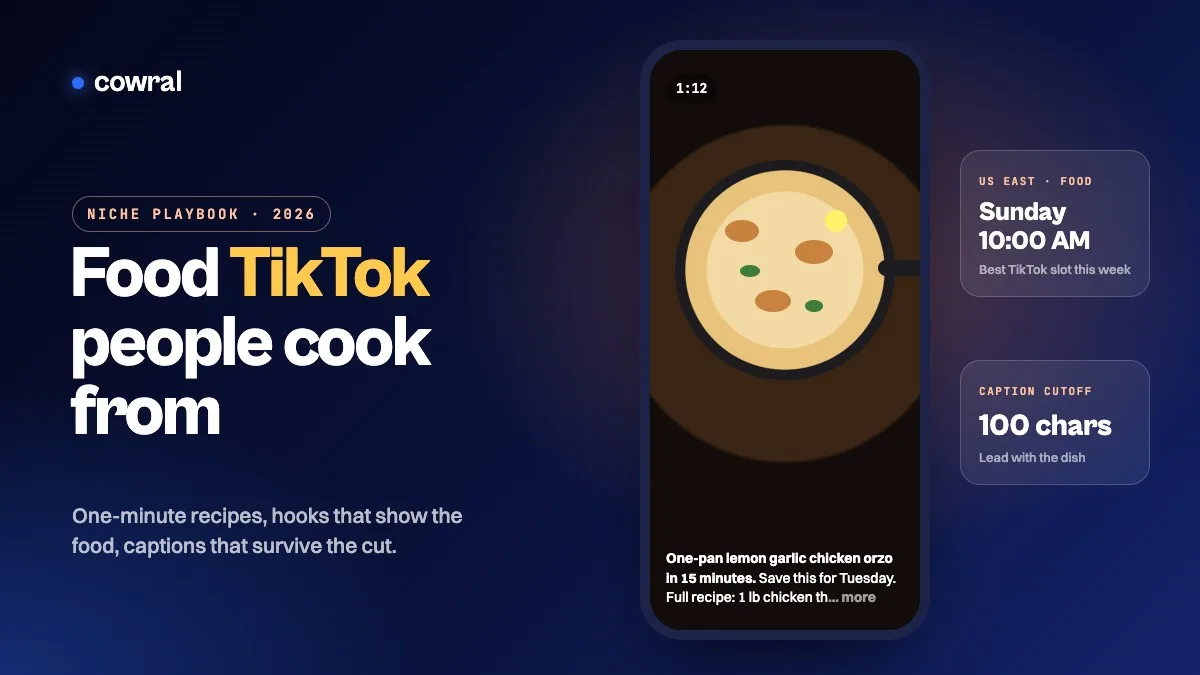 TikTokFood creators on TikTok in 2026: how to grow a recipe account people actually cook fromA 2026 playbook for food creators on TikTok, covering what the Creator Rewards Program pays for, hooks and captions that work for recipes,...
 YouTubeTech YouTube in 2026: a channel strategy for small creators who review, explain and buildHow to grow a small tech YouTube channel in 2026, from picking a buyer instead of a gadget and writing titles that don't get cut off to the...
 InstagramAlgorithm and policy changes creators need to know in 2026: a dated timelineEvery TikTok, Instagram and YouTube change that actually matters for creators in 2026, in date order, with sources, what each one means for...