Content creation
⟳Cross-post Remixer✂AI Clipper✦Hook Generator¶Caption Fit Checker✧AI Script Writerin app11 free tools. Zero signups. Your files never leave your browser.Open the Viral Lab →
If you landed here from Google, you've already tried vidIQ on TikTok. You opened it, looked for the TikTok features, found two half-built tools, and closed the tab.
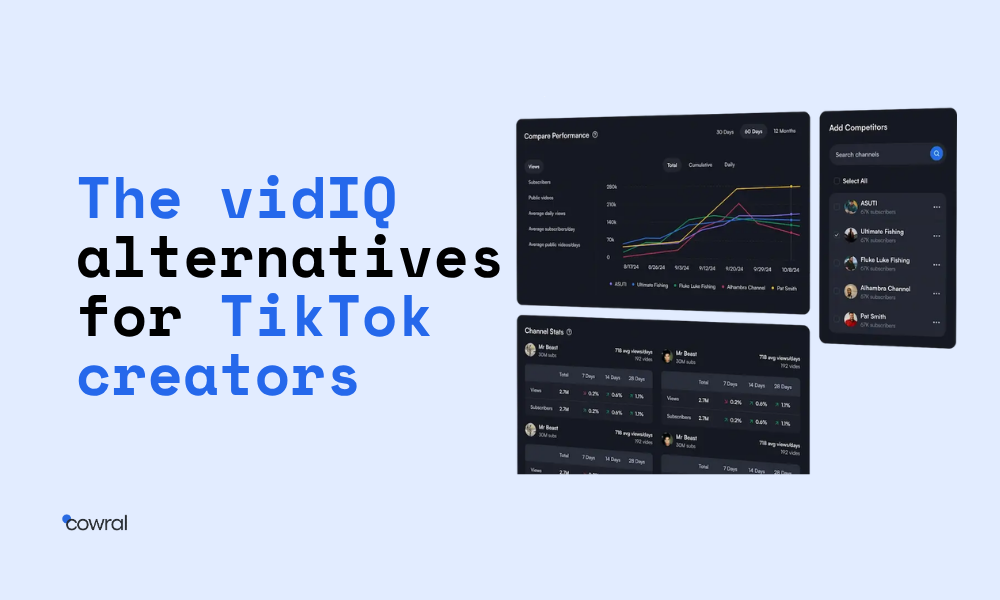
If you landed here from Google, you’ve already tried vidIQ on TikTok. You opened it, looked for the TikTok features, found two half-built tools, and closed the tab. Then you searched for alternatives and got three articles listing the same ten tools, all in the same order. None of them told you which one to actually pick.
This one does.
We’ve used most of these tools on real channels. We’re going to walk you through which one fits which kind of creator, where Cowral wins, where it loses, and when the honest answer is to keep vidIQ and add another tool to your stack instead of replacing it.
Before you scroll, one thing worth getting clear up front. vidIQ isn’t a bad product. It’s a YouTube product. That’s what it was built for and what it does well. TikTok runs on different data, different signals, and a different algorithm. A tool built around YouTube’s data plumbing isn’t going to suddenly understand TikTok hashtag velocity, no matter how many features the team tacks on.
You don’t have a vidIQ problem. You have a tool-stack problem.
Here’s how to fix it.
vidIQ sits on top of YouTube’s data. Its keyword research pulls from YouTube’s autocomplete. Its channel analytics use YouTube’s public API. Its tag suggestions read videos that already exist on YouTube. The whole product runs on a foundation of YouTube-shaped information.
TikTok doesn’t expose any of that.
There’s no public TikTok API for keyword search volume. There’s no programmatic way to pull sound trend curves, hashtag velocity, or the first-three-seconds watch-through rates that actually drive the algorithm. The signals vidIQ relies on for YouTube don’t exist on TikTok. The signals TikTok runs on aren’t available to any tool that wasn’t built natively for it.
vidIQ has shipped some TikTok features. We’ve used them. They’re shallow because the underlying data plumbing is fundamentally different, not because vidIQ’s team isn’t trying. Adding TikTok to a YouTube tool is closer to building a second product than adding a feature.
The same constraint applies to every YouTube-native tool. TubeBuddy can’t fix this. Morningfame can’t fix this. Tubics can’t fix this. The category was built when YouTube was the only platform anyone cared about. The data infrastructure assumes a world that doesn’t exist anymore.
What you need is a tool built on TikTok’s data, not bolted onto something else. That means a product that ingests TikTok signals natively, ranks content by TikTok metrics, and surfaces ideas based on what’s working on TikTok right now.
The rest of this article covers six tools that meet that bar. Some are TikTok-only. Some are multi-platform. One is free, and almost nobody talks about it.
Here’s the shortlist, ranked by which kind of creator each fits best. Pricing reflects published rates as of 1st of July, 2026 . Verify on each tool’s pricing page before paying.
| Tool | Best for | Free tier | Multi-platform | Starting price |
|---|---|---|---|---|
| Cowral | Multi-platform creators | Yes | TikTok, IG, YouTube | [$0: cowral.com] |
| OutlierKit | Trend-spotting | Limited | TikTok + YouTube | [$24.92: outlierkit.com] |
| TrendHero | Creator and influencer research | No | TikTok + Instagram | [$0: trendhero.io] |
| Pentos | TikTok-only depth (creator side) | Limited | TikTok only | [$99: pentos.co] |
| Exolyt | TikTok-only depth (brand side) | Limited | TikTok only | [$0: exolyt.com] |
| TikTok Creator Center | Native trends and analytics | Free (built-in) | TikTok only | Free |
The headline picks, in plain language:
For multi-platform creators (TikTok plus Instagram plus YouTube), Cowral. It’s the only tool on this list that handles all three platforms in one workspace.
For trend hunters who want to spot videos before they peak, OutlierKit. Its outlier-detection feature is its whole reason to exist.
For TikTok-only creators with budget, Pentos or Exolyt. Both go deep on TikTok-specific data.
For creator research and influencer-style analytics, TrendHero. Useful if you’re thinking about the business side of your channel.
For absolutely no budget, TikTok’s own Creator Center. Free, built-in, and underused.
The deep dives below cover what each tool does, where it wins, and where it doesn’t. We’ve included a “where it doesn’t win” paragraph for every tool, including Cowral. If we can’t be honest about the limits, the rest of the recommendations don’t mean anything
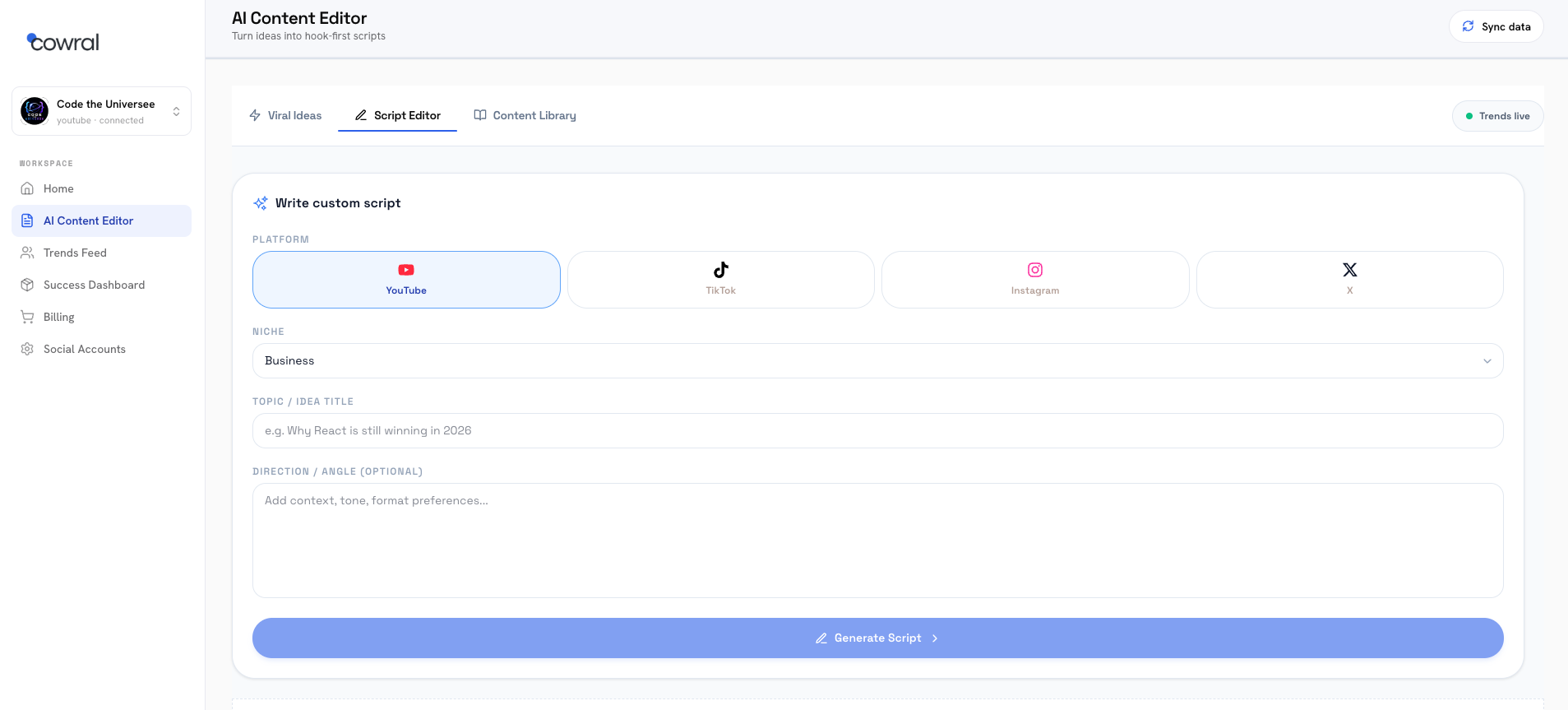
What it does. Cowral handles TikTok, Instagram, and YouTube in one workspace. The product surfaces trending content across platforms, runs niche detection on your profile, AI content generator and scripts tuned to the platform you’re writing for, and tracks growth metrics across all your accounts in one dashboard. It’s built natively for multi-platform creators rather than retrofitted for them.
Where it wins. The unified dashboard is the headline. If you post to two or three platforms, you’re probably tab-switching between three different tools right now. Cowral collapses that into one view. The trending feed shows you what’s hitting on TikTok, Instagram, and YouTube side by side, so you can compare format, hook style, and pacing across platforms before you produce.
The niche detection is the other thing worth calling out. Most creator tools treat your channel as one undifferentiated entity. Cowral classifies your content into a primary niche, surfaces adjacent niches you could expand into, and filters recommendations by niche rather than feeding you generic “trending now” lists. For creators in less-saturated niches, this is the difference between useful and noise.
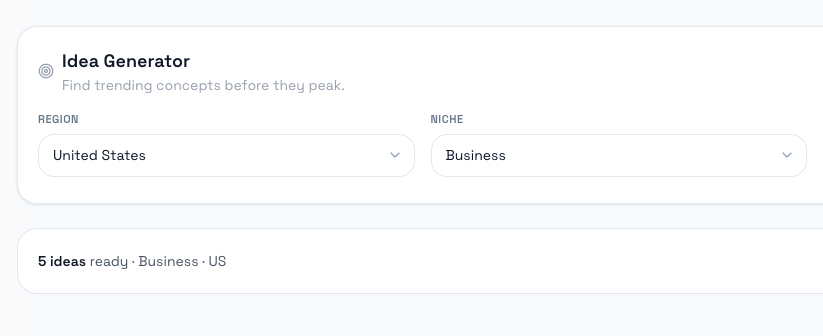
Where it doesn’t win. Cowral is newer than vidIQ. The advanced YouTube-specific features (tag optimization at the depth vidIQ does it, channel comparison with five years of historical data, the polished bulk-edit workflows TubeBuddy has built up) aren’t at the same level yet. If your channel is YouTube-only and you’ve already built a workflow around vidIQ’s keyword research, Cowral isn’t going to replace it cleanly. You’d be trading depth for breadth.
Cowral’s AI features lean heavy on the workflow side (hooks, scripts, captions) and lighter on the optimization side. There’s no native A/B thumbnail testing as of this writing. For some workflows that’s fine. For others it’s a gap worth knowing about.
Who it’s actually for. Creators posting to two or more platforms, especially TikTok-first, who want one tool instead of three open tabs. If TikTok or Instagram Reels are anywhere close to YouTube in your content mix, this is the tool to start with. If YouTube is 90% of your output, look at the stack approach further down.
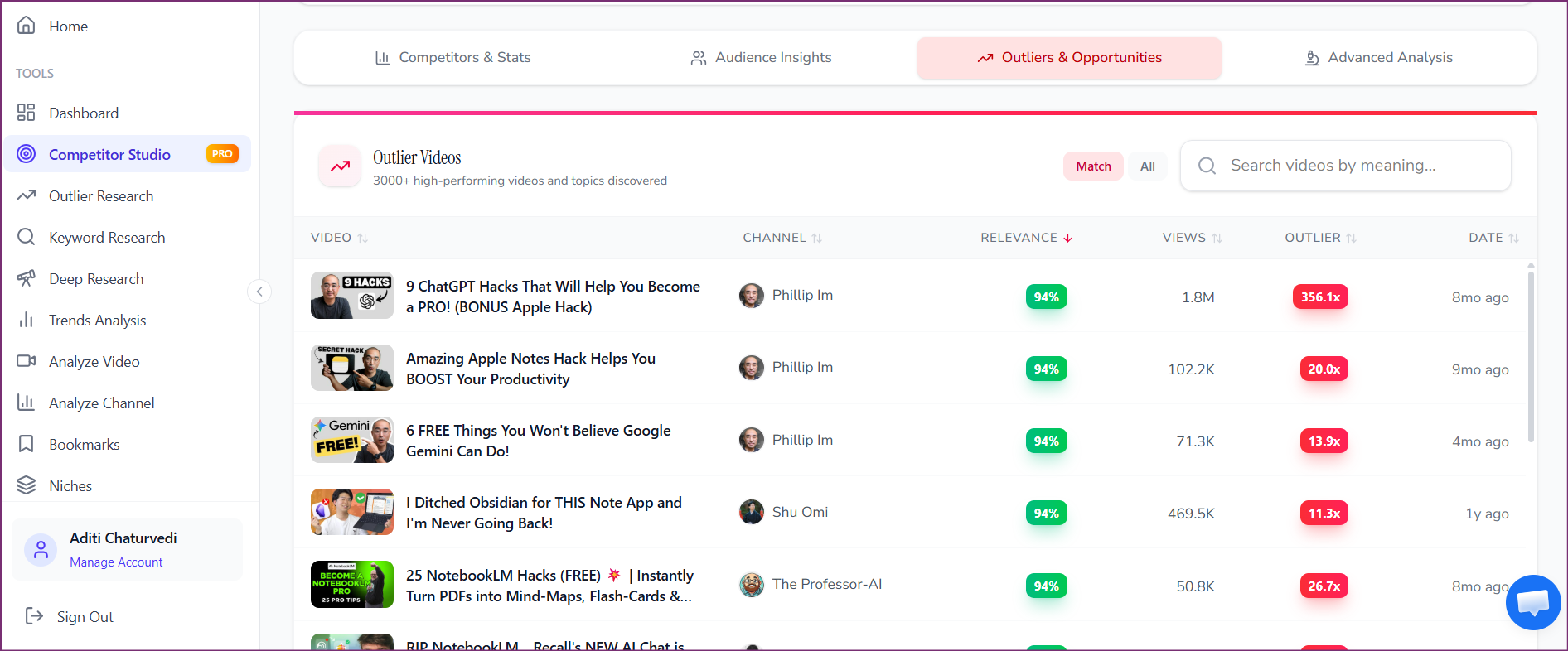
What it does. OutlierKit’s whole purpose is finding videos that are over-performing relative to their channel size. The product scans a niche and surfaces content with views or engagement well above what the creator’s history would predict. The idea is that you copy formats, hooks, and topics from emerging breakouts before everyone else does.
Where it wins. The outlier algorithm is genuinely useful. If you’re in a competitive niche, knowing which formats are working for small accounts (and likely about to spread) is worth real money. OutlierKit covers both TikTok and YouTube, so for creators on those two platforms it gives you a single trend-hunting surface.
The UI is clean. The filters are sharp. You can narrow by region, view count, and channel size, which matters because “trending” is meaningless without knowing what kind of channel is producing it. A video at 500K views from a 5M-subscriber channel is normal. A video at 500K views from a 5K-subscriber channel is a signal.
Where it doesn’t win. OutlierKit is a research tool, not a workflow tool. You’re not writing scripts in it. You’re not planning your calendar in it. You’re not running analytics on your own channel. It tells you what’s working out there. You take that data somewhere else to do something with it.
It also doesn’t cover Instagram Reels, which is becoming a bigger gap as creators standardize on the TikTok plus Reels plus Shorts triangle.
Who it’s actually for. Creators who post to TikTok or YouTube (or both), in a competitive niche, who want to know what’s working before their feed tells them. It pairs well with other tools rather than replacing them. Most creators who use OutlierKit also use a second tool for the actual production workflow.
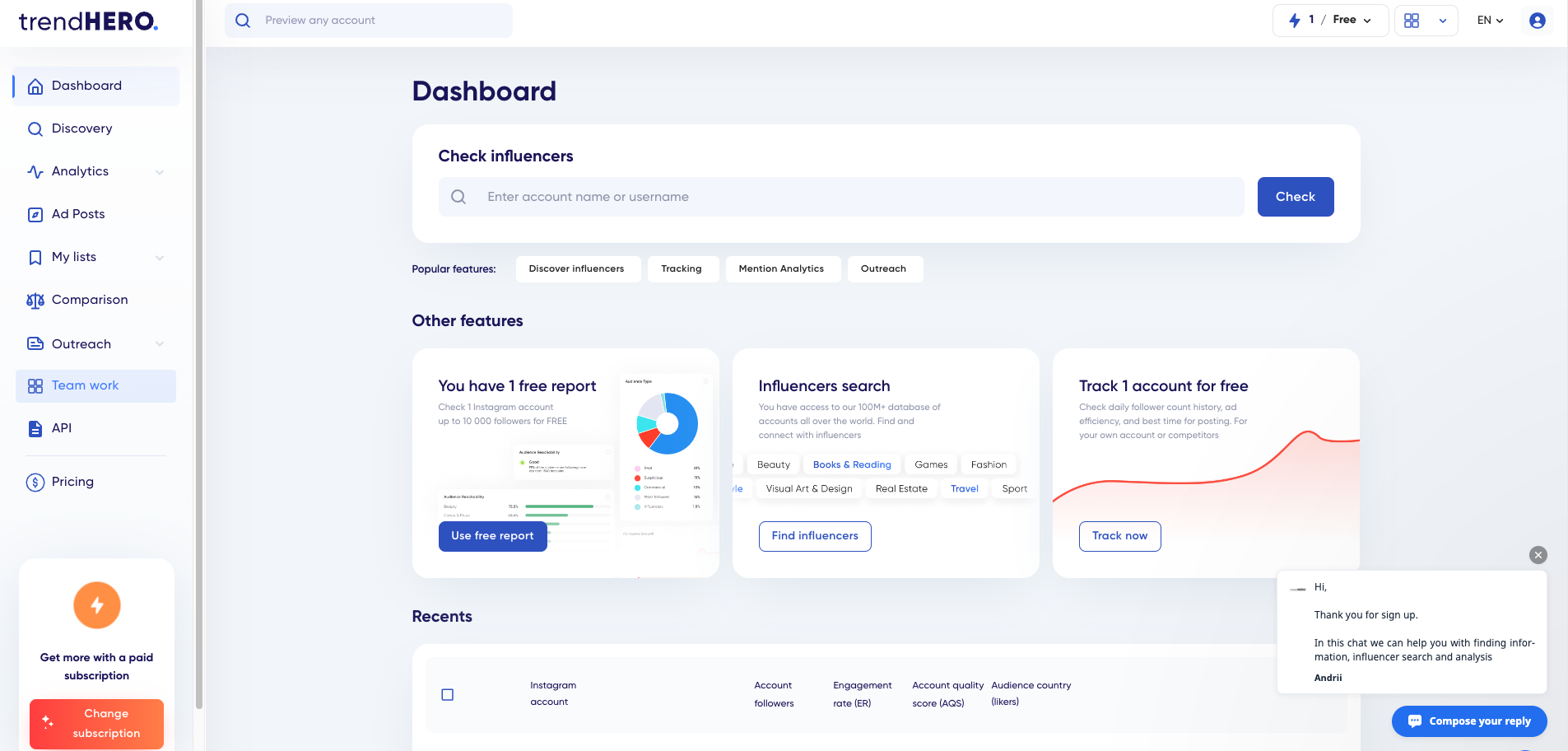
What it does. TrendHero is closer to an influencer analytics platform than a creator workflow tool. It surfaces detailed data on other creators: growth history, audience overlap, sponsored post history, engagement quality, demographic breakdowns. Originally built for brands evaluating influencer partnerships, it’s also useful for creators studying the business side of their niche.
Where it wins. If you’re trying to understand the commercial dynamics of your niche, TrendHero is one of the few tools that surfaces sponsorship data systematically. You can see which brands have worked with creators in your space, what the rate ranges look like (inferred from sponsorship frequency and creator size), and which sponsored posts actually performed.
The audience overlap data is also distinct. You can see which of your competitors share audience with which others. That’s useful for collab planning, audience-acquisition strategy, and understanding where the natural growth lanes are in your niche.
Where it doesn’t win. TrendHero is expensive relative to the other tools on this list, and the pricing reflects its original brand-side audience. There’s no meaningful free tier. The product also isn’t built for daily creator workflow. You don’t write scripts in it. You don’t track your own performance trends. You don’t get content ideation. It’s a research instrument, not a creator dashboard.
For a creator under 50K followers, TrendHero is probably overkill. Most of what it offers becomes useful only once you’re playing the brand-deal and audience-strategy games seriously.
Who it’s actually for. Creators above 100K followers who are thinking commercially: about sponsorships, brand partnerships, audience overlap with potential collaborators, and the long-term commercial structure of their niche. Below that scale, you’re paying for data you won’t act on.
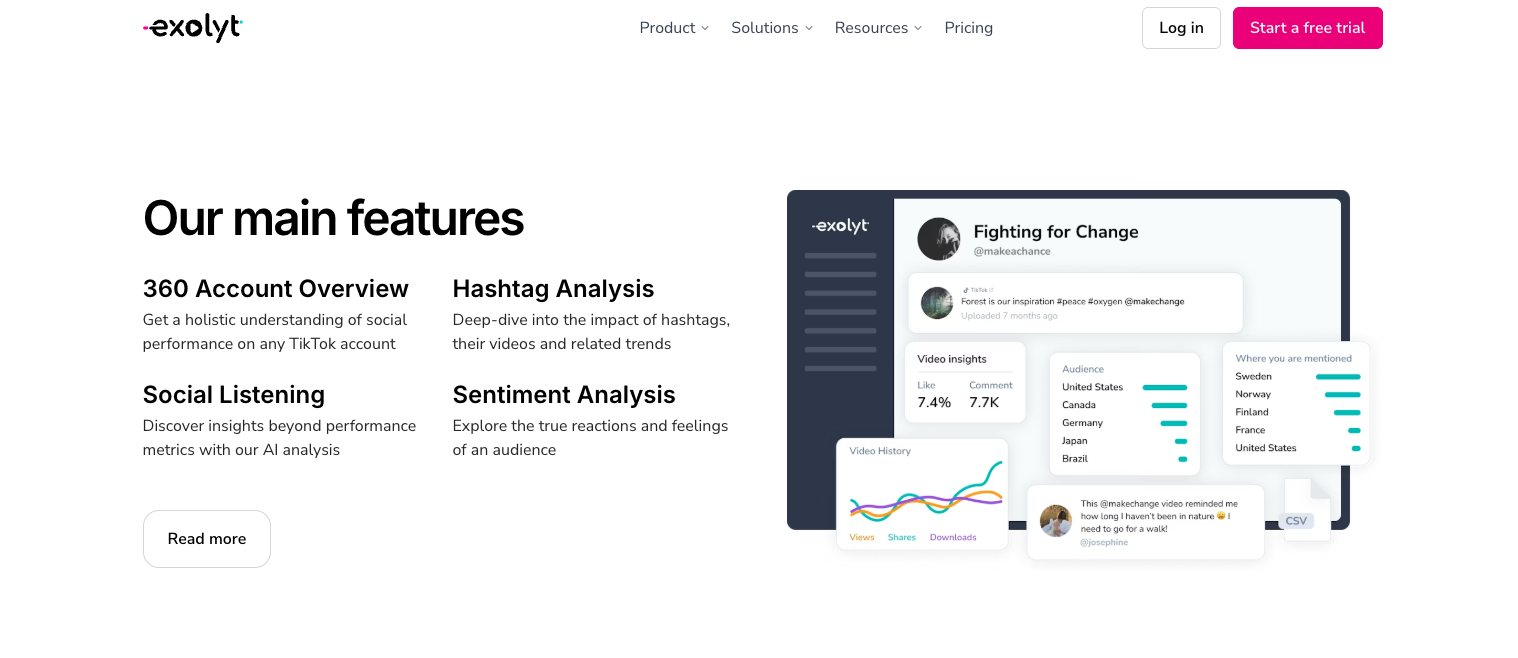
What they do. Pentos and Exolyt are both TikTok-only analytics platforms. Both go deep on the same kinds of data: hashtag tracking, sound trend analysis, account benchmarking, content scoring. Both serve a similar audience of creators and small agencies who need serious TikTok intelligence.
Where they win. Depth on TikTok specifically. If TikTok is the only platform you care about, both of these tools surface more TikTok-native data than the multi-platform alternatives. You’re getting analytics tuned to TikTok signals rather than approximated through what’s available across platforms.
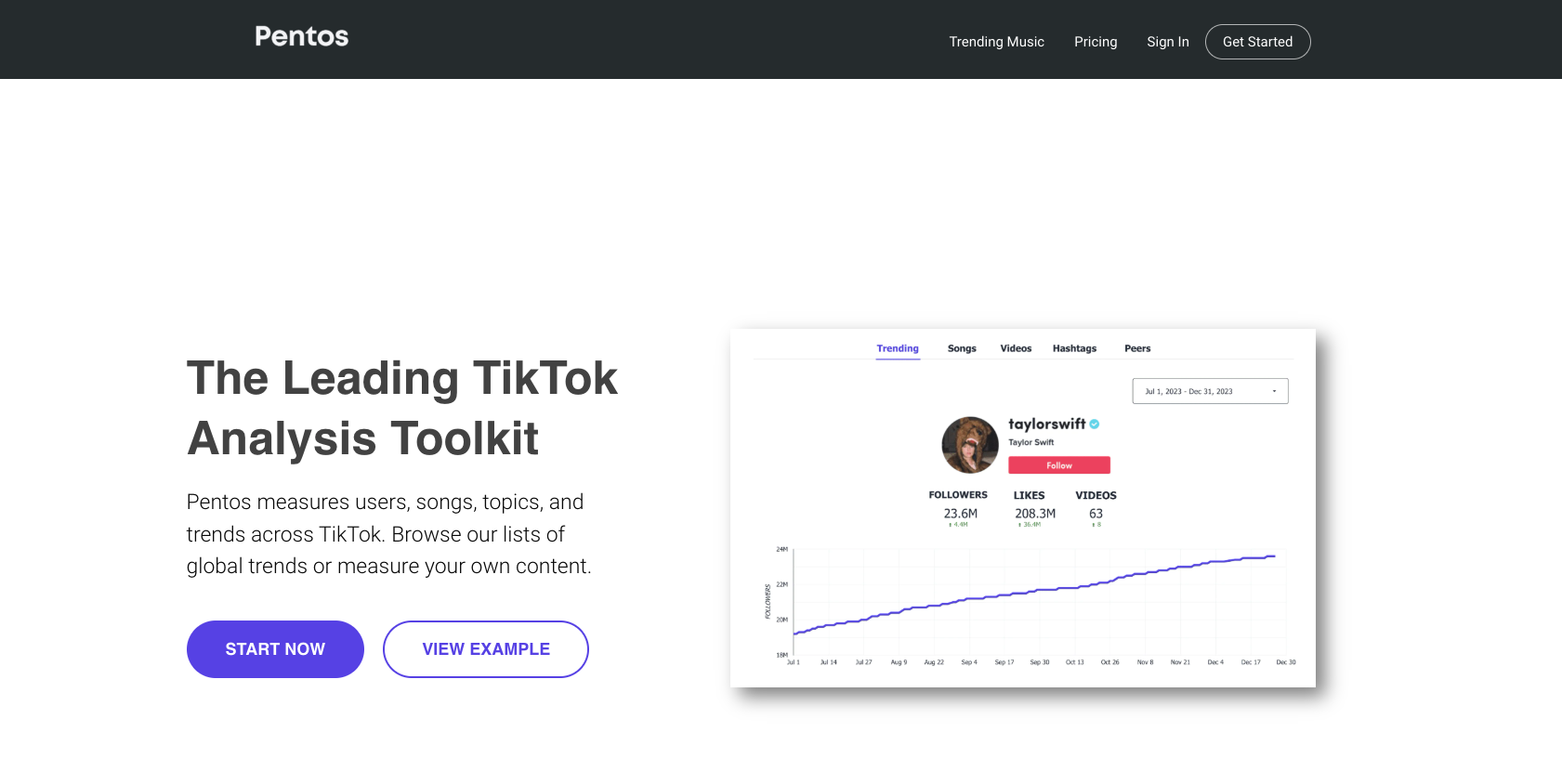
Pentos leans slightly more creator-friendly in the UI. Exolyt leans slightly more brand-side in feature breadth, and it gets bought a lot by agencies managing branded TikTok presence. For an individual creator, Pentos is usually the cleaner pick.
For someone running multiple branded accounts, Exolyt is worth a look.
Where they don’t win. Single-platform tools age badly. The creators who succeed on TikTok now also post to Reels and Shorts. Building your workflow around a TikTok-only tool means you’ll need a second tool the moment you cross-post, which most successful creators do within their first six months on the platform.
Pricing also runs higher than the multi-platform options, because these tools were originally aimed at brands and have only recently softened pricing for individual creators.
Who they’re actually for. TikTok-only creators with budget who have made an explicit decision not to expand to other platforms. That’s a smaller audience than most articles assume, but it exists, and these tools serve it well.
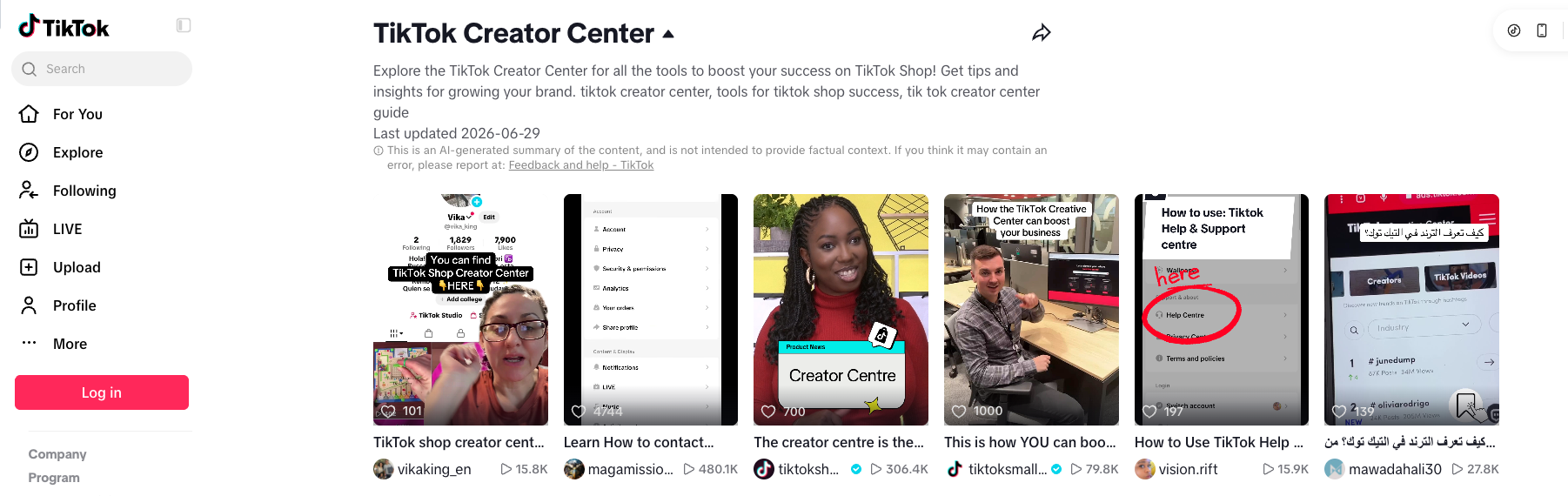
What it does. TikTok’s own tools are free: the analytics built into the app cover your audience and each video’s performance, and TikTok’s Creative Center (ads.tiktok.com/business/creativecenter) shows trending hashtags, songs and videos. Together they’re the most underused tool in the entire creator-tools landscape. Most “free TikTok analytics” articles don’t recommend it because it’s not affiliate-able. You can’t earn a commission from sending traffic to TikTok itself.
It includes: trending sounds filterable by region and time, trending hashtags with velocity data, content idea search by keyword, demographic insights on your own audience, and creator performance comparisons within your follower size range. All of it is free. None of it requires a paid upgrade.
Where it wins. The data is native and current. You’re getting trends from TikTok itself, not approximated by a third party. The Creator Search Insights feature in particular surfaces what TikTok users are actually searching for, which is one of the few signals genuinely worth optimizing content against.
The barrier is just opening it. Most creators don’t.
Where it doesn’t win. Creator Center doesn’t compare your account to specific competitors. It doesn’t run cross-account analytics. It doesn’t generate scripts or hooks. It doesn’t track your performance over time outside the rolling 60-day window TikTok provides. For deeper workflows, you need something more.
Who it’s actually for. Every TikTok creator should be using Creator Center as a baseline before paying for anything. Start here. If you’ve genuinely outgrown what it gives you and need more, that’s when paid tools enter the picture. Not before.
Most readers who land on this article assume the answer is to replace vidIQ. For about half of you, that’s the wrong call. The cleaner move is to keep vidIQ for YouTube and add a TikTok-native tool to your stack.
This works because vidIQ does YouTube SEO and channel research at a depth no multi-platform tool matches, while a TikTok tool handles what vidIQ structurally can’t. Splitting the workload by platform rather than replacing one tool with another lets you keep using what already works.
| Use vidIQ for | Use a TikTok tool for |
|---|---|
| YouTube keyword research | TikTok hashtag and sound trends |
| YouTube channel monitoring | TikTok account analytics |
| Title and tag scoring | Hook and caption ideation |
| Long-form content planning | Short-form content workflows |
| Daily YouTube ideas | Trend discovery (TikTok-native) |
The cost math is worth running. vidIQ’s lowest paid tier plus Cowral’s free tier comes in under the cost of vidIQ’s top tier alone. You get YouTube depth and multi-platform coverage for less money than the all-in-one vidIQ upgrade would cost.
This is the section every other “vidIQ alternative” article skips, because the rest of the SERP exists to sell you on replacement. We don’t have a replacement to sell. If keeping vidIQ and adding something free serves your workflow better, that’s the answer.
On which TikTok tool to add to the stack: Cowral’s free tier is the easiest place to start because it costs nothing and covers all three platforms. If you find yourself needing more depth on TikTok specifically, OutlierKit or Pentos are the next step. Don’t pay for anything until you’ve actually hit the ceiling of the free option.
Three situations where the answer to “which tool should I use” is “none, yet.”
You’re under 10K TikTok followers and posting fewer than three times a week. Tools optimize content workflows. Workflows require existing content. Spend the first two months posting consistently and watching what works in TikTok’s own Creator Center. The data you’d buy with a tool is data you don’t have yet.
You’re a hobbyist creator without growth goals. There’s nothing wrong with this. Most TikTok users aren’t trying to grow. If you’re posting because you enjoy it, your tool is the app itself. Anything else is paying to make a hobby feel like a job.
You’re brand new to TikTok and still figuring out what kind of creator you are. The first 30 to 60 days on a new platform are exploration. You’re trying formats, finding voice, learning what doesn’t work. Tools constrain that process by feeding you data on what other people did. Wait until you have your own data to act on.
If any of these three describe you, close this tab and go post something. Come back in 60 days.
Here’s the recommendation grid with all the context you now have:
| Use vidIQ for | Use a TikTok tool for |
|---|---|
| YouTube keyword research | TikTok hashtag and sound trends |
| YouTube channel monitoring | TikTok account analytics |
| Title and tag scoring | Hook and caption ideation |
| Long-form content planning | Short-form content workflows |
| Daily YouTube ideas | Trend discovery (TikTok-native) |
A few notes on the grid.
The “Cowral free tier first” recommendation isn’t a sales line. Free tier means free tier. Use it, see if it covers what you need, upgrade only if it genuinely doesn’t. We’d rather you stay free than pay for something you won’t use.
The “keep vidIQ, add Cowral free or OutlierKit” line is the recommendation we’ve made most often when actual creators have asked us this question in real conversations. Most of you don’t need to replace vidIQ. You need to add what vidIQ can’t do.
vidIQ is still excellent. It’s just not built for TikTok. The honest answer isn’t to abandon what’s working. It’s to stop asking one tool to do two jobs.
If you want to try the multi-platform option, here’s the free Cowral signup. Otherwise, every tool above is linked through to its own page and you can decide from there.
You can also check our article on Free alternatives to TubeBuddy
vidIQ has some TikTok-adjacent features, but its core functionality is built around YouTube’s data and APIs. For meaningful TikTok work like trend research, hashtag analysis, and hook optimization, vidIQ isn’t the right tool. It wasn’t designed to be. Use it for YouTube and pick a TikTok-native tool for the TikTok side of your workflow.
There isn’t a single direct equivalent, because TikTok’s data infrastructure is different from YouTube’s. The closest functional matches are Cowral (for multi-platform creators), Pentos or Exolyt (for TikTok-only depth), and OutlierKit (for trend hunting). Pick by what you actually need, not by which one matches vidIQ’s feature list.
Yes, and most multi-platform creators do. The stack approach is to keep vidIQ for YouTube and add a TikTok-native tool for everything TikTok-related. The two don’t conflict because they cover different platforms. For most readers, this is the right setup, and it’s usually cheaper than upgrading vidIQ to its top tier.
TikTok’s own analytics inside the app, plus TikTok’s free Creative Center for trends. It’s native, current, and covers trending sounds, hashtags, content ideas, and audience demographics. Cowral’s free tier is also worth running if you cross-post to Instagram or YouTube. Both are genuinely free, not trials.
For TikTok specifically, yes, because Cowral is built natively for TikTok and the other short-form platforms. For YouTube, vidIQ is still better. The “better” question depends on which platform you’re optimizing for. If you only care about YouTube, stay with vidIQ. If TikTok is in your mix, Cowral or an equivalent is the call.
Below 10K followers, usually not. The data you’d act on is data you don’t have yet. Spend the first 30 to 60 days posting consistently and using TikTok’s free Creator Center. Once you have a stable posting cadence and enough content to analyze, that’s when paid tools start paying for themselves.
As of 1st of July, 2026, vidIQ remains primarily a YouTube tool. The company has shipped some multi-platform features, but the depth gap is significant. This may change. We’ll update this section if the gap closes meaningfully. For now, plan your stack around vidIQ being a YouTube tool and adding something else for TikTok.

Olu Sam is an SEO expert and social media content creator who built over 50K followers across his social media pages in less than a year of creating content.
LinkedIn ProfileHow we research and fact-check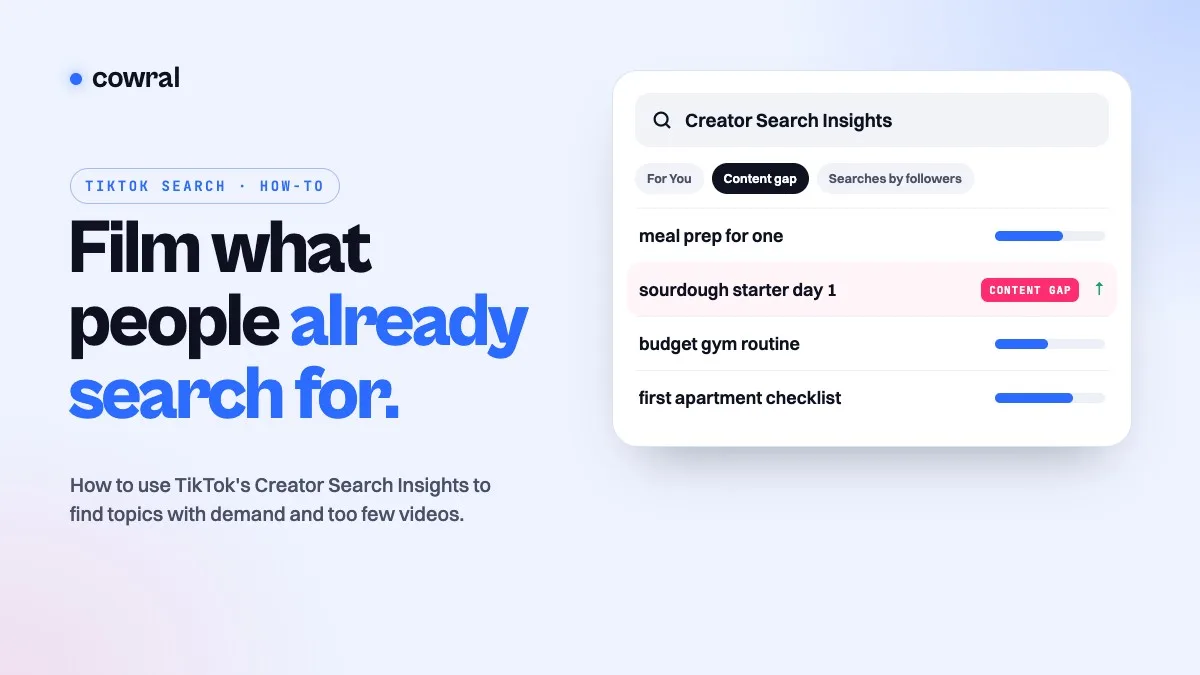 TikTokTikTok Creator Search Insights: how to find what people search for and turn it into videosCreator Search Insights is TikTok's own tool for seeing what people search for, including topics that don't have many videos yet.
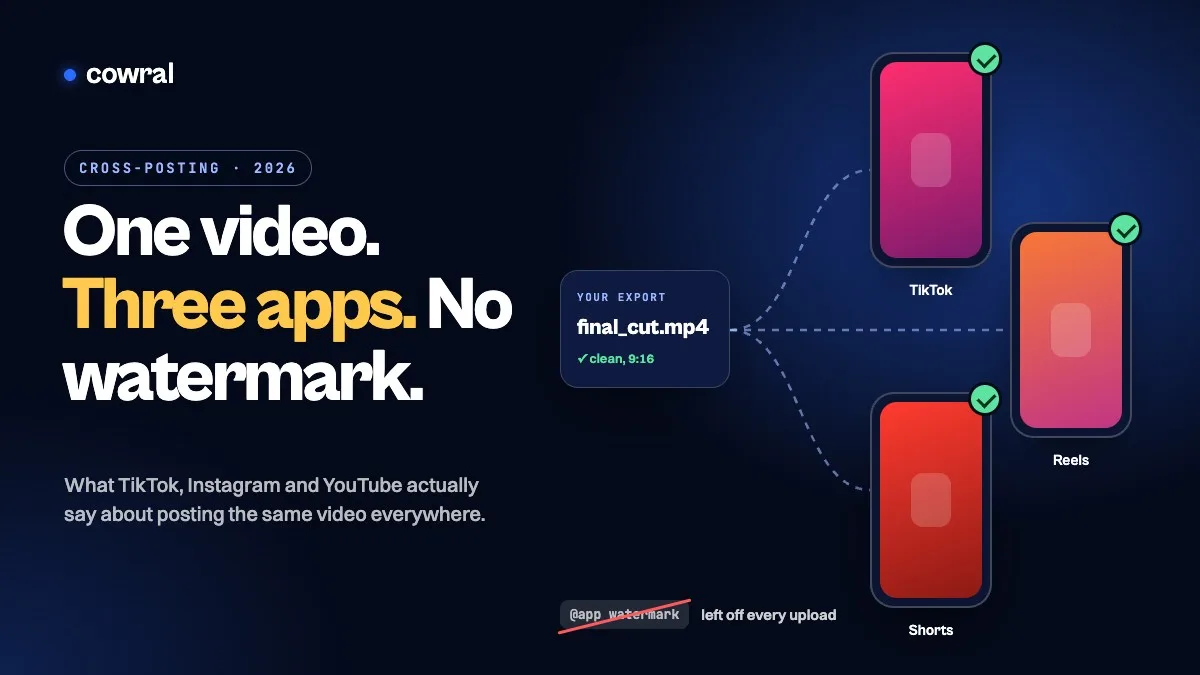 TikTokHow to cross-post to TikTok, Reels and Shorts in 2026 without getting held backPosting your own video on TikTok, Instagram and YouTube is allowed on all three. What gets held back is watermarks, other people's content...
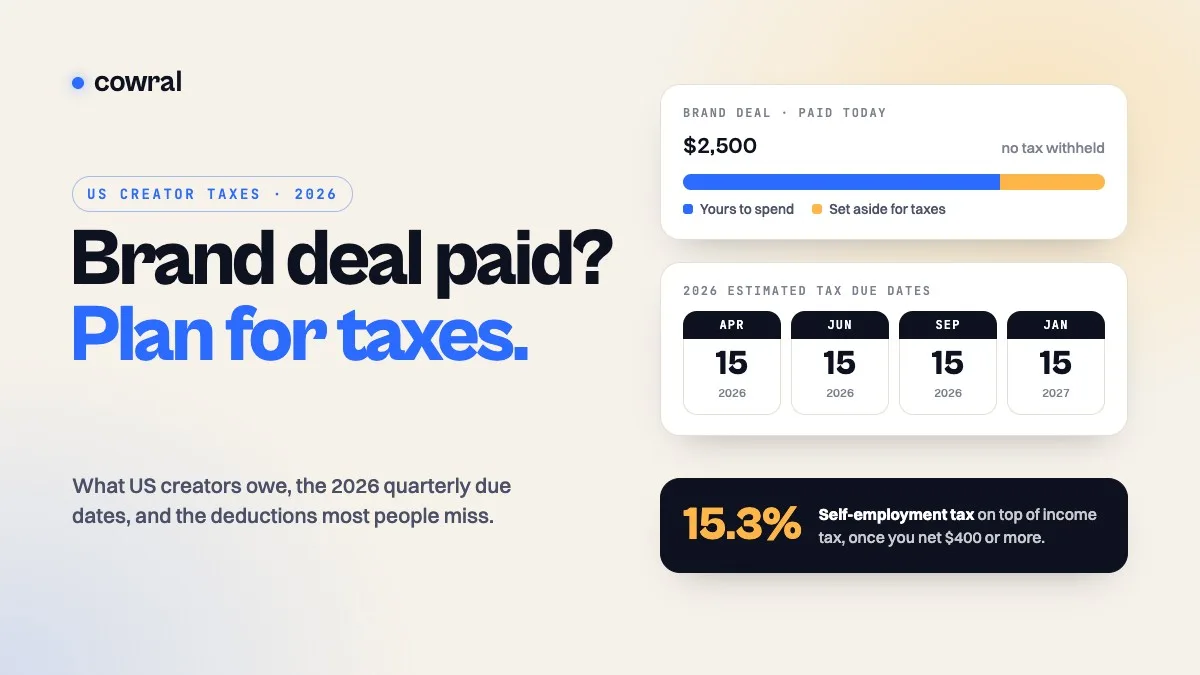 MonetizationTaxes for content creators in 2026: what US creators owe, when to pay, and what you can deductBrand deals, ad revenue, affiliate commissions and free products are all taxable. Here's how self-employment tax works, the 2026 quarterly...